Magic Brush AI vs Roughly
Explore the showdown between Magic Brush AI vs Roughly and find out which AI Design tool wins. We analyze upvotes, features, reviews, pricing, alternatives, and more.
When comparing Magic Brush AI and Roughly, which one rises above the other?
When we contrast Magic Brush AI with Roughly, both of which are exceptional AI-operated design tools, and place them side by side, we can spot several crucial similarities and divergences. Roughly stands out as the clear frontrunner in terms of upvotes. The number of upvotes for Roughly stands at 9, and for Magic Brush AI it's 6.
You don't agree with the result? Cast your vote to help us decide!
Magic Brush AI


What is Magic Brush AI?
Magic Brush AI introduces an innovative AI-powered plugin specifically designed for Figma users who wish to enhance their design process. The Magic Brush AI plugin seamlessly integrates with Figma, allowing designers to generate and edit images directly within the application. If you're looking to speed up your design workflow and leverage artificial intelligence in your projects, Magic Brush AI offers a simple yet powerful solution. With easy installation and a user-friendly interface, Magic Brush expands creative possibilities without ever leaving your favorite design platform. Additionally, the community aspect is emphasized with an invitation to join their Discord, suggesting a focus on user engagement and support. Designed by Elie Toubiana from sunshine-filled Los Angeles, CA, Magic Brush AI is poised to transform how creatives interact with Figma and image editing.
Roughly
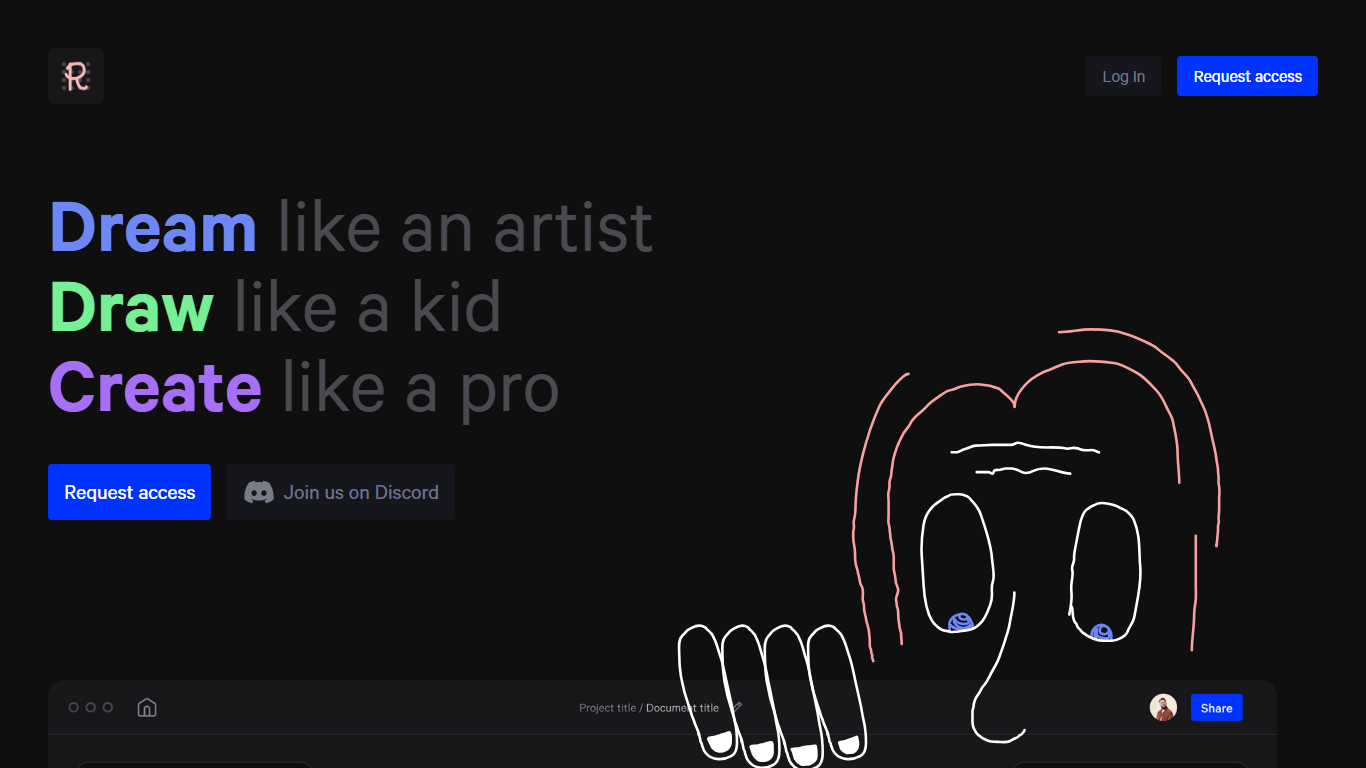
What is Roughly?
Roughly turns rough drawings into polished visuals across ten creative lanes on its homepage, from architecture and interiors to characters, fashion, sneakers, and game art. The site tagline is Dream it, Draw it, Make it, and the pitch is to dream like an artist, draw like a kid, and create like a pro.
Most image generators start from text prompts. Roughly anchors creation in hand-drawn input and organizes output around named creative categories rather than one generic model. That sketch-to-image workflow targets illustrators and designers who think in lines first, not writers who think in sentences.
Access runs through a closed beta. New users request access on the homepage, while existing testers log in at playground.roughly.app. A Discord community and Instagram and Twitter profiles sit alongside the marketing site for feedback and updates.
Roughly fits concept artists, architects, fashion designers, and game artists who want to rough out ideas quickly before moving work into a production pipeline. If you need a finished client deliverable with no cleanup, a traditional design suite is still the safer bet.
Magic Brush AI Upvotes
Roughly Upvotes
Magic Brush AI Top Features
AI Powered Plugin: A convenient Figma plugin that utilizes AI for image generation and editing.
Seamless Integration: Integrates with Figma for a streamlined design workflow.
Easy Installation: Simple process to install the plugin directly on Figma.
Community Support: Access to a Discord community for networking and support.
Frequent Updates: Continual improvements and feature additions to enhance user experience.
Roughly Top Features
Ten homepage creative lanes: Architecture, Portraits, Interiors, Games, Characters, Landscapes, Fashion, Movies, Sculptures, and Sneakers
Sketch-first workflow pitched as draw like a kid, create like a pro on the marketing site
Closed beta signup via Request access on roughly.app with login at playground.roughly.app
Discord community linked from the homepage at discord.gg/kQaHKREWM6
Privacy policy states beta signup collects only an email address with no cookies or tracking pixels
Magic Brush AI Category
- Design
Roughly Category
- Design
Magic Brush AI Pricing Type
- Freemium
Roughly Pricing Type
- Freemium