Magic Dash vs Mode
Explore the showdown between Magic Dash vs Mode and find out which AI Analytics tool wins. We analyze upvotes, features, reviews, pricing, alternatives, and more.
In a face-off between Magic Dash and Mode, which one takes the crown?
When we contrast Magic Dash with Mode, both of which are exceptional AI-operated analytics tools, and place them side by side, we can spot several crucial similarities and divergences. The upvote count favors Magic Dash, making it the clear winner. The number of upvotes for Magic Dash stands at 7, and for Mode it's 6.
Don't agree with the result? Cast your vote and be a part of the decision-making process!
Magic Dash


What is Magic Dash?
Magic Dash is an AI-powered analytics platform designed to simplify and expedite the process of data analysis. This intuitive tool allows users to gain insights from their databases using natural language, akin to the convenience of ChatGPT. With Magic Dash, database querying is transformed into an effortless experience, free from the traditional complexities of query writing. By supporting a variety of databases, such as Airtable and MongoDB, Magic Dash enables seamless integration in just one click. It offers a clear advantage in speed and simplicity with features like quick visualization of insights, a user-friendly interface, and significant resource savings by eliminating the need for writing queries. Security is a top priority, too, with fully encrypted database connections ensuring user data is protected. With the option to try it for free, Magic Dash aims to cater to a broad audience looking for a smarter, more efficient way to handle their analytics.
Mode
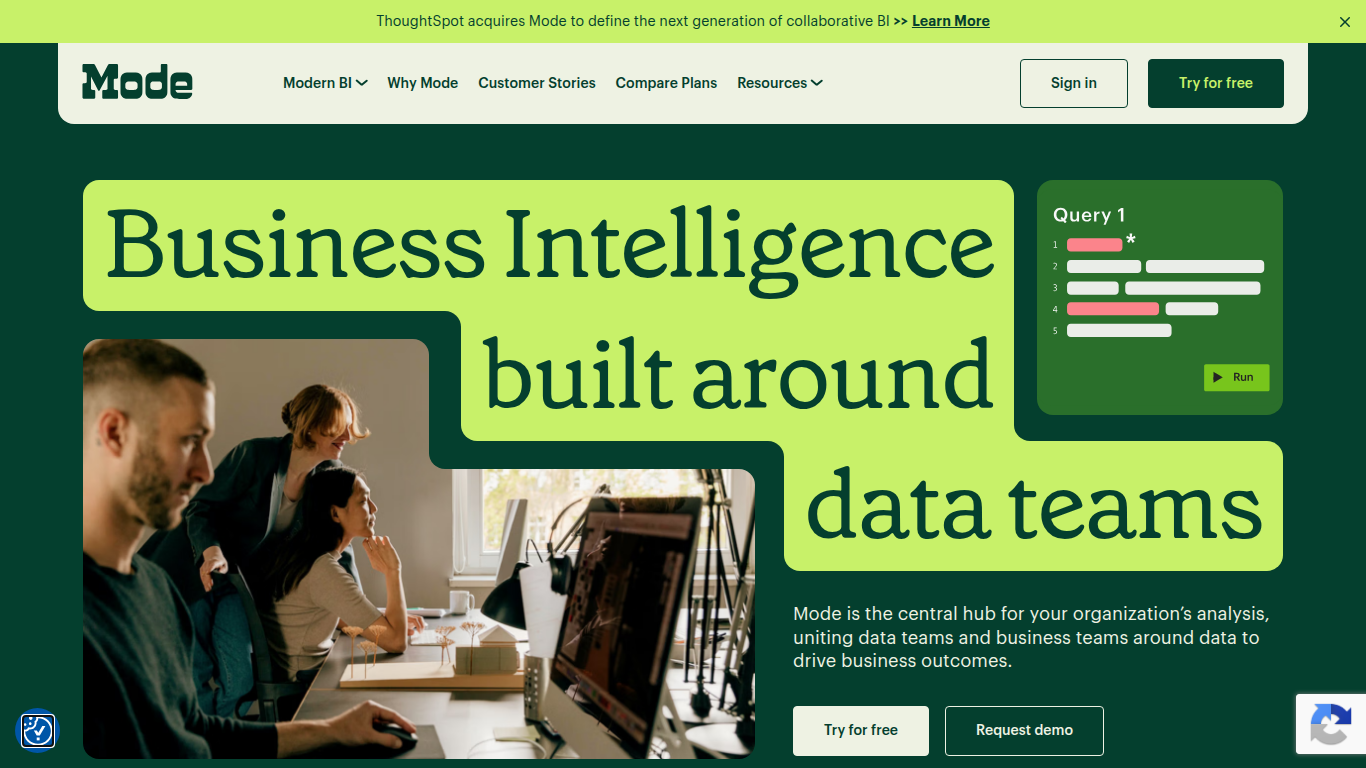
What is Mode?
Mode unites data teams and business teams around SQL, Python, R, and visual analysis in one workspace. Analysts run ad hoc queries, build interactive dashboards, and publish self-service reports without switching tools. The platform connects to major data warehouses and integrates with the dbt Semantic Layer for governed metrics across the organization.
Most BI tools force a choice between analyst-grade depth and business-user simplicity. Mode runs both on the same platform: data teams write SQL and Python notebooks while business users explore curated datasets through drag-and-drop dashboards. Reusable datasets, scheduled reports, and Slack sharing keep everyone on the same numbers without maintaining separate data models for each audience.
Mode targets data analysts, analytics engineers, and business intelligence teams at companies that have invested in a modern data stack. The free Studio plan supports up to 3 users with SQL, Python, and R at 10 MB per query. Pro and Enterprise tiers add 250 GB monthly compute, permissioning, API access, and visualization of tens of millions of rows. ThoughtSpot acquired Mode to combine collaborative BI with search-driven analytics.
Magic Dash Upvotes
Mode Upvotes
Magic Dash Top Features
Quick Insights: Visualize any insight in seconds.
No Coding: No need to write queries anymore.
Easy to Use: Simple and intuitive UX.
Save Resources: Remove query writing from the process.
Fully Encrypted: Ensures your database connection is secure.
Mode Top Features
SQL editor with connected Python and R notebooks using 60+ libraries
Visual exploration of 100,000+ datapoints directly in the browser
Interactive dashboards with drilldowns, filters, and scheduled reports
Reusable datasets curated by data teams for self-service reporting
dbt Semantic Layer integration for governed metrics across the org
Email and Slack sharing with REST API and webhook automation
Custom data apps built with HTML, CSS, and JavaScript for internal tools
Magic Dash Category
- Analytics
Mode Category
- Analytics
Magic Dash Pricing Type
- Freemium
Mode Pricing Type
- Freemium