MagicFormat vs ValueProp
When comparing MagicFormat vs ValueProp, which AI Automation tool shines brighter? We look at pricing, alternatives, upvotes, features, reviews, and more.
In a comparison between MagicFormat and ValueProp, which one comes out on top?
When we put MagicFormat and ValueProp side by side, both being AI-powered automation tools, There's no clear winner in terms of upvotes, as both tools have received the same number. Your vote matters! Help us decide the winner among aitools.fyi users by casting your vote.
You don't agree with the result? Cast your vote to help us decide!
MagicFormat


What is MagicFormat?
MagicFormat is an AI-powered tool that simplifies data formatting and enhancement tasks without requiring programming skills. It supports a wide variety of text formats and uses a flexible formula system to automate data transformations, making it easier to clean, augment, and generate missing data. The platform is designed for users who need to quickly convert raw data into polished outputs, whether for business reports, content creation, or data analysis.
The tool caters to professionals across industries who handle diverse datasets and want to save time on repetitive formatting tasks. MagicFormat's formula system allows users to apply premade instructions or create custom formulas tailored to their specific workflows, increasing productivity and accuracy.
MagicFormat operates through AI models and APIs that work behind the scenes to deliver consistent results. It offers a no-signup option for quick use and a Pro version that unlocks advanced features like custom formulas, improved output precision, and priority support. This makes it accessible for both casual users and professionals needing more control.
The platform's value lies in its ability to handle complex data manipulation without coding, bridging the gap between raw data and usable formats. Its support for multiple text formats and formula customization sets it apart from basic formatting tools. Users can automate data cleaning, gap filling, and augmentation efficiently.
Technically, MagicFormat integrates AI-driven processing with a user-friendly interface, allowing formula creation and application without technical barriers. This approach streamlines workflows that traditionally required manual intervention or programming knowledge.
Overall, MagicFormat is a practical solution for anyone looking to automate and improve data formatting and augmentation tasks, offering flexibility, ease of use, and enhanced productivity.
ValueProp
What is ValueProp?
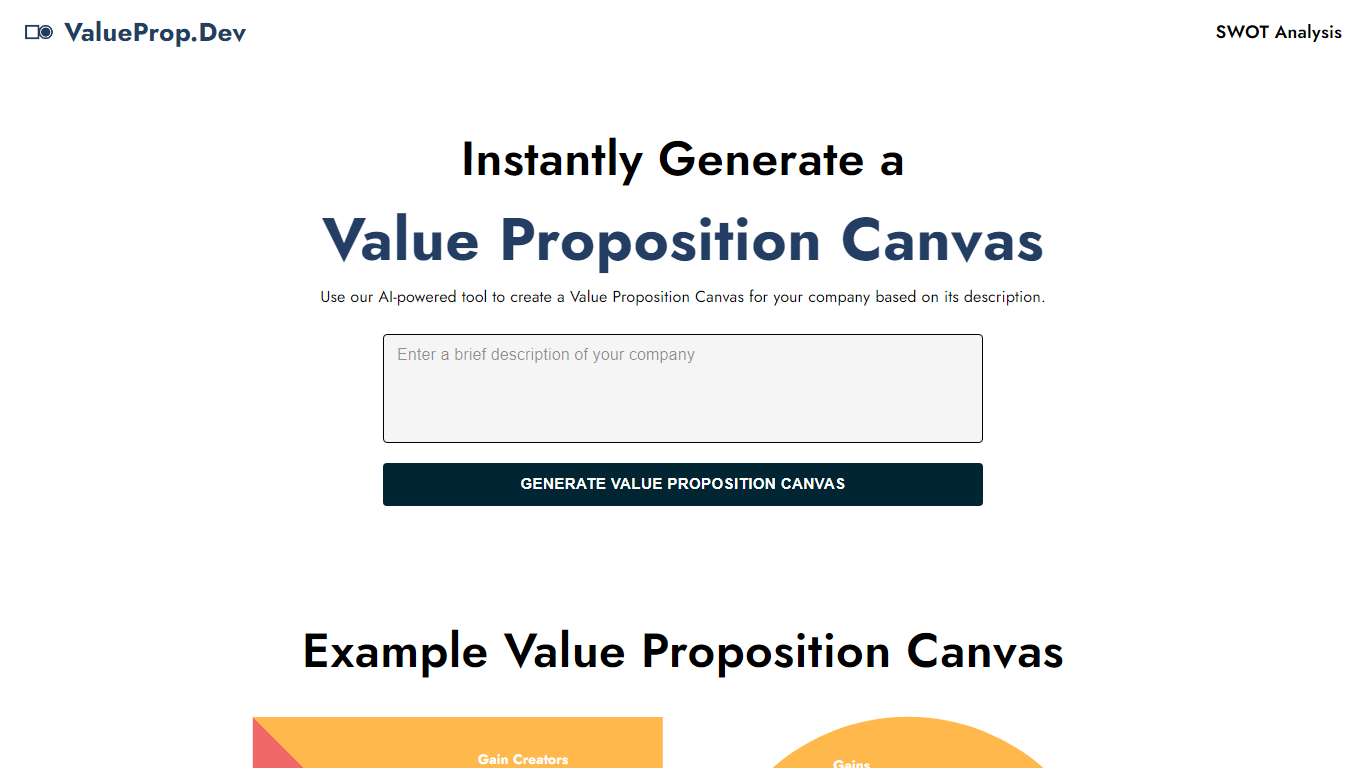
ValueProp turns a short company description into a filled Value Proposition Canvas with six blocks: Customer Jobs, Pains, Gains, Products and Services, Pain Relievers, and Gain Creators. Paste your text, click Generate, and the automation fills every section in one pass. Click any field to edit it, then download the finished canvas as an image. No account signup is required.
Most value proposition tools hand you a blank template or expect a long workshop. ValueProp skips that setup and fills every canvas section from a single text box. That makes it a fast draft generator rather than a facilitated strategy session, which is the trade-off if you need stakeholder workshops or version history.
Product managers, startup founders, and marketers who need a first-pass canvas before a pitch or launch planning session are the typical audience. It fits early positioning work when you have a product description but not a structured customer profile yet.
MagicFormat Upvotes
ValueProp Upvotes
MagicFormat Top Features
🧩 Flexible formula system lets you create or use premade instructions to transform data easily.
📄 Supports many text formats so you can work with diverse data types without hassle.
⚡ Automates filling missing data and augmenting datasets to save time and improve accuracy.
🔒 No signup needed for quick access, with a Pro option for advanced features and priority support.
🤖 Uses AI models and APIs behind the scenes to deliver consistent and reliable formatting results.
ValueProp Top Features
Fills all six Value Proposition Canvas sections from one company description input
Edit any generated field inline by clicking before you export
Download the finished canvas as an image file
Free to use with no account required
Homepage example canvas shows all six blocks: Jobs, Pains, Gains, Products, Pain Relievers, Gain Creators
MagicFormat Category
- Automation
ValueProp Category
- Automation
MagicFormat Pricing Type
- Freemium
ValueProp Pricing Type
- Free