MailMaestro vs IntelliMail
In the face-off between MailMaestro vs IntelliMail, which AI Email Assistant tool takes the crown? We scrutinize features, alternatives, upvotes, reviews, pricing, and more.
In a face-off between MailMaestro and IntelliMail, which one takes the crown?
If we were to analyze MailMaestro and IntelliMail, both of which are AI-powered email assistant tools, what would we find? Both tools have received the same number of upvotes from aitools.fyi users. Join the aitools.fyi users in deciding the winner by casting your vote.
Feeling rebellious? Cast your vote and shake things up!
MailMaestro
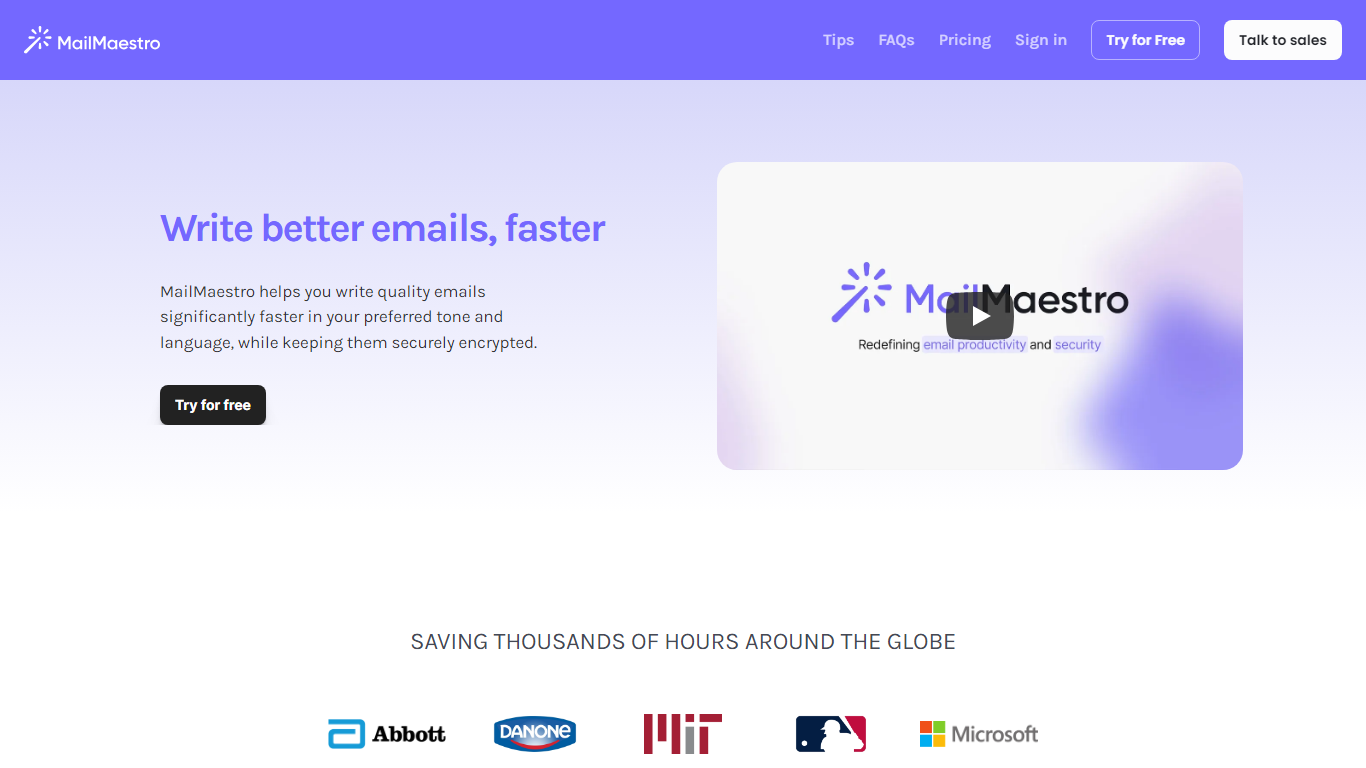

What is MailMaestro?
Transform your email writing experience with MailMaestro, the futuristic email assistant powered by OpenAI's impressive capabilities. This tool is ingeniously designed to help you enhance your email productivity by simplifying inbox management and accelerating the email composition process. MailMaestro stands out with features that allow you to quickly convert simple points into well-crafted emails, personalize your tone and language, and use a user-friendly interface that even learns your unique writing style. Prioritizing security, MailMaestro ensures that your communications are securely encrypted, giving you peace of mind that your sensitive information is well-protected.
The platform boasts tools like Magic Templates and text shortcuts to avoid repetition, ensuring that every email you send is refined and engaging. With MailMaestro, you not only save precious time but also improve the quality of your communications, making it an essential tool for professionals looking to optimize their email strategy.
IntelliMail
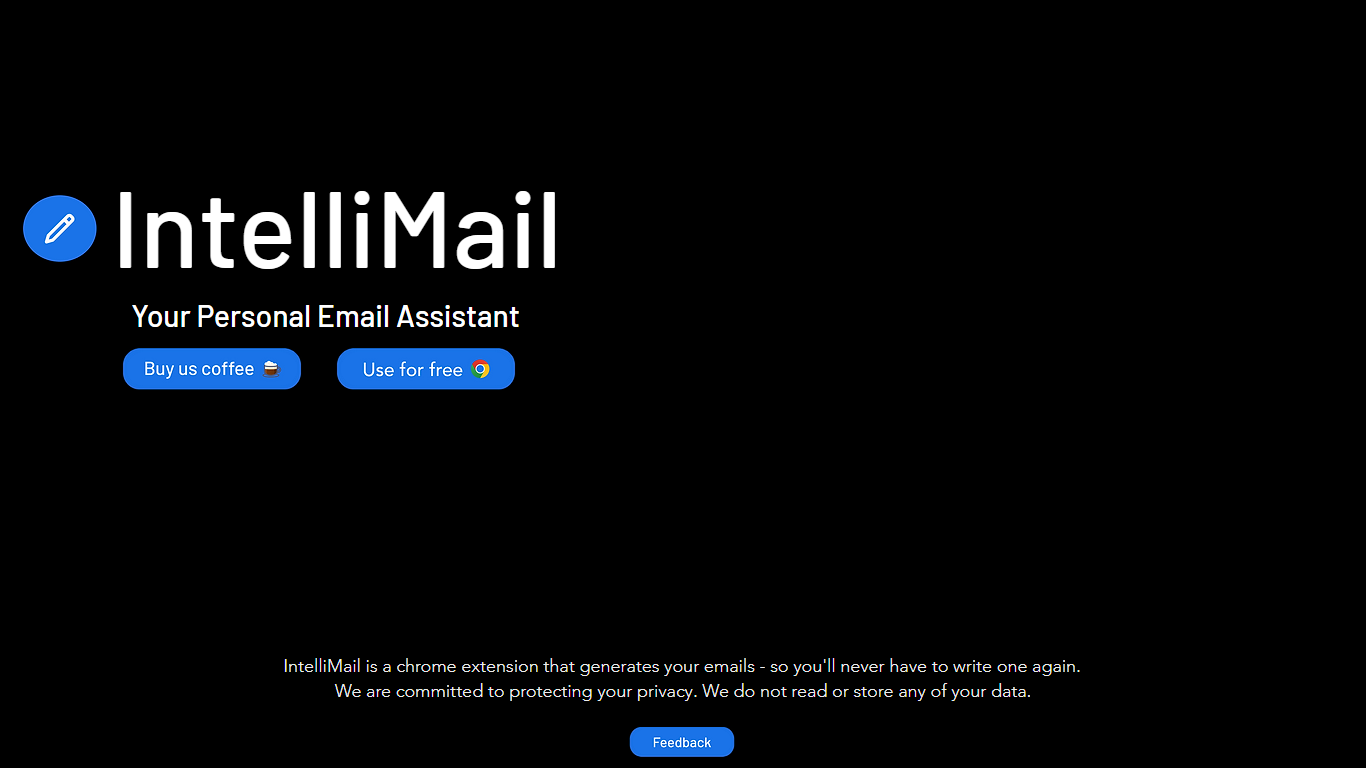
What is IntelliMail?
Transform your email experience with IntelliMail, the chrome extension that acts as your personal email assistant. Say goodbye to the hassle of writing emails as IntelliMail automates the process for you, providing a fast, efficient way to handle your electronic communications. At IntelliMail, we prioritize your privacy; your emails and data are your business, not ours. Our commitment to protecting your data means we never read or store any information.
MailMaestro Upvotes
IntelliMail Upvotes
MailMaestro Top Features
Rapid Email Creation: Utilizes AI to transform simple points into professional emails quickly.
Enhanced Personalization: Adapts to your preferred tone language and style for emails that sound like you.
Enterprise-level Security: Uses advanced encryption to protect your sensitive data during email communications.
Intuitive Magic Templates and Shortcuts: Provides tools for fast drafting and reduces repetitive typing with shortcuts.
Smart Scheduling for Meetings: Automatically detects meeting requests and assists in managing your calendar and responses.
IntelliMail Top Features
Email Generation: Automatically generates your emails saving you time and effort.
Chrome Extension: Easily integrates with your browser for seamless email management.
Privacy First: Prioritizes user privacy with a promise to never read or store your data.
User-Friendly: Designed for ease of use requiring no technical expertise to benefit from its features.
Efficient Communication: Streamlines your emailing process ensuring you can focus on other important tasks.
MailMaestro Category
- Email Assistant
IntelliMail Category
- Email Assistant
MailMaestro Pricing Type
- Freemium
IntelliMail Pricing Type
- Freemium