Makereels.ai vs Clipchamp
Explore the showdown between Makereels.ai vs Clipchamp and find out which AI Video Editing tool wins. We analyze upvotes, features, reviews, pricing, alternatives, and more.
When comparing Makereels.ai and Clipchamp, which one rises above the other?
When we contrast Makereels.ai with Clipchamp, both of which are exceptional AI-operated video editing tools, and place them side by side, we can spot several crucial similarities and divergences. In the race for upvotes, Makereels.ai takes the trophy. Makereels.ai has been upvoted 8 times by aitools.fyi users, and Clipchamp has been upvoted 6 times.
You don't agree with the result? Cast your vote to help us decide!
Makereels.ai

What is Makereels.ai?
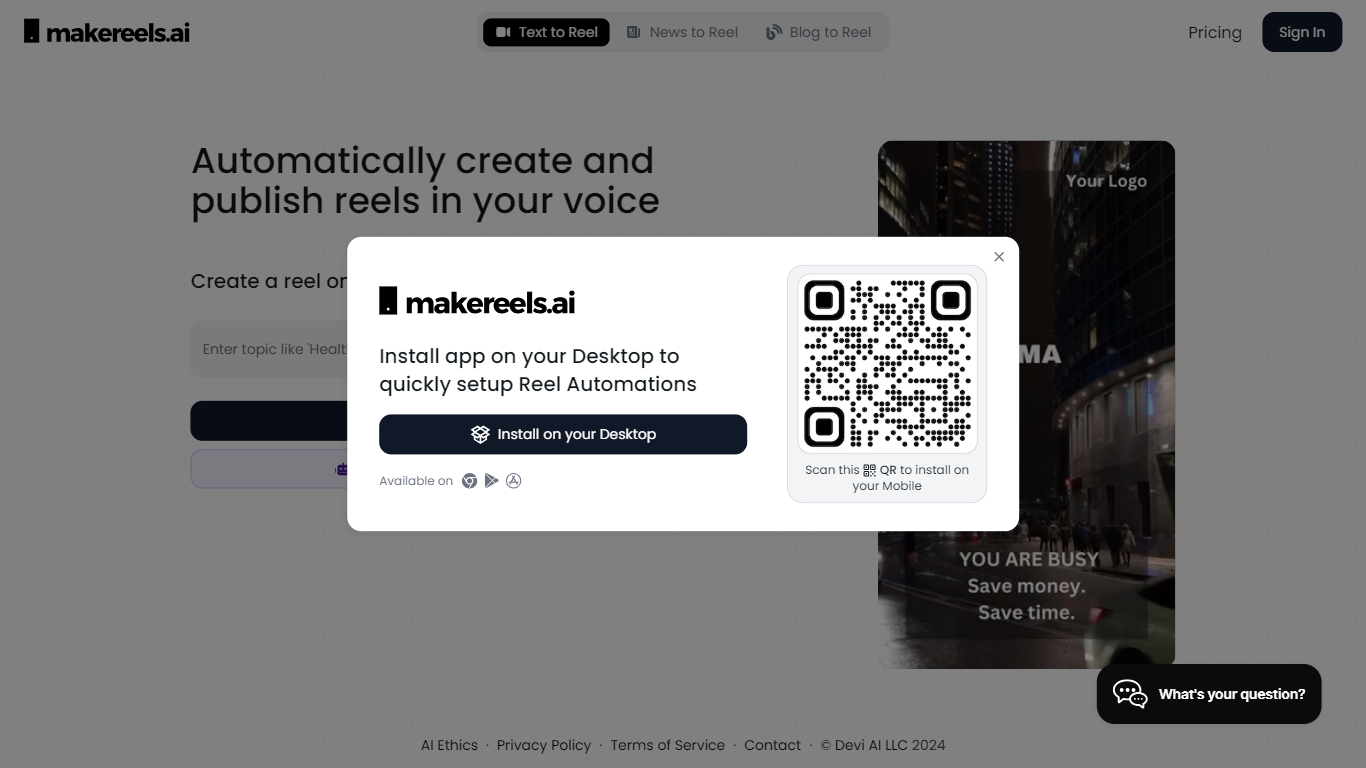
Makereels.ai turns topics, news feeds, and list prompts into short-form video reels you can publish to social platforms. You pick a subject like travel destinations or healthy snacks, choose a face avatar or text-only format, and the tool generates a finished reel with narration. It sits in the video editing category but behaves more like an autopilot for Instagram Reels, TikTok, and YouTube Shorts than a timeline editor.
Most video editors expect you to cut footage by hand. Makereels.ai instead automates script, visuals, and scheduling from a text prompt or RSS feed, including a dedicated News Reels flow that builds videos from keyword searches or RSS in seconds. That narrow focus on list-style and news reels trades fine-grained editing control for volume, which suits creators who need daily posts more than frame-perfect cuts.
Social media marketers, small businesses, and solo creators who want consistent reel output without filming every clip are the natural fit. Paid tiers add voice cloning, face cloning, multi-platform publishing, and Auto-Pilot workflows that scale from 1 on Creator up to 20 on Automated Reels Pro.
Clipchamp
What is Clipchamp?
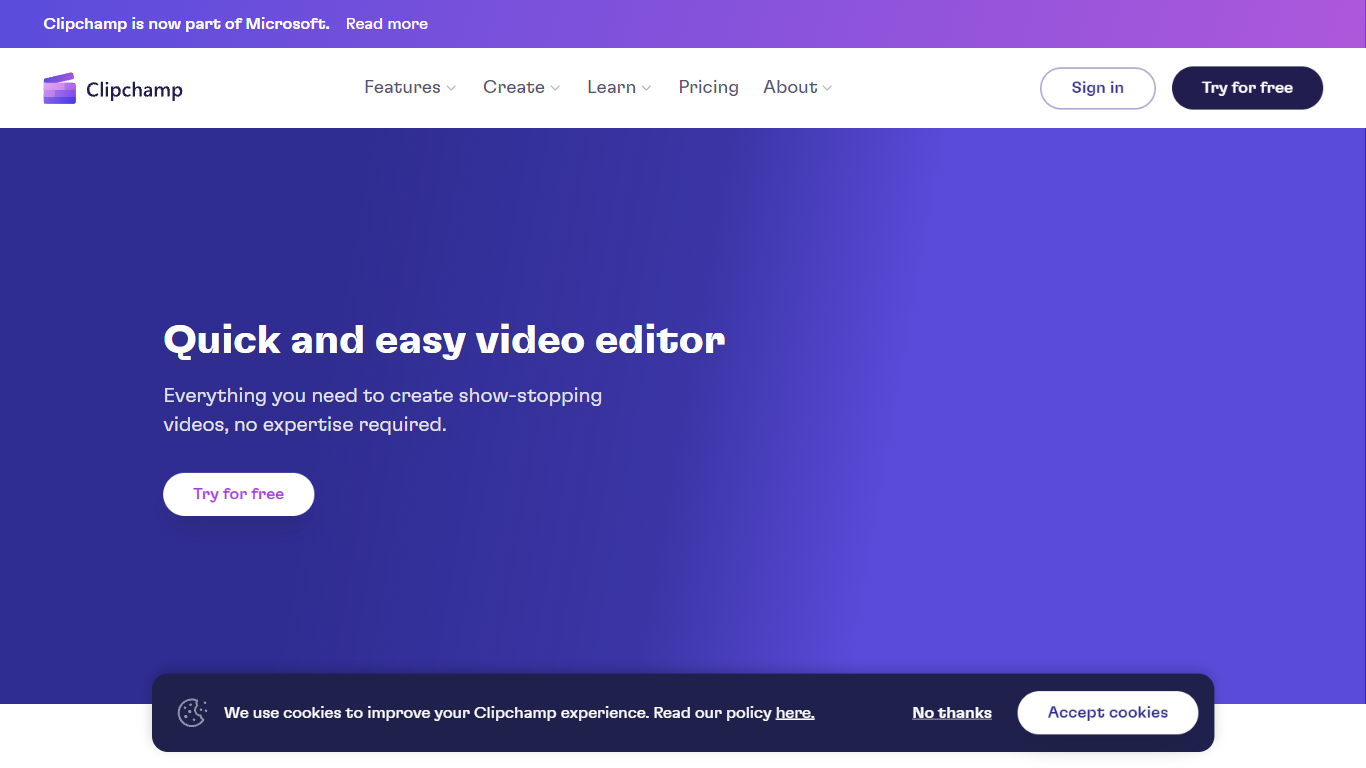
Clipchamp enables users to record, edit, and share high-definition videos directly from their web browser or Windows app. It offers tools for creating videos with webcam, screen, and voice recordings, combined with AI-powered editing features like noise suppression and automatic subtitle generation.
What distinguishes Clipchamp from other video editors is its integration of advanced AI tools such as a natural voiceover generator with over 400 voices and an AI silence remover that automatically cuts long pauses. It also provides customizable color and gradient backgrounds and supports exporting videos up to 4K resolution without watermarks for premium users.
Clipchamp's content library includes royalty-free stock videos, images, music, and templates tailored for social media, education, and business use. Its privacy-first approach ensures all recordings remain on the user's device unless shared, making it a secure choice for video creation.
With features like multi-item editing, grouping, and a flexible video resizer supporting multiple aspect ratios, Clipchamp offers a comprehensive editing experience suitable for creators of all skill levels. It works seamlessly in Microsoft Edge and Google Chrome browsers, with an optional Windows app available for enhanced performance.
Makereels.ai Upvotes
Clipchamp Upvotes
Makereels.ai Top Features
Free plan includes 5 automated reels and 50 AI image generations per month
Creator plan ($24/mo billed yearly) adds 100 text and news reels plus 10 face reels
News Reels converts RSS feeds or keyword searches into videos in about 5 seconds
200+ AI face avatars and 50+ HQ AI voices on paid Creator and higher tiers
Auto-Pilot workflows scale from 1 on Creator to 20 on Automated Reels Pro
Voice cloning and up to 10 face clones unlock on Automated Reels Pro at $79/mo yearly
Clipchamp Top Features
🎤 Natural AI voiceover generator with 400+ voices and adjustable pitch and pace
📝 AI subtitle generator creating accurate captions in 80+ languages with editable styles
📹 Screen and webcam recorder with unlimited retakes and no watermarks
🔇 AI silence remover to automatically cut long pauses and silences from videos
🎨 Custom color and gradient video backgrounds with HSV and HEX color picker
📺 Video exports up to 4K resolution available with premium subscription
🎬 Multi-item editing and grouping tools for efficient workflow
Makereels.ai Category
- Video Editing
Clipchamp Category
- Video Editing
Makereels.ai Pricing Type
- Freemium
Clipchamp Pricing Type
- Freemium