Makereels.ai vs Gling
Dive into the comparison of Makereels.ai vs Gling and discover which AI Video Editing tool stands out. We examine alternatives, upvotes, features, reviews, pricing, and beyond.
In a comparison between Makereels.ai and Gling, which one comes out on top?
When we compare Makereels.ai and Gling, two exceptional video editing tools powered by artificial intelligence, and place them side by side, several key similarities and differences come to light. With more upvotes, Makereels.ai is the preferred choice. Makereels.ai has received 8 upvotes from aitools.fyi users, while Gling has received 4 upvotes.
Not your cup of tea? Upvote your preferred tool and stir things up!
Makereels.ai

What is Makereels.ai?
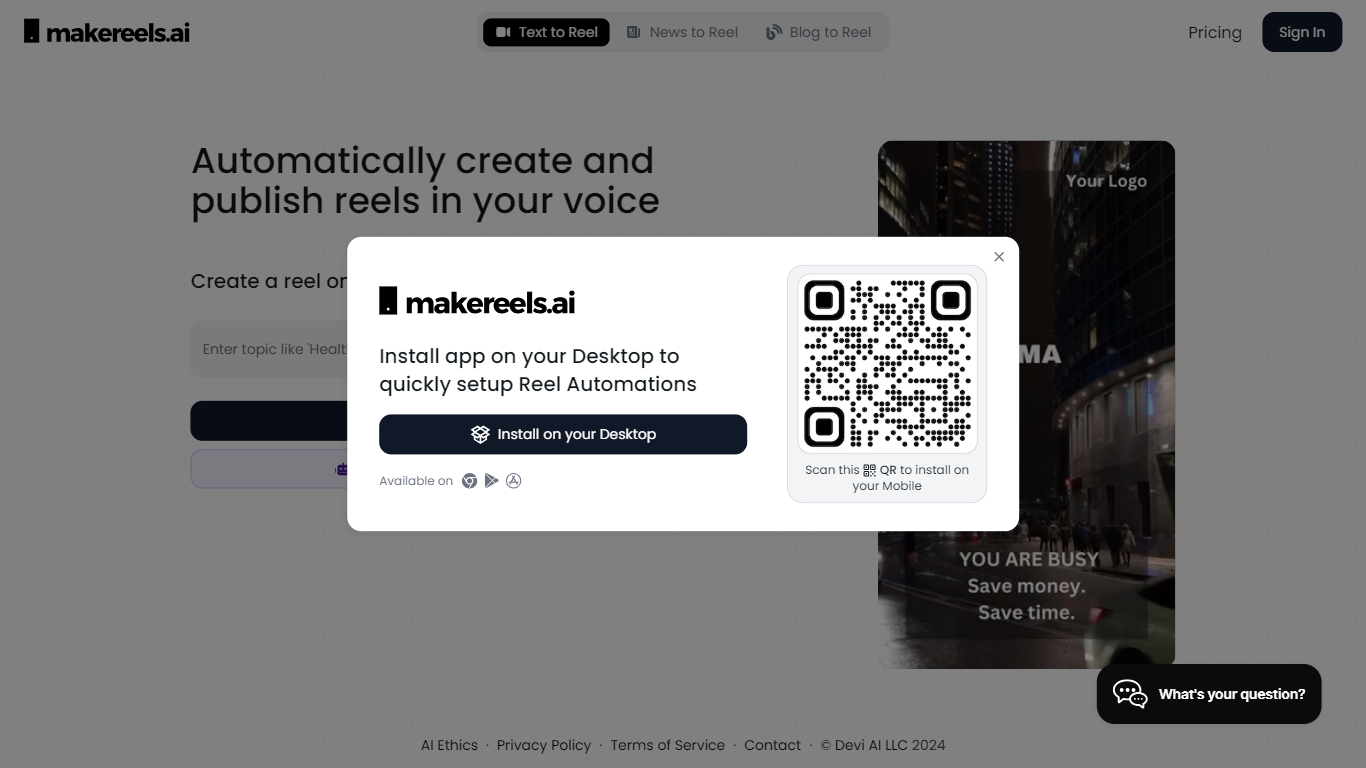
Makereels.ai turns topics, news feeds, and list prompts into short-form video reels you can publish to social platforms. You pick a subject like travel destinations or healthy snacks, choose a face avatar or text-only format, and the tool generates a finished reel with narration. It sits in the video editing category but behaves more like an autopilot for Instagram Reels, TikTok, and YouTube Shorts than a timeline editor.
Most video editors expect you to cut footage by hand. Makereels.ai instead automates script, visuals, and scheduling from a text prompt or RSS feed, including a dedicated News Reels flow that builds videos from keyword searches or RSS in seconds. That narrow focus on list-style and news reels trades fine-grained editing control for volume, which suits creators who need daily posts more than frame-perfect cuts.
Social media marketers, small businesses, and solo creators who want consistent reel output without filming every clip are the natural fit. Paid tiers add voice cloning, face cloning, multi-platform publishing, and Auto-Pilot workflows that scale from 1 on Creator up to 20 on Automated Reels Pro.
Gling

What is Gling?
Gling is desktop video editing software that uses transcription to cut bad takes, silences, and filler words from raw recordings before you export to Premiere, Final Cut Pro, or DaVinci Resolve. Upload a talking-head or voiceover file, review an AI-trimmed timeline, tweak cuts in text form, and download MP4, MP3, or SRT captions. It also generates YouTube titles, chapters, and short viral clips from links.
Manual timeline scrubbing eats hours on repetitive cleanup, while Gling automates the boring first pass and leaves creative decisions to you. That trade-off suits creators who record long sessions but do not want a fully automated publish pipeline. Desktop-only delivery keeps processing local-friendly, though you need a Mac or PC rather than a browser tab.
YouTube creators and podcast-style video makers use Gling to shrink edit time on tutorials, vlogs, and multicam sessions. The free plan includes 1 hour of AI-edited media per month with watermarked exports, Plus costs $20 per month with 10 hours, and Pro adds 30 hours without watermarks plus premium support.
Makereels.ai Upvotes
Gling Upvotes
Makereels.ai Top Features
Free plan includes 5 automated reels and 50 AI image generations per month
Creator plan ($24/mo billed yearly) adds 100 text and news reels plus 10 face reels
News Reels converts RSS feeds or keyword searches into videos in about 5 seconds
200+ AI face avatars and 50+ HQ AI voices on paid Creator and higher tiers
Auto-Pilot workflows scale from 1 on Creator to 20 on Automated Reels Pro
Voice cloning and up to 10 face clones unlock on Automated Reels Pro at $79/mo yearly
Gling Top Features
Automatically remove bad takes, silences, and filler words from uploaded recordings
Edit cuts through a text-based transcript instead of scrubbing the timeline manually
Export XML projects to Adobe Premiere, Final Cut Pro, or DaVinci Resolve
Generate AI captions, YouTube titles, chapters, and viral clips from links
Plus plan includes 10 hours of AI-edited media per month for $20
Makereels.ai Category
- Video Editing
Gling Category
- Video Editing
Makereels.ai Pricing Type
- Freemium
Gling Pricing Type
- Freemium