ManyExcel vs Arcwise
Dive into the comparison of ManyExcel vs Arcwise and discover which AI Excel tool stands out. We examine alternatives, upvotes, features, reviews, pricing, and beyond.
In a comparison between ManyExcel and Arcwise, which one comes out on top?
When we compare ManyExcel and Arcwise, two exceptional excel tools powered by artificial intelligence, and place them side by side, several key similarities and differences come to light. Both tools have received the same number of upvotes from aitools.fyi users. Since other aitools.fyi users could decide the winner, the ball is in your court now to cast your vote and help us determine the winner.
Not your cup of tea? Upvote your preferred tool and stir things up!
ManyExcel

What is ManyExcel?
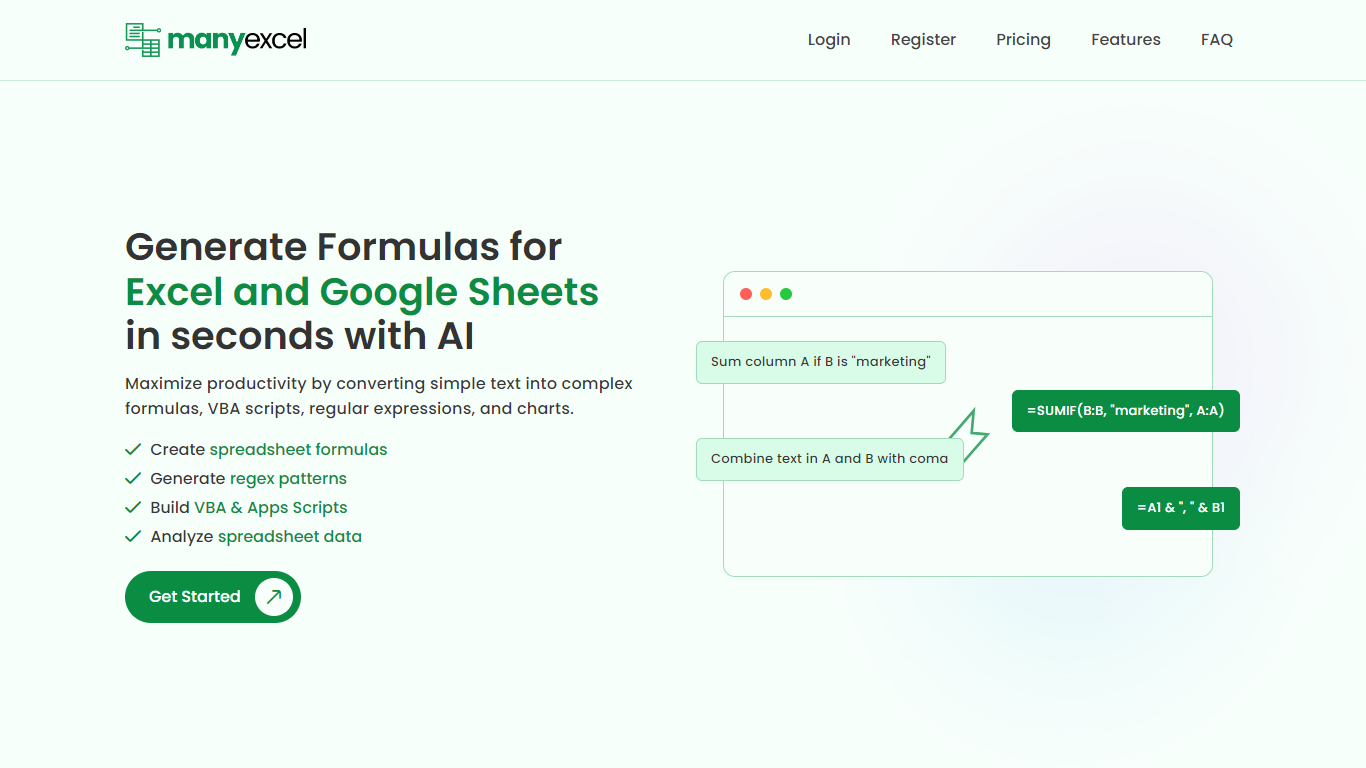
ManyExcel turns plain-English prompts into spreadsheet formulas, regex patterns, and automation scripts for Excel and Google Sheets. You describe what you want in everyday language, and the tool returns the formula or code plus an explanation of how it works.
Most formula assistants stop at cell logic. ManyExcel also generates regex patterns from text instructions and writes VBA for Excel plus Apps Scripts for Google Workspace, so you can automate repetitive workbook tasks without opening separate tools. Pro subscribers get access to the Data Analysis Tool for working with uploaded spreadsheet files.
ManyExcel is built for analysts, accountants, and anyone who lives in spreadsheets but does not want to memorize function syntax. The free tier lets you try every generator without a credit card, and paid plans remove monthly caps on generation.
Arcwise
What is Arcwise?
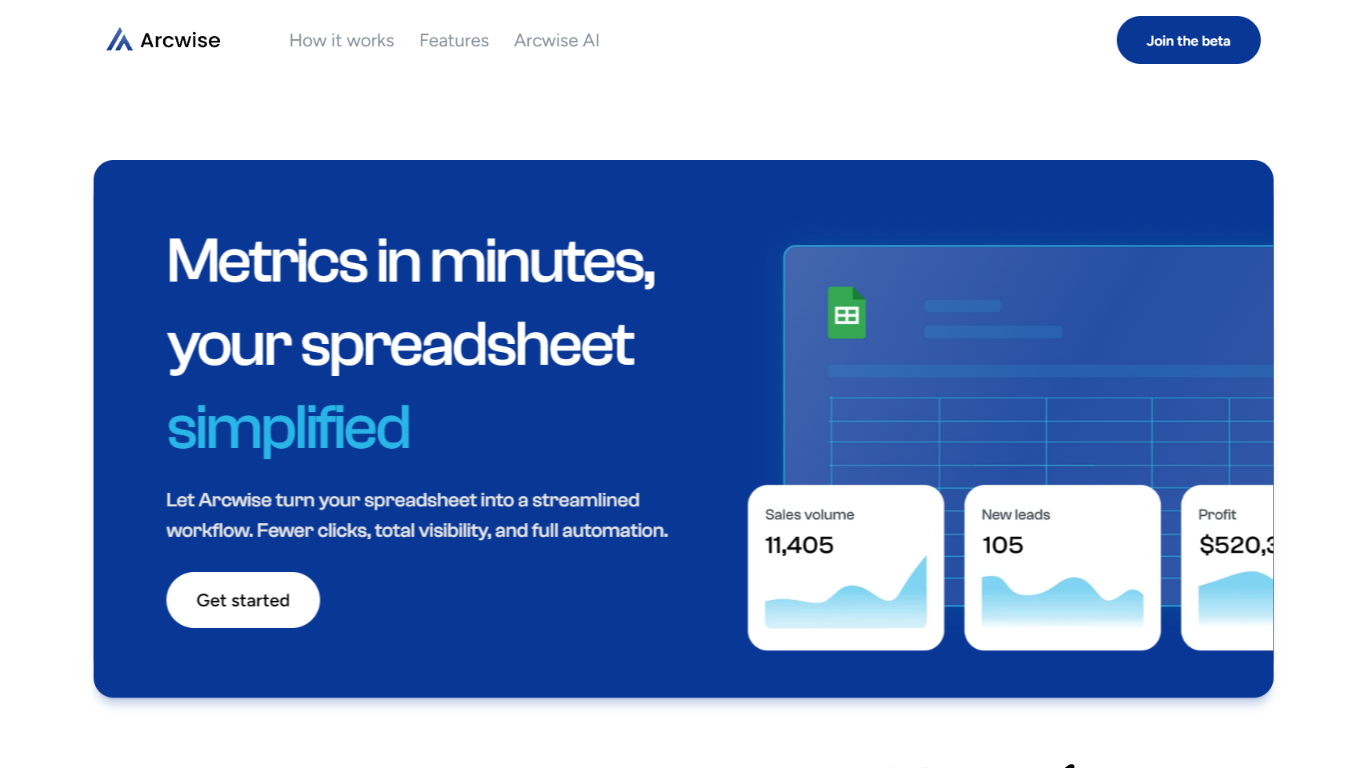
Arcwise flags meaningful KPI shifts in your warehouse data and explains what is driving them before they show up in weekly reviews. It connects to Snowflake, BigQuery, and Databricks, then delivers spreadsheet-ready answers traced to your SQL, tables, and business documentation inside the Google and Microsoft docs your team already uses.
Most analytics stacks stop at dashboards or untraceable chat answers. Arcwise is built around decision-ready output with auditable SQL behind every explanation. It separates signal from noise, names the operational drivers behind a metric move, and saves validated explanations as institutional memory your team can reuse next quarter without filing another analyst ticket.
Operations, finance, and growth leaders at logistics firms, airlines, manufacturers, and other data-heavy businesses use Arcwise to turn metric changes into specific next steps. Industry pages cover margin loss in TMS data, MBR preparation, and white-labeled customer analytics tied to billing and execution systems.
Arcwise is SOC 2 Type II certified, processes only metadata and queries rather than storing sensitive business data, and lets enterprises bring their own LLM API keys through Azure OpenAI or internal models.
ManyExcel Upvotes
Arcwise Upvotes
ManyExcel Top Features
Type a sentence like "sum column A if B is marketing" and get a working formula back
Free plan includes 5 formula, 5 regex, and 5 script generations per month with no credit card
Pro plan costs $2.50 per month when billed annually, with 40% off the monthly rate
Regex generator turns plain instructions into patterns with step-by-step breakdowns
VBA and Google Apps Script writer automates repetitive Excel and Sheets tasks
Unlimited formula, regex, and script explanations on every plan tier
Arcwise Top Features
Connects to Snowflake, BigQuery, and Databricks plus your existing BI stack
SOC 2 Type II certified with encryption in transit and at rest
Links every explanation to exact SQL, tables, joins, and business definitions
Embeds inside Microsoft and Google docs, slides, and spreadsheets
Supports customer-controlled LLM keys via Azure OpenAI or Arcwise-managed models
Saves validated explanations as reusable institutional memory across teams
ManyExcel Category
- Excel
Arcwise Category
- Excel
ManyExcel Pricing Type
- Freemium
Arcwise Pricing Type
- Paid