ManyExcel vs SheetSavvy
In the clash of ManyExcel vs SheetSavvy, which AI Excel tool emerges victorious? We assess reviews, pricing, alternatives, features, upvotes, and more.
If you had to choose between ManyExcel and SheetSavvy, which one would you go for?
Let's take a closer look at ManyExcel and SheetSavvy, both of which are AI-driven excel tools, and see what sets them apart. The upvote count reveals a draw, with both tools earning the same number of upvotes. Your vote matters! Help us decide the winner among aitools.fyi users by casting your vote.
Disagree with the result? Upvote your favorite tool and help it win!
ManyExcel

What is ManyExcel?
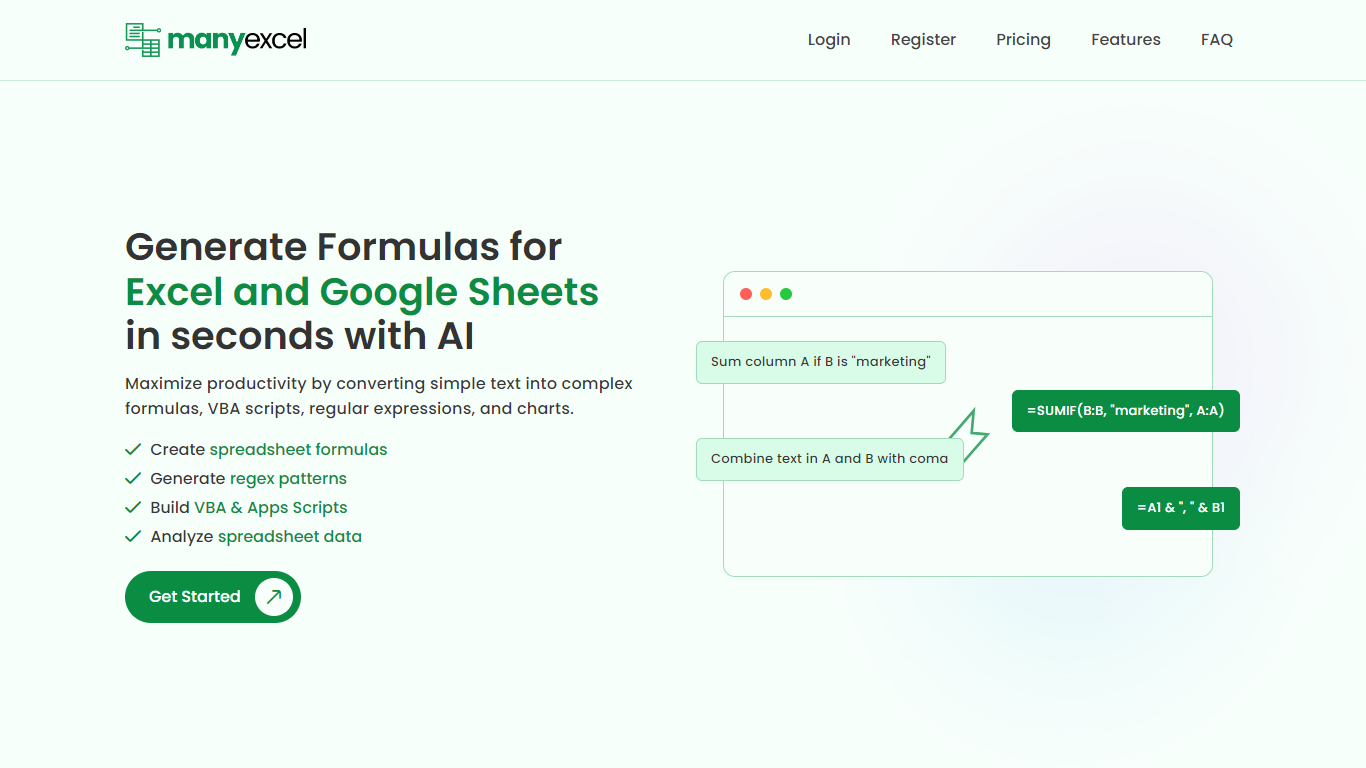
ManyExcel turns plain-English prompts into spreadsheet formulas, regex patterns, and automation scripts for Excel and Google Sheets. You describe what you want in everyday language, and the tool returns the formula or code plus an explanation of how it works.
Most formula assistants stop at cell logic. ManyExcel also generates regex patterns from text instructions and writes VBA for Excel plus Apps Scripts for Google Workspace, so you can automate repetitive workbook tasks without opening separate tools. Pro subscribers get access to the Data Analysis Tool for working with uploaded spreadsheet files.
ManyExcel is built for analysts, accountants, and anyone who lives in spreadsheets but does not want to memorize function syntax. The free tier lets you try every generator without a credit card, and paid plans remove monthly caps on generation.
SheetSavvy
What is SheetSavvy?
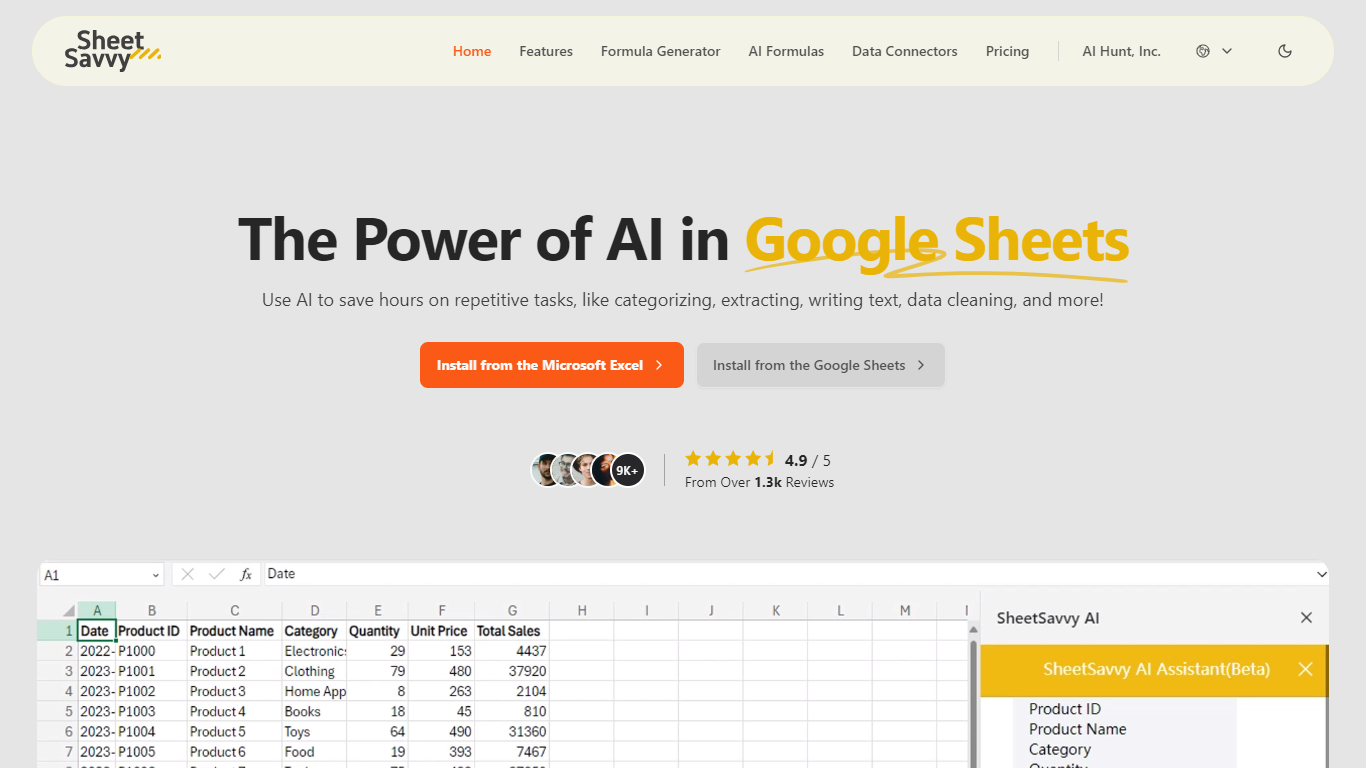
SheetSavvy is a spreadsheet add-in for Microsoft Excel and Google Sheets that adds an AI assistant, formula generator, cell-level AI formulas, and live data connectors inside the workbook you already use. Install it from Microsoft AppSource or the Google Workspace Marketplace, sign in, and run prompts without copying sheets to a separate website.
Unlike browser-based spreadsheet helpers, SheetSavvy stays a plug-in so it can read your file's headers, titles, and cell structure automatically. The vendor says that context lets the assistant and formula tools return answers matched to your workbook instead of making you paste data into a web form.
SheetSavvy fits analysts, operations staff, HR teams, and anyone who spends hours cleaning data, writing nested formulas, or refreshing reports. The free Personal plan runs on GPT-3.5 with tight monthly caps, while Pro ($4.99), Premium ($9.99), and Ultimate ($29.99) unlock GPT-4, higher request limits, more connectors, and stronger support.
ManyExcel Upvotes
SheetSavvy Upvotes
ManyExcel Top Features
Type a sentence like "sum column A if B is marketing" and get a working formula back
Free plan includes 5 formula, 5 regex, and 5 script generations per month with no credit card
Pro plan costs $2.50 per month when billed annually, with 40% off the monthly rate
Regex generator turns plain instructions into patterns with step-by-step breakdowns
VBA and Google Apps Script writer automates repetitive Excel and Sheets tasks
Unlimited formula, regex, and script explanations on every plan tier
SheetSavvy Top Features
Installs from Microsoft AppSource for Excel and Google Workspace Marketplace for Google Sheets
Formula generator turns plain-English prompts into Excel or Google Sheets formulas
AI formulas summarize data, categorize entries, clean cells, and run sentiment analysis in place
Personal free plan includes 100 AI formula requests, 10 formula generators, and 1 data connector
Pro plan costs $4.99 per month with GPT-4, 1,000 AI formula requests, and 3 data connectors
Ultimate plan unlocks full AI assistant access with 10+ connectors and unlimited formula generators
ManyExcel Category
- Excel
SheetSavvy Category
- Excel
ManyExcel Pricing Type
- Freemium
SheetSavvy Pricing Type
- Freemium