ManyExcel vs Spreadsheet.com
Compare ManyExcel vs Spreadsheet.com and see which AI Excel tool is better when we compare features, reviews, pricing, alternatives, upvotes, etc.
Which one is better? ManyExcel or Spreadsheet.com?
When we compare ManyExcel with Spreadsheet.com, which are both AI-powered excel tools, Interestingly, both tools have managed to secure the same number of upvotes. Be a part of the decision-making process. Your vote could determine the winner.
Want to flip the script? Upvote your favorite tool and change the game!
ManyExcel

What is ManyExcel?
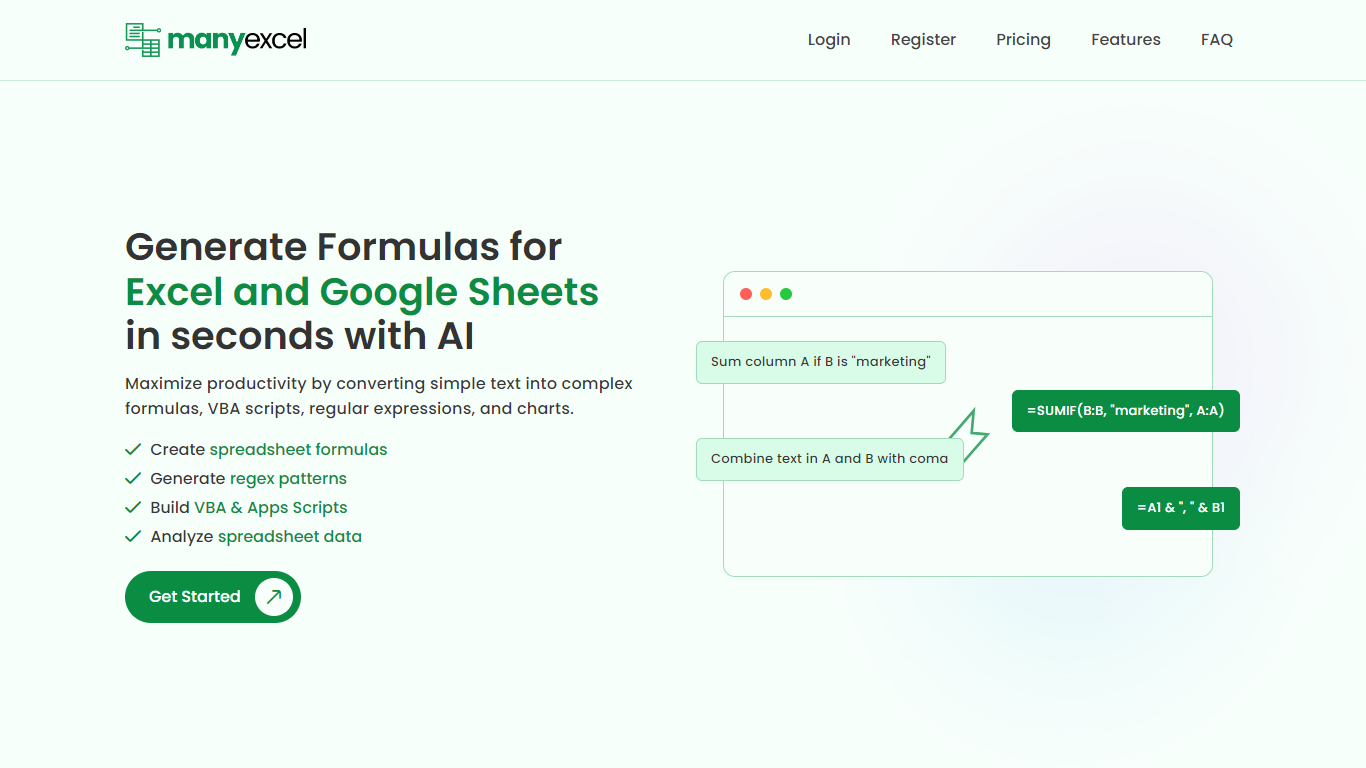
ManyExcel turns plain-English prompts into spreadsheet formulas, regex patterns, and automation scripts for Excel and Google Sheets. You describe what you want in everyday language, and the tool returns the formula or code plus an explanation of how it works.
Most formula assistants stop at cell logic. ManyExcel also generates regex patterns from text instructions and writes VBA for Excel plus Apps Scripts for Google Workspace, so you can automate repetitive workbook tasks without opening separate tools. Pro subscribers get access to the Data Analysis Tool for working with uploaded spreadsheet files.
ManyExcel is built for analysts, accountants, and anyone who lives in spreadsheets but does not want to memorize function syntax. The free tier lets you try every generator without a credit card, and paid plans remove monthly caps on generation.
Spreadsheet.com
What is Spreadsheet.com?
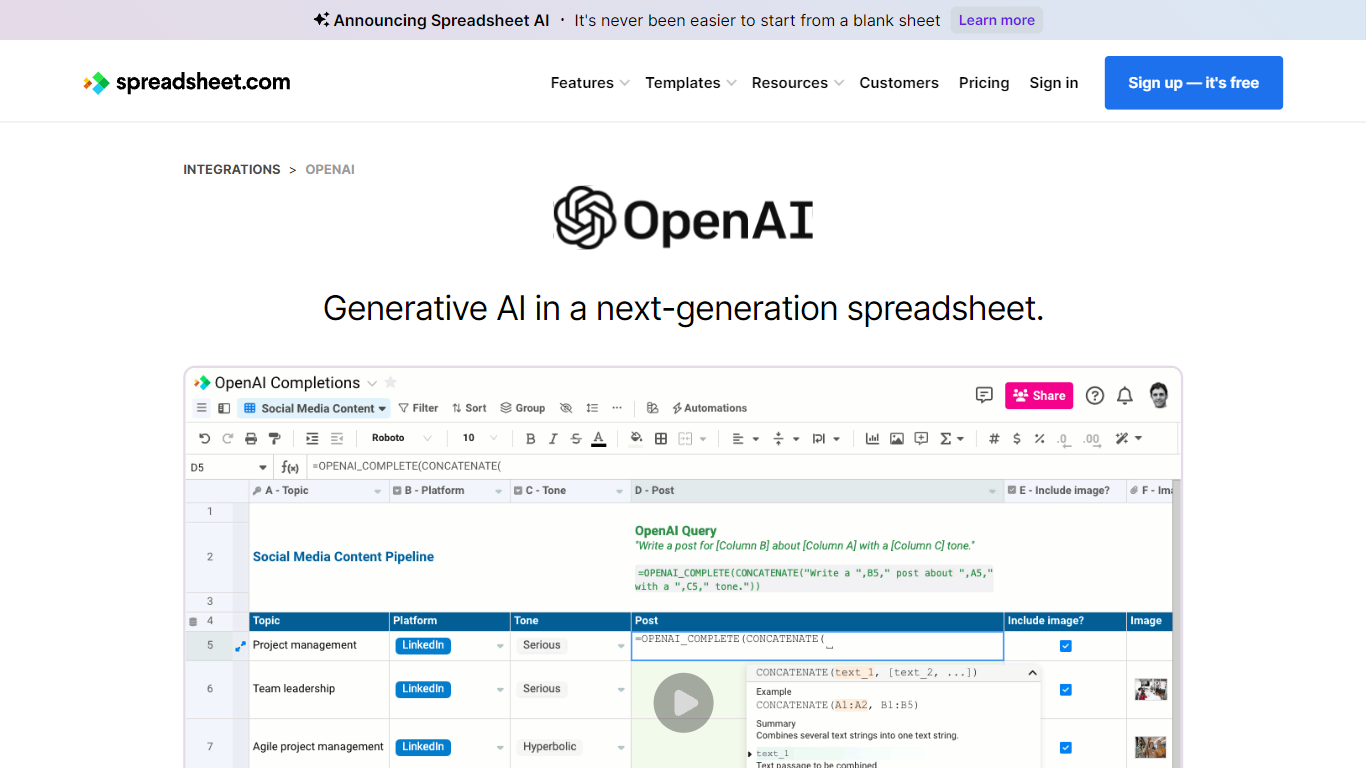
The collaboration between OpenAI and Spreadsheet.com introduces the power of generative AI into the realm of spreadsheets, transforming the traditional spreadsheet experience. With this integration, users can now utilize the advanced technology behind ChatGPT to generate content and answer queries based on their spreadsheet data. This innovative feature simplifies data management, analysis, and reporting, making it accessible to users with any level of technical expertise. Spreadsheet.com’s next-generation platform allows for building no-code solutions like Project Management, CRM, ATS, and ERP systems. It enhances productivity with tailored views for sheets, Gantt charts, Kanban boards, forms, and calendars. Plus, the platform supports a vast array of integrations and automation to streamline processes. The service caters to various business needs and offers specialized templates for a quick start. Whether it's for project planning, sales management, or personal organization, Spreadsheet.com’s versatile features open up new possibilities for work management.
ManyExcel Upvotes
Spreadsheet.com Upvotes
ManyExcel Top Features
Type a sentence like "sum column A if B is marketing" and get a working formula back
Free plan includes 5 formula, 5 regex, and 5 script generations per month with no credit card
Pro plan costs $2.50 per month when billed annually, with 40% off the monthly rate
Regex generator turns plain instructions into patterns with step-by-step breakdowns
VBA and Google Apps Script writer automates repetitive Excel and Sheets tasks
Unlimited formula, regex, and script explanations on every plan tier
Spreadsheet.com Top Features
Generative AI Integration: Leverage the power of OpenAI in spreadsheets for content generation and data queries.
No-Code Solutions: Create complex applications for Project Management CRM and more without any coding required.
Interactive Views: Organize and visualize your data with custom sheet views Gantt Kanban calendar and form views.
Robust Automations: Set up no-code automations to streamline repetitive tasks and workflows.
Comprehensive Templates: Access over 200 pre-made templates for various industries and use cases to get started quickly.
ManyExcel Category
- Excel
Spreadsheet.com Category
- Excel
ManyExcel Pricing Type
- Freemium
Spreadsheet.com Pricing Type
- Freemium