Matrices vs ExcelMaster
Explore the showdown between Matrices vs ExcelMaster and find out which AI Excel tool wins. We analyze upvotes, features, reviews, pricing, alternatives, and more.
When comparing Matrices and ExcelMaster, which one rises above the other?
When we contrast Matrices with ExcelMaster, both of which are exceptional AI-operated excel tools, and place them side by side, we can spot several crucial similarities and divergences. The community has spoken, Matrices leads with more upvotes. The number of upvotes for Matrices stands at 6, and for ExcelMaster it's 1.
Want to flip the script? Upvote your favorite tool and change the game!
Matrices
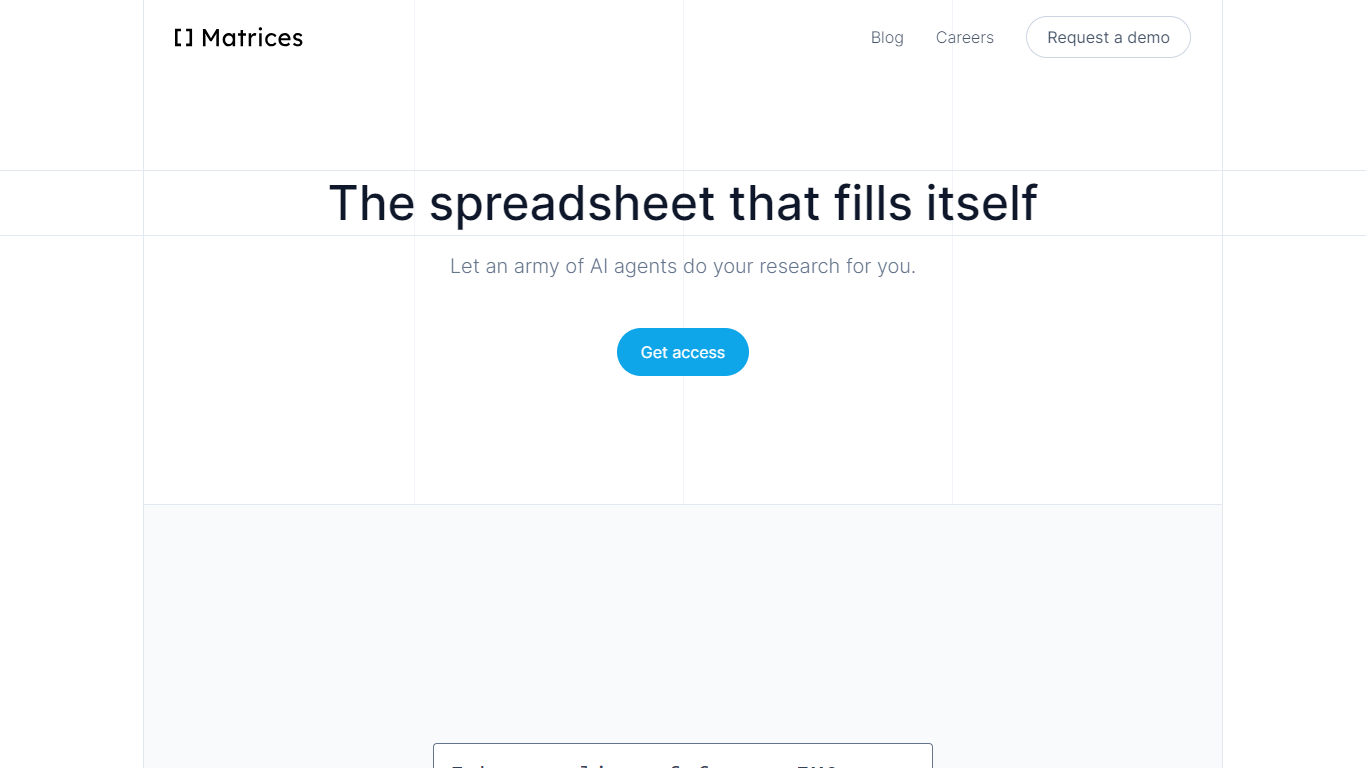

What is Matrices ?
Matrices transforms data analysis by combining AI-powered spreadsheets with an innovative platform for training AI agents in simulated environments. It automates research and data gathering by using AI agents that fill spreadsheets with data from multiple sources, providing confidence scores for transparency. Beyond spreadsheets, Matrices is pioneering a system of virtual 'escape rooms'—complex simulations where AI agents learn tasks through trial and error without real-world risks. This approach enables AI to practice and improve on tasks like market research, coding, and business operations in safe, scalable environments.
The platform supports two main user roles: engineers who build configurable simulation components, and creative designers who craft scenarios for AI to solve. This ecosystem aims to scale AI training by crowdsourcing simulation creation, eventually covering a wide range of real-world tasks. Matrices targets founders, investors, sales professionals, CEOs, and AI researchers who benefit from automated data workflows and advanced AI training environments.
Matrices emphasizes natural language commands to reduce the learning curve, allowing users to automate complex workflows without coding. Its extensible design adapts to diverse needs, from simple data tasks to intricate AI training challenges. The company is actively expanding its simulation library and plans to open its level editor to the public, inviting collaboration to accelerate AI automation across industries.
Technically, Matrices leverages reinforcement learning by placing AI agents in simulated environments where they can experiment and learn from feedback. This method moves beyond imitation learning, enabling AI to achieve higher competence in practical tasks. The platform’s modular architecture supports integration with various web apps and data sources, making it a versatile tool for both data analysis and AI development.
Overall, Matrices offers a unique blend of AI spreadsheet automation and a scalable framework for training AI agents in realistic, risk-free settings. This dual focus positions it as a forward-looking solution for businesses and AI practitioners aiming to automate complex workflows and accelerate AI capabilities.
ExcelMaster
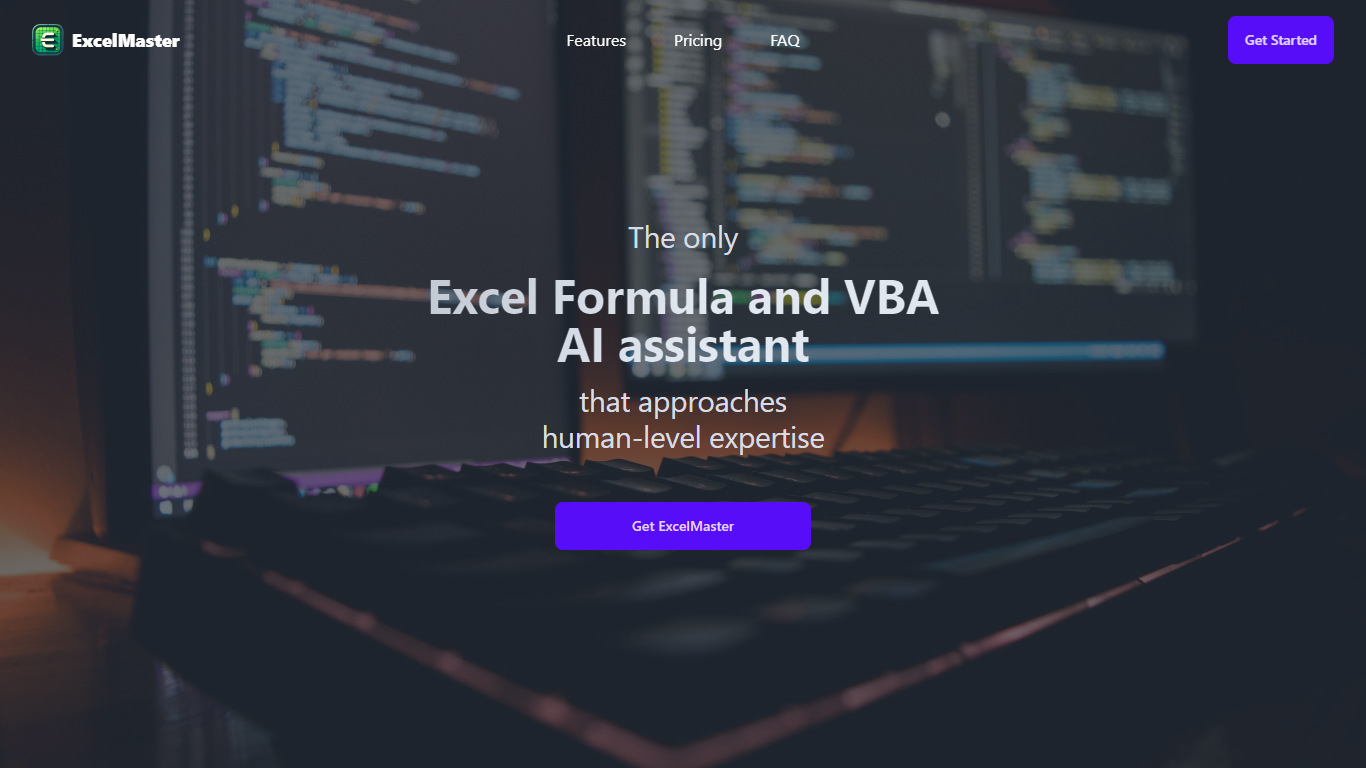
What is ExcelMaster?
Windows desktop Excel can run an autonomous agent add-in that plans multi-step spreadsheet work from plain-language prompts. ExcelMaster reads workbook structure across sheets, writes formulas or VBA/Python, executes changes inside Excel, and shows each step in a live sidebar. Finance teams, analysts, and operations staff use it for month-end close, variance reports, data cleanup, and macro automation without leaving the file.
Where Copilot and ChatGPT stop at suggested snippets, ExcelMaster closes the loop inside the workbook. It maps real sheet names, merged cells, and cross-sheet references before generating code, runs VBA or Python locally, verifies output, and retries on errors with automatic rollback. The product site cites internal benchmarks where template-style chat code needed far more edit rounds than agent execution on real user cases.
Dedicated Formula Assistant, VBA Assistant, and Cell AI modules cover formula dialogue, macro automation, and per-cell tasks like classification, keyword extraction, format conversion, sentiment scoring, and translation. Files stay on your machine; only relevant cell content goes to AI models when analysis is needed.
ExcelMaster requires Excel 2016 or later on Windows 10/11 (desktop, not Excel Online). Subscription plans start at $9.99 per month with a 3-day trial, and one-time credit packs are sold separately. The site also hosts free browser utilities for Excel, PDF, and Word conversions.
Matrices Upvotes
ExcelMaster Upvotes
Matrices Top Features
🧮 AI-powered spreadsheets that auto-fill data with confidence scores
🕹️ Virtual escape rooms for AI to safely practice complex tasks
🛠️ Modular components let engineers build custom simulation parts
🎨 Creative level editor enables designing AI training scenarios
🗣️ Natural language commands simplify automation without coding
ExcelMaster Top Features
Starter includes 600 agent credits per month; Pro includes 1,800 credits on monthly billing
Uses GPT 5.4, Claude Sonnet 4.6, Claude Opus 4.6, and ExcelMaster Operator models
Reads multi-sheet workbook structure before writing formulas, VBA, or Python
Auto-backup and one-click rollback before every operation on live workbooks
Cell AI handles classification, keyword extraction, format conversion, sentiment analysis, and translation per cell
Supports Excel 2016+ on Windows 10/11 desktop; Excel Online is not supported
Matrices Category
- Excel
ExcelMaster Category
- Excel
Matrices Pricing Type
- Freemium
ExcelMaster Pricing Type
- Freemium