Matrices vs Numerous.ai
In the contest of Matrices vs Numerous.ai, which AI Excel tool is the champion? We evaluate pricing, alternatives, upvotes, features, reviews, and more.
If you had to choose between Matrices and Numerous.ai, which one would you go for?
When we examine Matrices and Numerous.ai, both of which are AI-enabled excel tools, what unique characteristics do we discover? Neither tool takes the lead, as they both have the same upvote count. Since other aitools.fyi users could decide the winner, the ball is in your court now to cast your vote and help us determine the winner.
Not your cup of tea? Upvote your preferred tool and stir things up!
Matrices
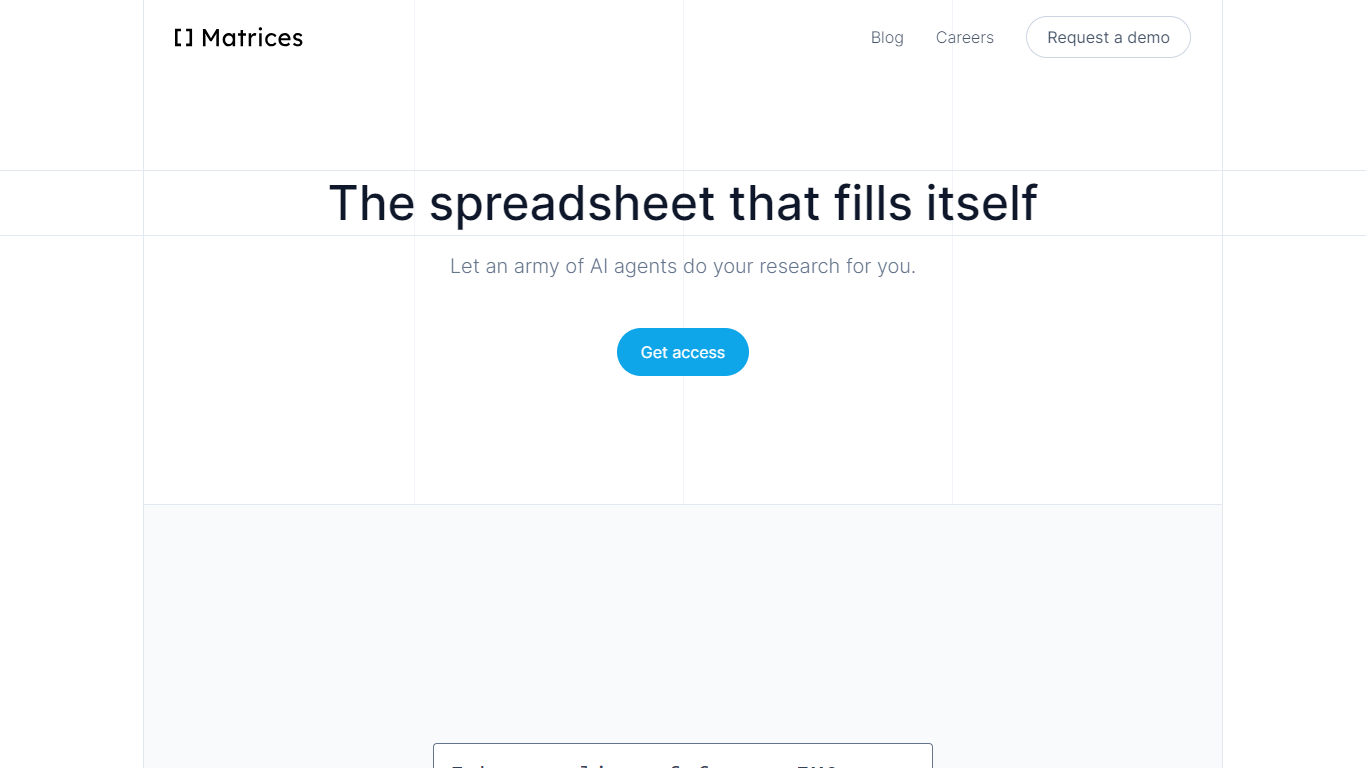

What is Matrices ?
Matrices transforms data analysis by combining AI-powered spreadsheets with an innovative platform for training AI agents in simulated environments. It automates research and data gathering by using AI agents that fill spreadsheets with data from multiple sources, providing confidence scores for transparency. Beyond spreadsheets, Matrices is pioneering a system of virtual 'escape rooms'—complex simulations where AI agents learn tasks through trial and error without real-world risks. This approach enables AI to practice and improve on tasks like market research, coding, and business operations in safe, scalable environments.
The platform supports two main user roles: engineers who build configurable simulation components, and creative designers who craft scenarios for AI to solve. This ecosystem aims to scale AI training by crowdsourcing simulation creation, eventually covering a wide range of real-world tasks. Matrices targets founders, investors, sales professionals, CEOs, and AI researchers who benefit from automated data workflows and advanced AI training environments.
Matrices emphasizes natural language commands to reduce the learning curve, allowing users to automate complex workflows without coding. Its extensible design adapts to diverse needs, from simple data tasks to intricate AI training challenges. The company is actively expanding its simulation library and plans to open its level editor to the public, inviting collaboration to accelerate AI automation across industries.
Technically, Matrices leverages reinforcement learning by placing AI agents in simulated environments where they can experiment and learn from feedback. This method moves beyond imitation learning, enabling AI to achieve higher competence in practical tasks. The platform’s modular architecture supports integration with various web apps and data sources, making it a versatile tool for both data analysis and AI development.
Overall, Matrices offers a unique blend of AI spreadsheet automation and a scalable framework for training AI agents in realistic, risk-free settings. This dual focus positions it as a forward-looking solution for businesses and AI practitioners aiming to automate complex workflows and accelerate AI capabilities.
Numerous.ai
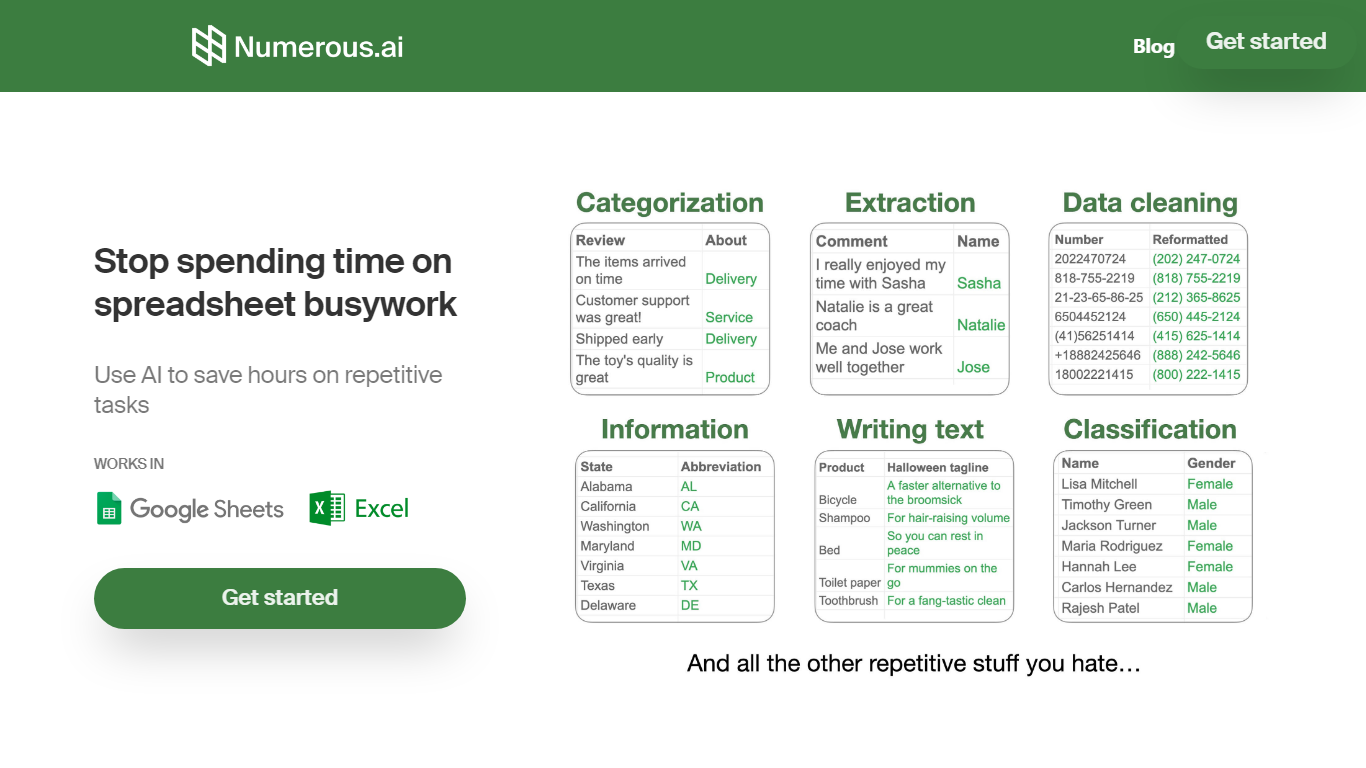
What is Numerous.ai?
Numerous.ai is a spreadsheet add-on that brings ChatGPT into Google Sheets and Microsoft Excel. You install the plugin, type formulas like =AI in any cell, and run language tasks across rows and columns without managing your own API keys.
The product is built around bulk spreadsheet workflows: summarizing survey responses, generating ad copy, cleaning messy user input, or prototyping prompts you can share with a team. Responses are cached so formula refreshes do not burn through tokens on duplicate queries.
It fits marketers running campaign research, content teams batching social posts, students organizing research data, and product teams testing prompt structures before shipping features. The team is US-based in San Francisco, and both the Google Sheets and Excel add-ins are listed in their respective official marketplaces.
Matrices Upvotes
Numerous.ai Upvotes
Matrices Top Features
🧮 AI-powered spreadsheets that auto-fill data with confidence scores
🕹️ Virtual escape rooms for AI to safely practice complex tasks
🛠️ Modular components let engineers build custom simulation parts
🎨 Creative level editor enables designing AI training scenarios
🗣️ Natural language commands simplify automation without coding
Numerous.ai Top Features
No API keys to configure; install the add-on and start using =AI in cells
Custom =AI, =WRITE, and =INFER functions for generation, formulas, and pattern learning
Works in both Google Sheets and Microsoft Excel from one subscription
Caches AI responses so refreshes skip duplicate queries and save tokens
Personal plan includes 1 million characters; Pro includes 5 million
Pro and Enterprise plans let multiple teammates share the same subscription
Matrices Category
- Excel
Numerous.ai Category
- Excel
Matrices Pricing Type
- Freemium
Numerous.ai Pricing Type
- Freemium