Microsoft Copilot+ PC vs Keep It Shot
In the contest of Microsoft Copilot+ PC vs Keep It Shot, which AI Assistant tool is the champion? We evaluate pricing, alternatives, upvotes, features, reviews, and more.
If you had to choose between Microsoft Copilot+ PC and Keep It Shot, which one would you go for?
When we examine Microsoft Copilot+ PC and Keep It Shot, both of which are AI-enabled assistant tools, what unique characteristics do we discover? Keep It Shot stands out as the clear frontrunner in terms of upvotes. Keep It Shot has 7 upvotes, and Microsoft Copilot+ PC has 6 upvotes.
Feeling rebellious? Cast your vote and shake things up!
Microsoft Copilot+ PC
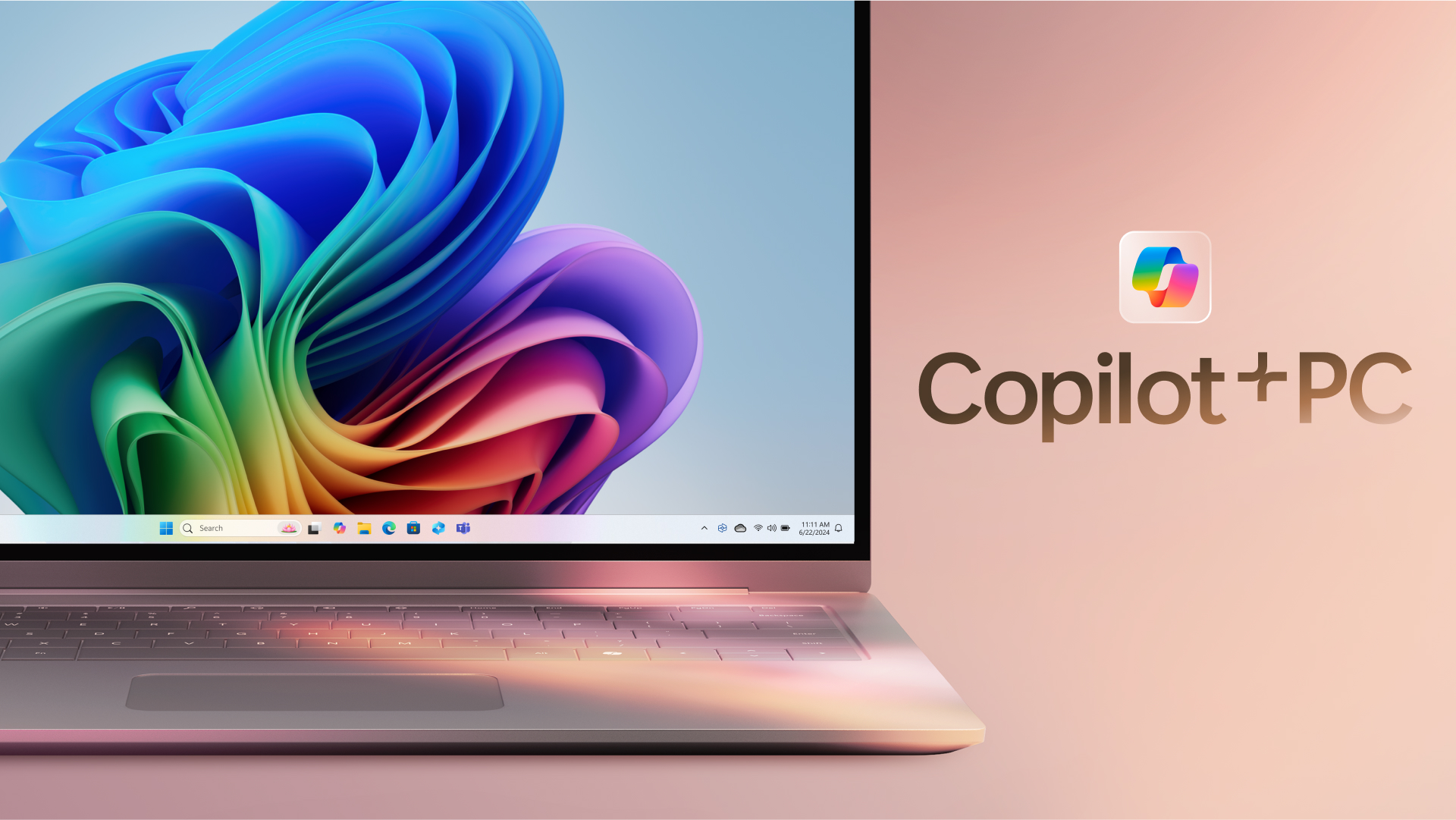

What is Microsoft Copilot+ PC?
Microsoft Copilot+ PC is a Windows PC category built around a dedicated Neural Processing Unit (NPU) for on-device AI workloads. Microsoft introduced the lineup in May 2024 as thin, light laptops and 2-in-1s from Surface and major OEM partners, with silicon that delivers 40+ trillion operations per second alongside all-day battery life.
The hardware pairs CPU, GPU, and NPU with Windows 11 experiences that run locally instead of relying only on the cloud. That includes Recall for finding past activity on your PC, Cocreator for near real-time image generation in Paint and Photos, Live Captions with translation from 40+ languages, Click to Do, improved Windows search, and Windows Studio Effects for video calls.
Copilot+ PCs target students, remote workers, creators, and anyone who wants Windows with built-in local AI. Devices are sold through Microsoft and retailers such as Dell, HP, Lenovo, Samsung, Acer, and ASUS, with Copilot+ PC experiences that vary by device, market, and software updates.
Keep It Shot
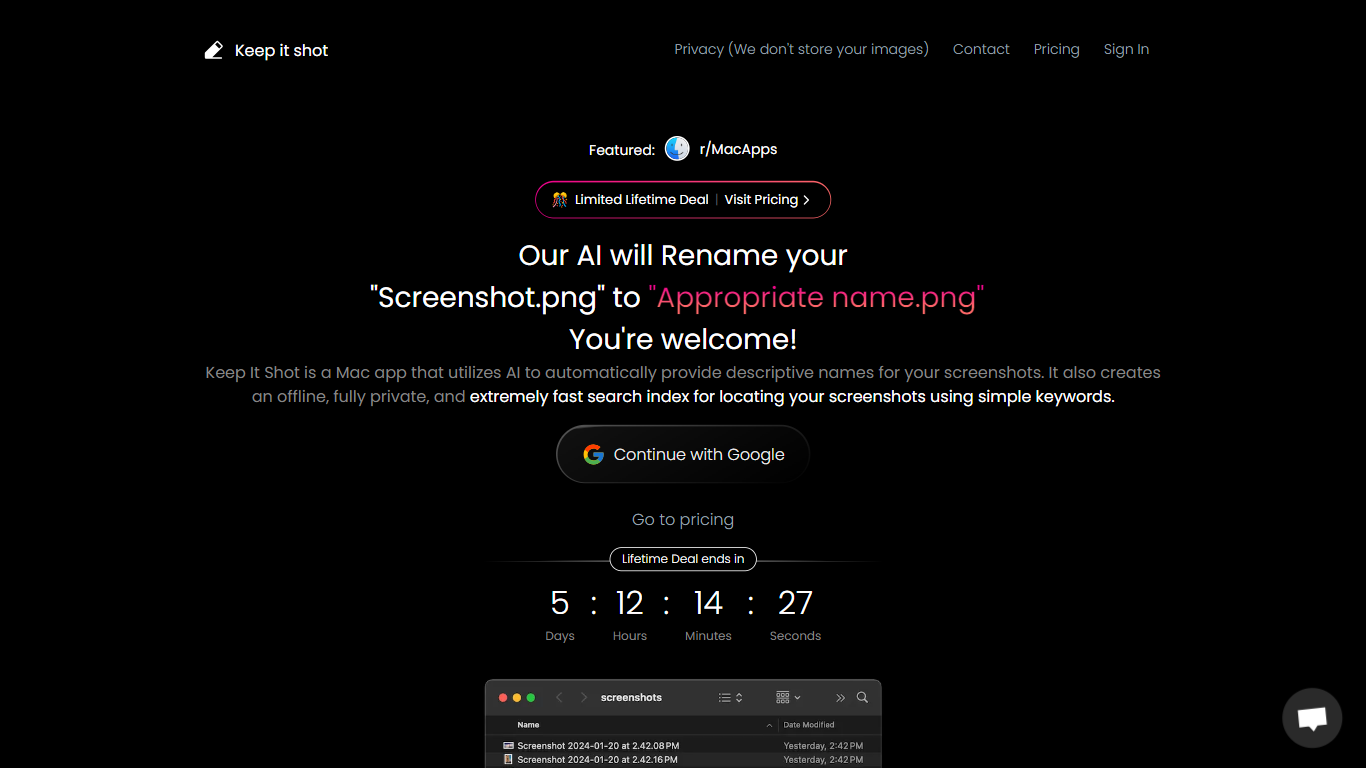
What is Keep It Shot?
Keep It Shot is an innovative Mac application designed to enhance the way users manage their screenshots. It leverages AI technology to auto-generate descriptive names for screenshots, allowing for quick and easy identification. Moreover, it offers a powerful offline search feature, making it swift to locate specific screenshots using simple keywords. The application ensures complete privacy by not uploading any images to the cloud. It's optimized for speed and simplicity, allowing users to efficiently rename large batches of screenshots with minimal effort. Keep It Shot simplifies screenshot management, transforming it from a cluttered collection into a highly organized and accessible library.
Microsoft Copilot+ PC Upvotes
Keep It Shot Upvotes
Microsoft Copilot+ PC Top Features
Dedicated NPU rated at 40+ TOPS for on-device AI workloads without constant cloud calls
Recall helps you find apps, sites, and documents you have already seen on your PC
Cocreator in Paint and Photos generates and refines images in near real time on the device
Live Captions translates audio from 40+ languages into English subtitles across apps
Click to Do and improved Windows search speed up common tasks on Copilot+ PCs
Keep It Shot Top Features
Automated Descriptive Naming: Automatically provides descriptive names for screenshots using AI.
Offline and Private Search Index: Creates a fast local search index for screenshots using keywords, with complete privacy.
Bulk Rename in Two Clicks: Quickly rename large batches of screenshots with a progress bar to track changes.
Tailored Renaming Preferences: Customize naming conventions and automate renaming for new screenshots.
Easy Reversion: Single-click option to revert any changes and go back to the original screenshot names.
Microsoft Copilot+ PC Category
- Assistant
Keep It Shot Category
- Assistant
Microsoft Copilot+ PC Pricing Type
- Paid
Keep It Shot Pricing Type
- Freemium