Microsoft Power Automate vs Respell
Explore the showdown between Microsoft Power Automate vs Respell and find out which AI Automation tool wins. We analyze upvotes, features, reviews, pricing, alternatives, and more.
When comparing Microsoft Power Automate and Respell, which one rises above the other?
When we contrast Microsoft Power Automate with Respell, both of which are exceptional AI-operated automation tools, and place them side by side, we can spot several crucial similarities and divergences. Both tools are equally favored, as indicated by the identical upvote count. Since other aitools.fyi users could decide the winner, the ball is in your court now to cast your vote and help us determine the winner.
Want to flip the script? Upvote your favorite tool and change the game!
Microsoft Power Automate


What is Microsoft Power Automate?
Microsoft Power Automate is Microsoft's workflow automation platform for connecting apps, data, and desktop software without writing code. Teams use it to build cloud flows that trigger actions across services, desktop flows that automate legacy Windows apps, and process mining tools that reveal where manual work is slowing things down. It fits organizations that want end-to-end automation inside the Microsoft ecosystem and beyond.
The platform combines digital process automation for cloud apps with robotic process automation for systems that lack APIs. Copilot in Power Automate lets you describe automations in natural language, while built-in AI models handle document processing, image analysis, and predictions. More than 1,400 certified connectors cover services like Dynamics 365, SAP, and Salesforce, with custom connectors available when you need something specific.
Governance features like Managed Environments, data loss prevention, and 360-degree monitoring help IT teams scale automation safely across large organizations. Native integration with Microsoft 365 apps such as Teams, Excel, and SharePoint means users can trigger and manage flows without leaving tools they already use daily.
Respell
What is Respell?
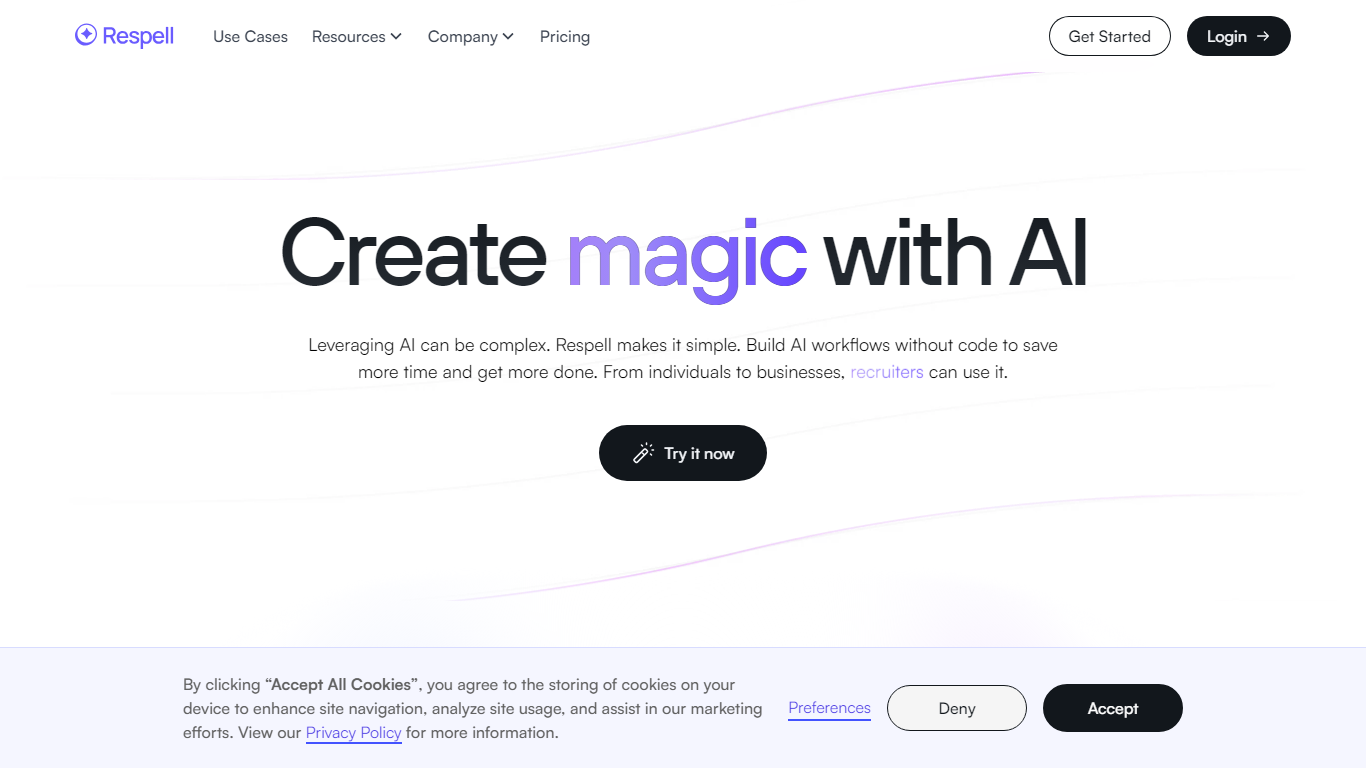
Respell offers a fresh approach to AI integration, enabling users to build code-free AI workflows with ease. At its core, Respell is designed to simplify the complexity of leveraging AI technology for various applications. By providing a user-friendly drag-and-drop workflow builder, the platform empowers individuals and businesses alike to save time and enhance productivity. Respell hosts a palette of pre-existing "spells" alongside the option to create custom workflows tailored to specific needs. Whether you're involved in recruiting, legal affairs, marketing, product development, or operations, Respell has the versatility to streamline tedious processes, allowing you to focus on strategic and creative tasks with the support of cutting-edge AI models.
Microsoft Power Automate Upvotes
Respell Upvotes
Microsoft Power Automate Top Features
Describe automations in plain language and Copilot drafts the cloud flow steps for you
Choose from more than 1,400 certified API connectors, or build a custom one for your stack
Run attended or unattended desktop RPA on Windows 10 and 11, with hosted bots that scale on demand
Map real workflows with task and process mining before you automate the slowest steps
Extract data from documents and images using built-in AI models inside your flows
Kick off approvals and notifications directly from Teams, Excel, and SharePoint
Respell Top Features
Ease of Use: The intuitive drag-and-drop builder allows users to create AI workflows without the need for coding skills.
Time Saving: Automate tedious processes within minutes to free up valuable time for more important tasks.
Increased Productivity: Harness the latest AI technology to perform tasks efficiently and consistently.
Versatility: Feature-rich for various professional sectors including recruitment legal marketing and more.
Customizable Solutions: Offers both ready-to-use spells and the ability to create tailored workflows to fit specific use cases.
Microsoft Power Automate Category
- Automation
Respell Category
- Automation
Microsoft Power Automate Pricing Type
- Freemium
Respell Pricing Type
- Freemium