Microsoft Power Automate vs ValueProp
When comparing Microsoft Power Automate vs ValueProp, which AI Automation tool shines brighter? We look at pricing, alternatives, upvotes, features, reviews, and more.
In a comparison between Microsoft Power Automate and ValueProp, which one comes out on top?
When we put Microsoft Power Automate and ValueProp side by side, both being AI-powered automation tools, The upvote count reveals a draw, with both tools earning the same number of upvotes. Join the aitools.fyi users in deciding the winner by casting your vote.
Not your cup of tea? Upvote your preferred tool and stir things up!
Microsoft Power Automate


What is Microsoft Power Automate?
Microsoft Power Automate is Microsoft's workflow automation platform for connecting apps, data, and desktop software without writing code. Teams use it to build cloud flows that trigger actions across services, desktop flows that automate legacy Windows apps, and process mining tools that reveal where manual work is slowing things down. It fits organizations that want end-to-end automation inside the Microsoft ecosystem and beyond.
The platform combines digital process automation for cloud apps with robotic process automation for systems that lack APIs. Copilot in Power Automate lets you describe automations in natural language, while built-in AI models handle document processing, image analysis, and predictions. More than 1,400 certified connectors cover services like Dynamics 365, SAP, and Salesforce, with custom connectors available when you need something specific.
Governance features like Managed Environments, data loss prevention, and 360-degree monitoring help IT teams scale automation safely across large organizations. Native integration with Microsoft 365 apps such as Teams, Excel, and SharePoint means users can trigger and manage flows without leaving tools they already use daily.
ValueProp
What is ValueProp?
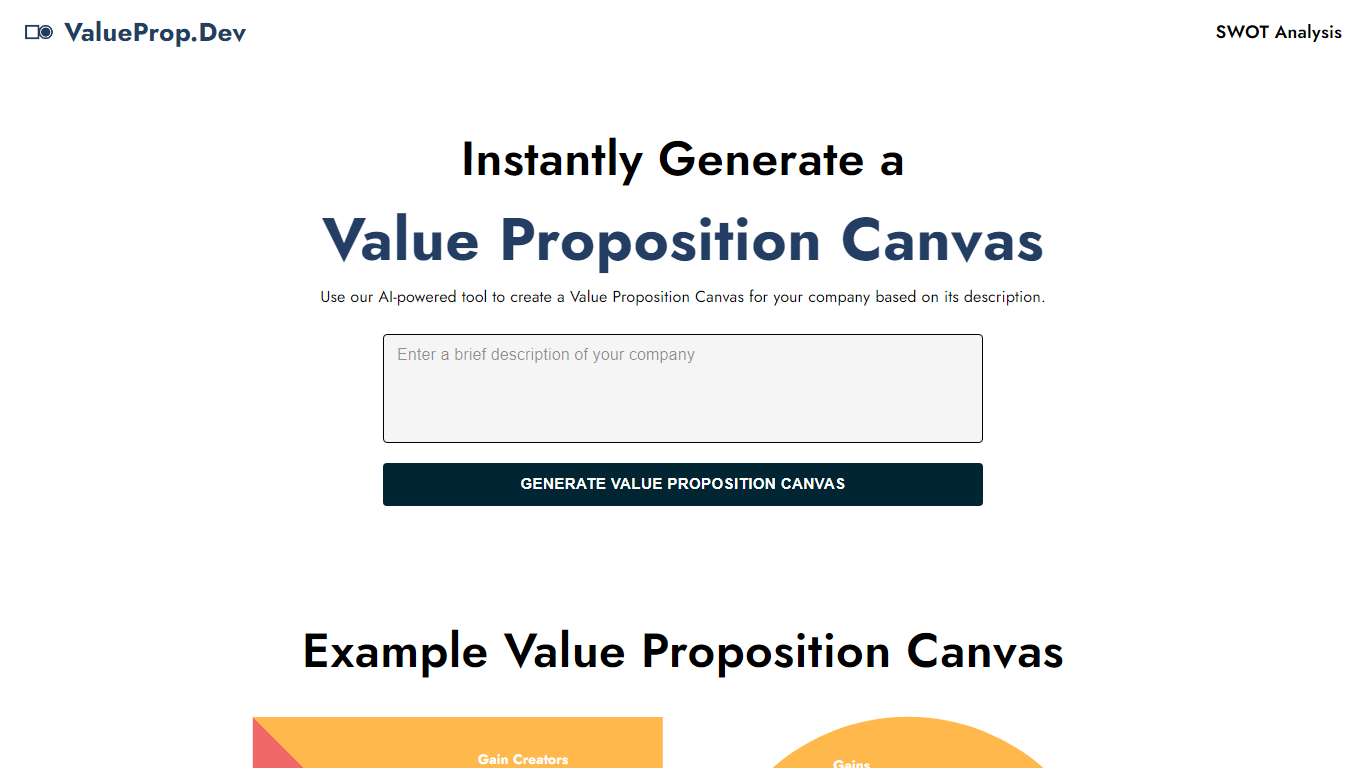
ValueProp turns a short company description into a filled Value Proposition Canvas with six blocks: Customer Jobs, Pains, Gains, Products and Services, Pain Relievers, and Gain Creators. Paste your text, click Generate, and the automation fills every section in one pass. Click any field to edit it, then download the finished canvas as an image. No account signup is required.
Most value proposition tools hand you a blank template or expect a long workshop. ValueProp skips that setup and fills every canvas section from a single text box. That makes it a fast draft generator rather than a facilitated strategy session, which is the trade-off if you need stakeholder workshops or version history.
Product managers, startup founders, and marketers who need a first-pass canvas before a pitch or launch planning session are the typical audience. It fits early positioning work when you have a product description but not a structured customer profile yet.
Microsoft Power Automate Upvotes
ValueProp Upvotes
Microsoft Power Automate Top Features
Describe automations in plain language and Copilot drafts the cloud flow steps for you
Choose from more than 1,400 certified API connectors, or build a custom one for your stack
Run attended or unattended desktop RPA on Windows 10 and 11, with hosted bots that scale on demand
Map real workflows with task and process mining before you automate the slowest steps
Extract data from documents and images using built-in AI models inside your flows
Kick off approvals and notifications directly from Teams, Excel, and SharePoint
ValueProp Top Features
Fills all six Value Proposition Canvas sections from one company description input
Edit any generated field inline by clicking before you export
Download the finished canvas as an image file
Free to use with no account required
Homepage example canvas shows all six blocks: Jobs, Pains, Gains, Products, Pain Relievers, Gain Creators
Microsoft Power Automate Category
- Automation
ValueProp Category
- Automation
Microsoft Power Automate Pricing Type
- Freemium
ValueProp Pricing Type
- Free