MobileGPT vs GptAutoBOT
In the face-off between MobileGPT vs GptAutoBOT, which AI Chat Bot tool takes the crown? We scrutinize features, alternatives, upvotes, reviews, pricing, and more.
In a face-off between MobileGPT and GptAutoBOT, which one takes the crown?
If we were to analyze MobileGPT and GptAutoBOT, both of which are AI-powered chat bot tools, what would we find? Both tools are equally favored, as indicated by the identical upvote count. You can help us determine the winner by casting your vote and tipping the scales in favor of one of the tools.
Don't agree with the result? Cast your vote and be a part of the decision-making process!
MobileGPT
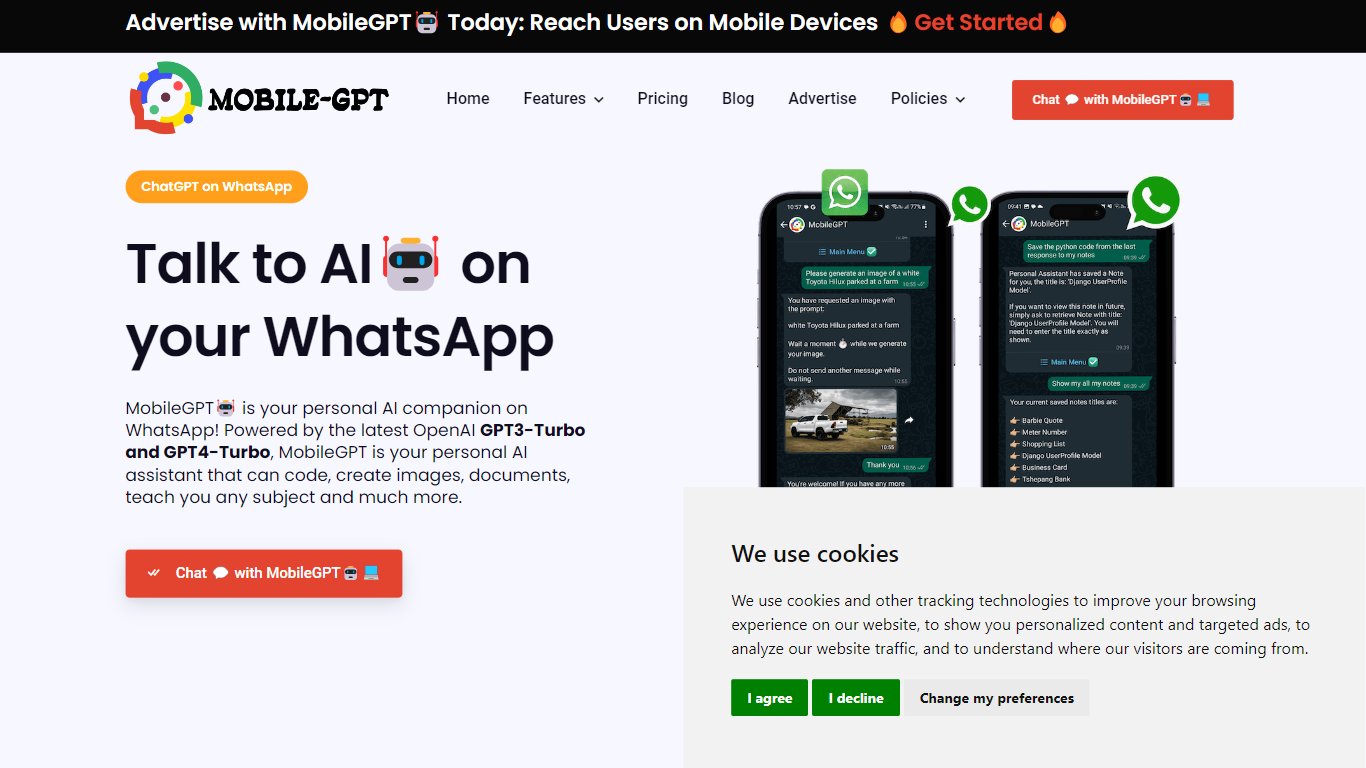

What is MobileGPT?
MobileGPT puts a GPT-4 assistant inside WhatsApp so you can chat, generate images, build Word documents, and quiz yourself on new topics without leaving your messaging app. You message the bot like any WhatsApp contact, and it responds with text, DALL-E 3 or Stable Diffusion XL images, or downloadable .docx files. A 24-hour free trial lets you test the full feature set before committing.
Most ChatGPT wrappers ship as standalone apps or browser tabs. MobileGPT bets on WhatsApp as the interface, which means no new login, no app store download, and access from any phone that already runs WhatsApp. The trade-off is tight coupling to Meta's platform: there is no web dashboard or desktop client, and every feature routes through a single chat thread.
Freelancers use it to draft client documents on the go. Students run the learning assistant with section quizzes and grades. Small business owners generate business plans and marketing copy as Word files they can edit immediately. Anyone who lives in WhatsApp already gets the most value here.
GptAutoBOT
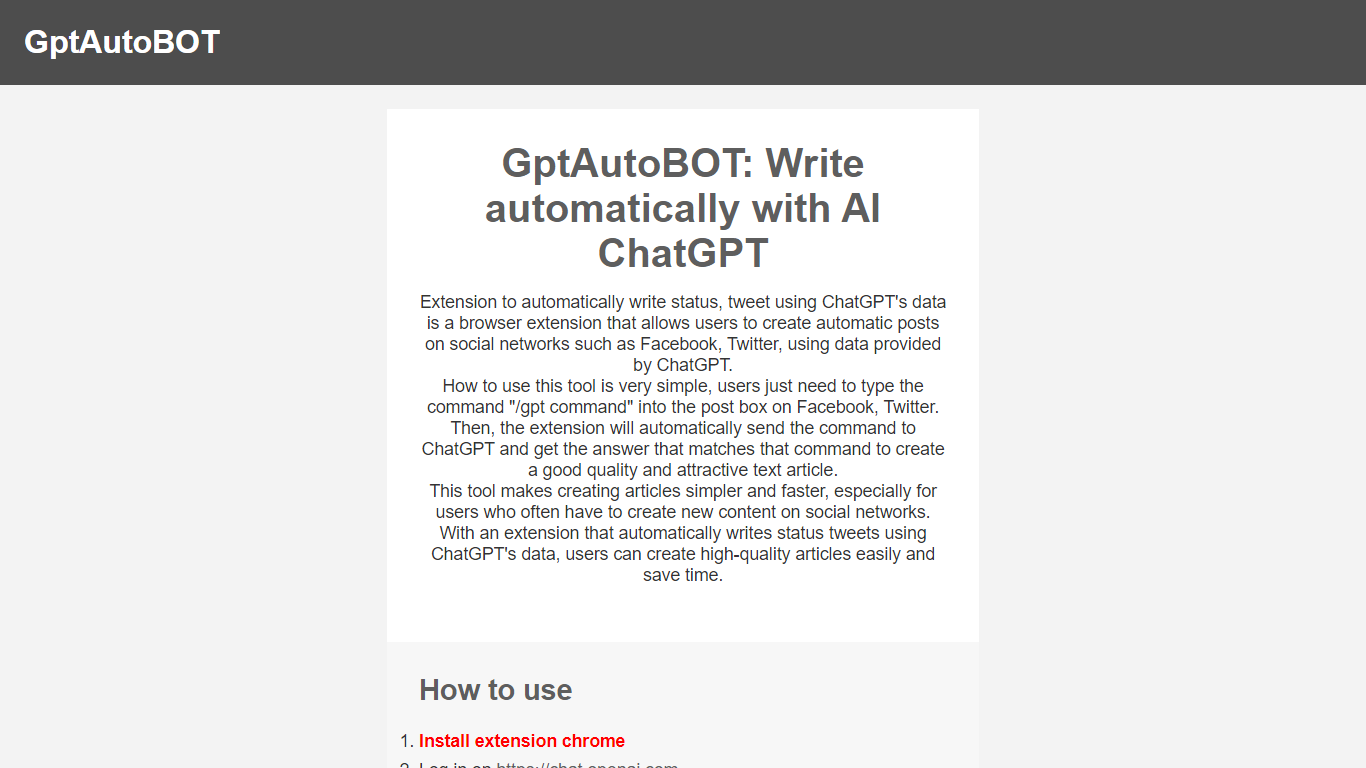
What is GptAutoBOT?
Experience seamless social media content creation with GptAutoBOT, the innovative browser extension designed to harness the power of ChatGPT. With the facility to construct intriguing articles and status updates on platforms like Facebook and Twitter, this tool ensures both quality and efficiency. Wave goodbye to the blank page and say hello to auto-generated, appealing text for your social networks.
Using GptAutoBOT is a breeze—simply install the Chrome extension, log in at chat.openai.com, and begin crafting your content. By entering "/gpt" followed by your command in any text box, GptAutoBOT takes over, transforming your command into a polished post. This user-friendly extension is perfect for content creators and social media enthusiasts seeking to enhance their online presence with minimal effort.
What's more, GptAutoBOT isn't just about social media posts. Our suite of products includes GPTGO.Ai, combining the power of ChatGPT with Google Search technology to elevate your content search capabilities. Step up your content game with GptAutoBOT and explore the possibilities that AI-driven writing assistance can bring to your digital strategy.
MobileGPT Upvotes
GptAutoBOT Upvotes
MobileGPT Top Features
GPT-3.5 Turbo, GPT-4, DALL-E 3, and GPT-4 Vision accessible through a WhatsApp chat thread
Generate images with Stable Diffusion XL 1.0 or DALL-E 3 by sending a text prompt
Talk2PDF uploads PDFs or website URLs and answers questions about the content via RAG
Create editable Word documents including business plans, resumes, and reports in one minute
Learning assistant delivers lessons with reading links, section quizzes, and graded feedback
Save notes and set reminders that arrive as WhatsApp messages at the scheduled time
GptAutoBOT Top Features
Effortless Installation: Quick Chrome extension setup for immediate use.
Easy Social Media Integration: Supports Facebook and Twitter for direct content creation.
Simple Commands: Enter "/gpt" plus your command for automated writing.
Content Quality: Generates high-quality and attractive text for posts.
Time-Saving: Saves time by automating content creation for frequent social media users.
MobileGPT Category
- Chat Bot
GptAutoBOT Category
- Chat Bot
MobileGPT Pricing Type
- Freemium
GptAutoBOT Pricing Type
- Freemium