Moodboard Creator vs Magic Brush AI
In the clash of Moodboard Creator vs Magic Brush AI, which AI Design tool emerges victorious? We assess reviews, pricing, alternatives, features, upvotes, and more.
When we put Moodboard Creator and Magic Brush AI head to head, which one emerges as the victor?
Let's take a closer look at Moodboard Creator and Magic Brush AI, both of which are AI-driven design tools, and see what sets them apart. Neither tool takes the lead, as they both have the same upvote count. Your vote matters! Help us decide the winner among aitools.fyi users by casting your vote.
Not your cup of tea? Upvote your preferred tool and stir things up!
Moodboard Creator

What is Moodboard Creator?
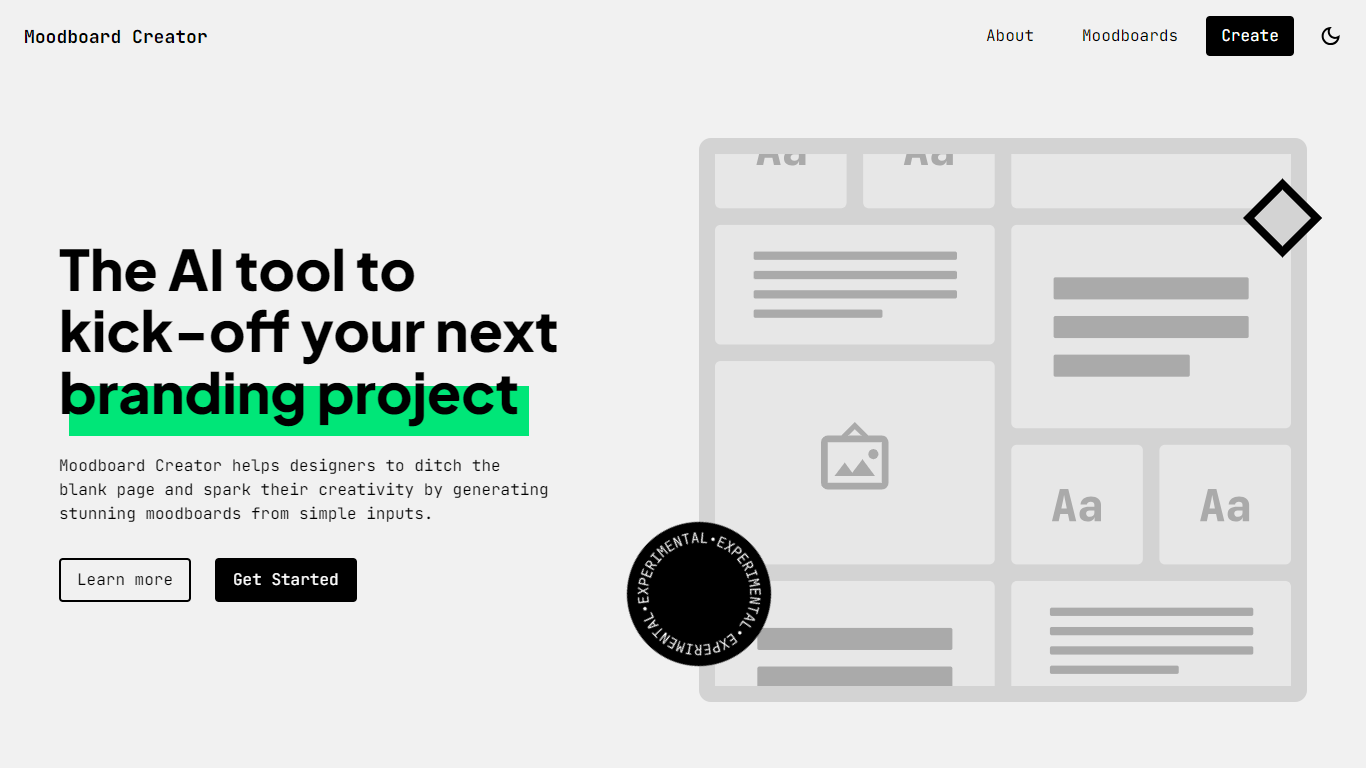
Moodboard Creator is a free web tool that helps designers start branding projects without staring at a blank page. You describe the business or organization, add three to seven keywords that capture its vibe, and the app generates an original moodboard with colors, typography, and imagery pulled from Google Fonts and Pexels.
Unlike tools that scrape existing images from the web, Moodboard Creator builds each board from scratch using LLM APIs. Results can vary between runs, so every moodboard includes a Try again button that sends you back to the form with your inputs already filled in for quick iteration.
It is an experimental side project built by designer Juan Ignacio Rios for the early inspiration phase of branding work. The creator notes that outputs may not always be perfectly accurate, but the tool is useful for sparking direction before you refine concepts manually.
Magic Brush AI

What is Magic Brush AI?
Magic Brush AI introduces an innovative AI-powered plugin specifically designed for Figma users who wish to enhance their design process. The Magic Brush AI plugin seamlessly integrates with Figma, allowing designers to generate and edit images directly within the application. If you're looking to speed up your design workflow and leverage artificial intelligence in your projects, Magic Brush AI offers a simple yet powerful solution. With easy installation and a user-friendly interface, Magic Brush expands creative possibilities without ever leaving your favorite design platform. Additionally, the community aspect is emphasized with an invitation to join their Discord, suggesting a focus on user engagement and support. Designed by Elie Toubiana from sunshine-filled Los Angeles, CA, Magic Brush AI is poised to transform how creatives interact with Figma and image editing.
Moodboard Creator Upvotes
Magic Brush AI Upvotes
Moodboard Creator Top Features
Describe your business and add 3 to 7 keywords to generate a full moodboard in seconds
Creates original boards instead of recycling scraped images from the internet
Pulls typography from Google Fonts and photos from Pexels for cohesive branding elements
Try again button reloads the form with your inputs so you can iterate on subtle keyword changes
Browse example moodboards for vintage stores, sports teams, and nonprofits before creating your own
Magic Brush AI Top Features
AI Powered Plugin: A convenient Figma plugin that utilizes AI for image generation and editing.
Seamless Integration: Integrates with Figma for a streamlined design workflow.
Easy Installation: Simple process to install the plugin directly on Figma.
Community Support: Access to a Discord community for networking and support.
Frequent Updates: Continual improvements and feature additions to enhance user experience.
Moodboard Creator Category
- Design
Magic Brush AI Category
- Design
Moodboard Creator Pricing Type
- Free
Magic Brush AI Pricing Type
- Freemium