Moosend vs IntelliMail
Dive into the comparison of Moosend vs IntelliMail and discover which AI Email Assistant tool stands out. We examine alternatives, upvotes, features, reviews, pricing, and beyond.
When comparing Moosend and IntelliMail, which one rises above the other?
When we compare Moosend and IntelliMail, two exceptional email assistant tools powered by artificial intelligence, and place them side by side, several key similarities and differences come to light. There's no clear winner in terms of upvotes, as both tools have received the same number. Be a part of the decision-making process. Your vote could determine the winner.
Want to flip the script? Upvote your favorite tool and change the game!
Moosend


What is Moosend?
Moosend handles email campaigns, marketing automation, landing pages, and signup forms from one dashboard. You build newsletters in a drag-and-drop editor, segment contacts, run A/B tests, and trigger workflows based on site behavior without juggling separate tools.
The platform targets teams comparing it to Mailchimp and MailerLite on price. Customer quotes on the site cite feature depth and support at a lower cost. Moosend also bundles transactional email, an SMTP server, and ecommerce product recommendations, which many newsletter-only tools leave out or sell as add-ons.
A 30-day free trial includes unlimited sends for up to 1,000 contacts with no credit card. Paid Pro plans scale by list size, with annual billing starting at $7 per month on the homepage pricing widget. Moosend is now part of Constant Contact but continues as its own product with 100,000+ customers including Vogue, Domino's, and WWF.
IntelliMail
What is IntelliMail?
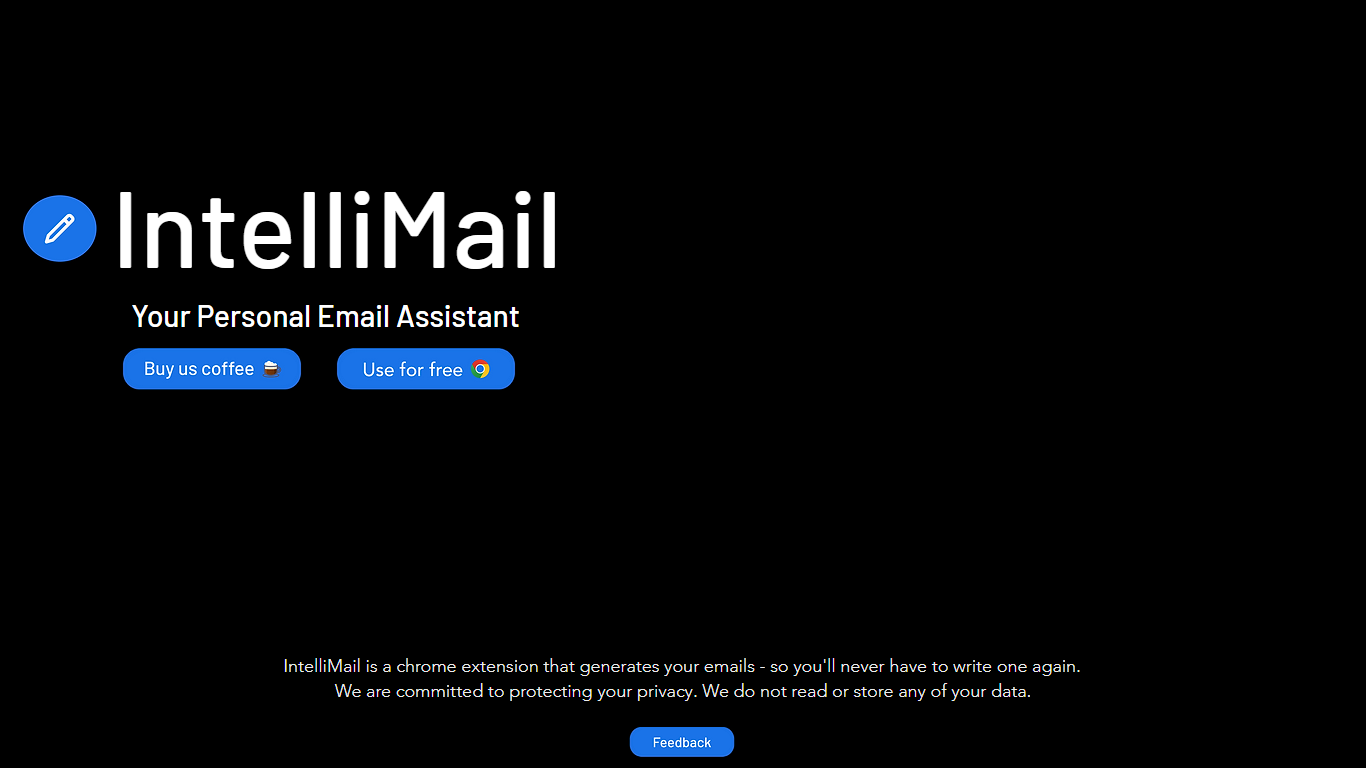
IntelliMail ships as a Chrome extension that drafts full emails from the context you provide, so you skip blank-message typing in the browser. The intellimail.xyz landing page links straight to the Chrome Web Store listing and positions the tool as a personal email assistant.
Many email helpers only suggest snippets inside a web app. IntelliMail installs as a browser extension and generates complete messages after you add context, with a public pledge that the team does not read or store your data on intellimail.xyz.
Professionals who write thank-you notes, internship outreach, and routine replies in Chrome are the natural fit. The site keeps the workflow minimal: download the extension, open your mail client, add context, and generate.
The product is marketed as free on the Chrome Web Store page linked from the homepage. Optional support runs through a Buy Me a Coffee link, and feedback goes to an Airtable form also linked on the site.
IntelliMail.xyz runs on Wix with React, Chakra UI, Cloudflare, Hotjar, and Sentry detected in the page bundle. Version 1.6.9 was the last Chrome Web Store update noted on the linked listing when this page was reviewed.
Moosend Upvotes
IntelliMail Upvotes
Moosend Top Features
Drag-and-drop editor with 110+ customizable email templates
30-day free trial with unlimited sends for up to 1,000 contacts
Marketing automation workflows with pre-built recipe templates
80+ integrations including WooCommerce, Salesforce, WordPress, and Zapier
Pro plans from $9 per month monthly or $7 per month on annual billing
IntelliMail Top Features
📧 Full email drafts: Extension generates complete messages from the context you supply.
🔒 Privacy pledge: Site states IntelliMail does not read or store user data.
🧩 Chrome install: Distributed through the Chrome Web Store link on intellimail.xyz.
☕ Optional support: Buy Me a Coffee link for voluntary donations on the homepage.
📝 Feedback form: Airtable feedback link collects product input from users.
Moosend Category
- Email Assistant
IntelliMail Category
- Email Assistant
Moosend Pricing Type
- Freemium
IntelliMail Pricing Type
- Free