Moshi AI vs AnyToSpeech
In the clash of Moshi AI vs AnyToSpeech, which AI Audio Generation tool emerges victorious? We assess reviews, pricing, alternatives, features, upvotes, and more.
When we put Moshi AI and AnyToSpeech head to head, which one emerges as the victor?
Let's take a closer look at Moshi AI and AnyToSpeech, both of which are AI-driven audio generation tools, and see what sets them apart. Neither tool takes the lead, as they both have the same upvote count. The power is in your hands! Cast your vote and have a say in deciding the winner.
Not your cup of tea? Upvote your preferred tool and stir things up!
Moshi AI
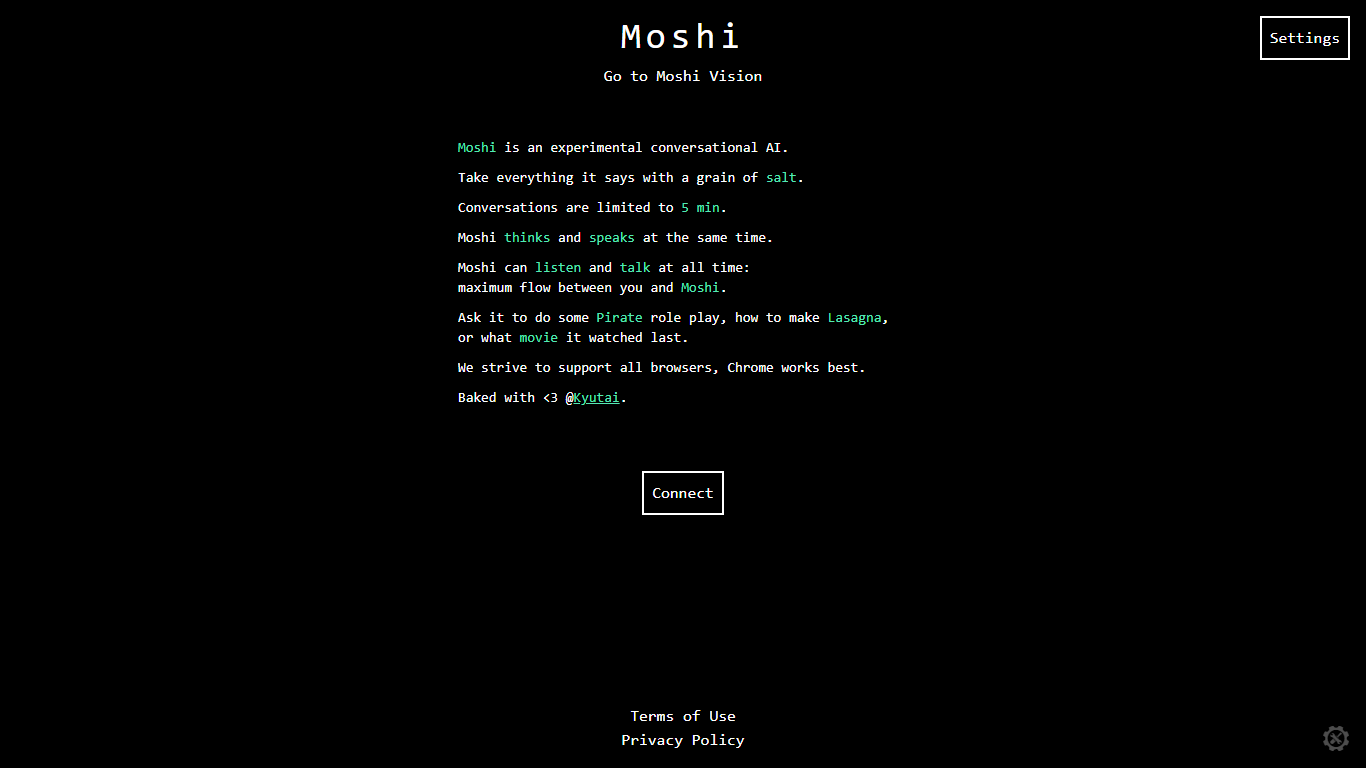

What is Moshi AI?
Moshi AI is a speech-native conversational model from Kyutai, a Paris-based open-science research lab. Instead of chaining speech recognition, text generation, and text-to-speech, Moshi processes audio directly and holds full-duplex voice conversations with minimal latency.
Its multi-stream design runs separate channels for the user, Moshi's spoken output, and an Inner Monologue text stream that improves coherence. That setup lets Moshi listen and talk at the same time, handle overlaps, interruptions, and backchanneling like a real conversation rather than rigid speaker turns.
Moshi is built on Helium, a 7B language model, and Mimi, Kyutai's neural audio codec. Weights and inference code ship for PyTorch, Rust, and MLX, and you can try it in the browser at moshi-chat.kyutai.org. Researchers, voice AI developers, and anyone building real-time spoken interfaces will find the most value here.
AnyToSpeech
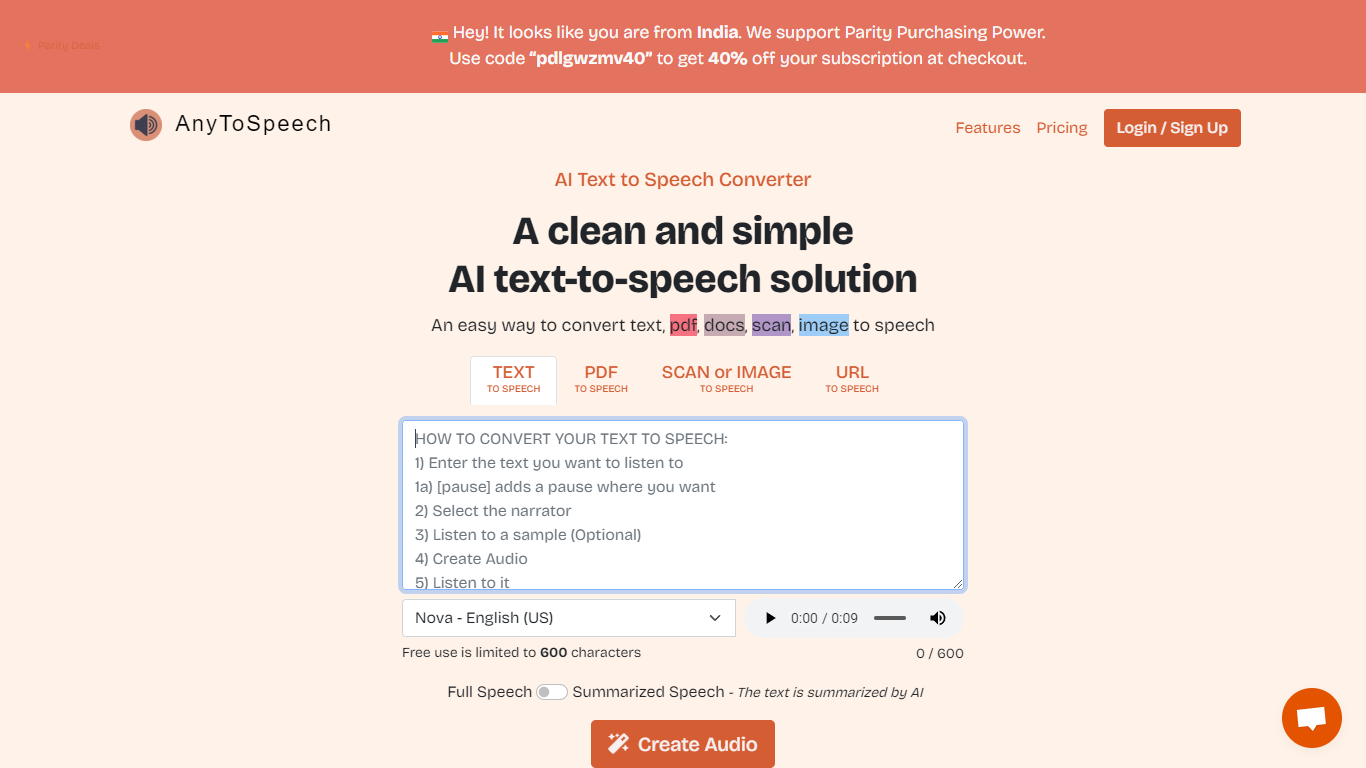
What is AnyToSpeech?
AnyToSpeech is an online text-to-speech platform that turns written content into spoken audio. Paste plain text, upload PDFs, drop in URLs, or pull text from images and get MP3 files back with natural-sounding voices.
The platform goes well beyond basic TTS. You can build PDF and document audiobooks, narrate webpages, run speech-to-text transcription, clone your voice from short recordings, and generate two-speaker podcast episodes from a topic brief or script. PDF conversion skips page numbers, footnotes, and table-of-contents sections so the listening flow stays clean.
AnyToSpeech offers hundreds of voice options across many languages and accents, plus a large set of free analysis tools for pronunciation, accent detection, and voice scoring. Mobile apps are available on Google Play and the Apple App Store.
It fits creators, authors, educators, and anyone who wants to listen instead of read.
Moshi AI Upvotes
AnyToSpeech Upvotes
Moshi AI Top Features
Processes speech directly without a text pipeline in the middle
Listens and talks simultaneously with overlap and interruption support
Inner Monologue text stream improves speech quality and reasoning
Runs real-time on an L4 GPU or M3 MacBook Pro via the Mimi codec
Open weights on Hugging Face with PyTorch, Rust, and MLX inference code
AnyToSpeech Top Features
Paste text or upload PDFs, DOCX, and URLs, then download polished MP3 audio with adjustable speaking rate
Clone your voice from three short recordings in about 30 seconds and use it across every conversion tool
Generate two-speaker podcast episodes from a topic or script, complete with intro music and a spoken title
Upload audio or video files for transcription you can translate to 100+ languages, with 50 free minutes monthly
Choose from hundreds of voices across 24+ interface languages, including region-specific accents worldwide
Moshi AI Category
- Audio Generation
AnyToSpeech Category
- Audio Generation
Moshi AI Pricing Type
- Free
AnyToSpeech Pricing Type
- Freemium