Moshi AI vs AudioStrip
In the clash of Moshi AI vs AudioStrip, which AI Audio Generation tool emerges victorious? We assess reviews, pricing, alternatives, features, upvotes, and more.
When we put Moshi AI and AudioStrip head to head, which one emerges as the victor?
Let's take a closer look at Moshi AI and AudioStrip, both of which are AI-driven audio generation tools, and see what sets them apart. The upvote count is neck and neck for both Moshi AI and AudioStrip. The power is in your hands! Cast your vote and have a say in deciding the winner.
Feeling rebellious? Cast your vote and shake things up!
Moshi AI

What is Moshi AI?
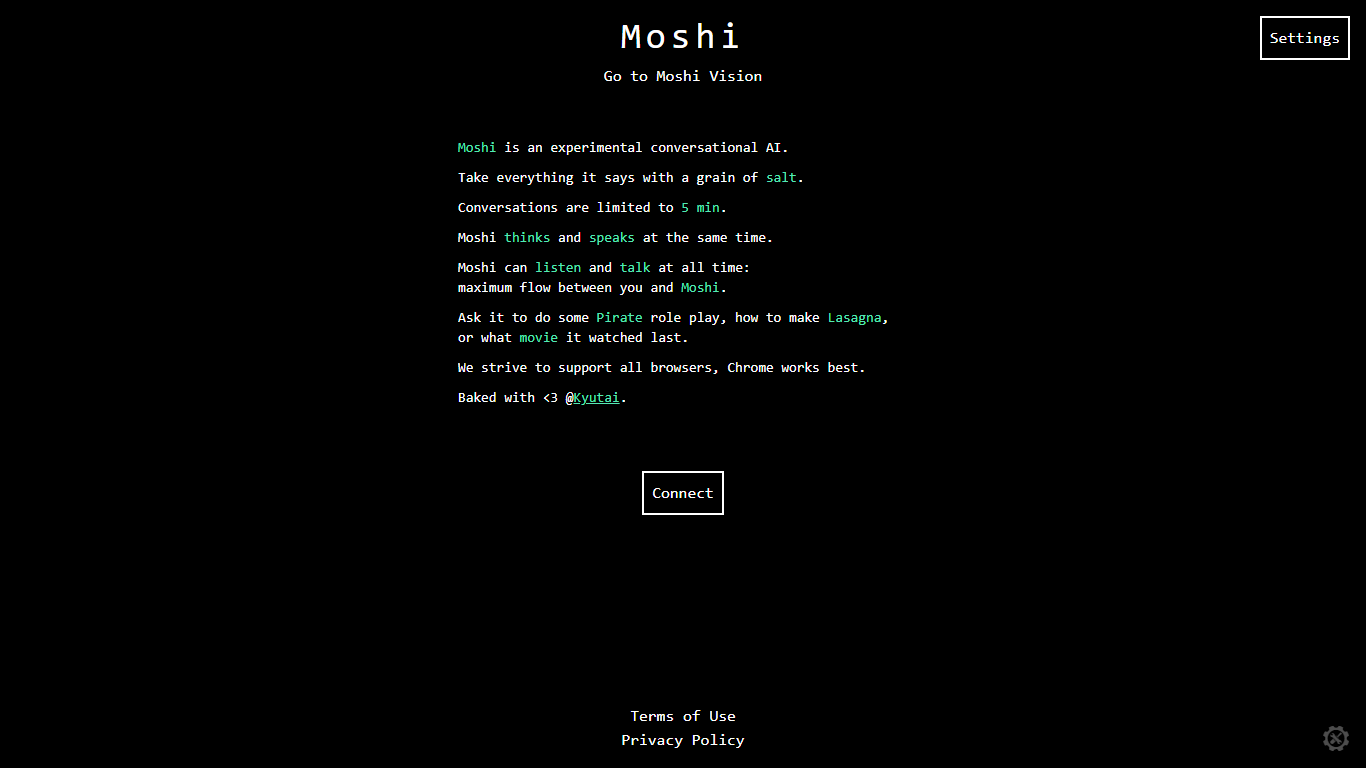
Moshi AI is a speech-native conversational model from Kyutai, a Paris-based open-science research lab. Instead of chaining speech recognition, text generation, and text-to-speech, Moshi processes audio directly and holds full-duplex voice conversations with minimal latency.
Its multi-stream design runs separate channels for the user, Moshi's spoken output, and an Inner Monologue text stream that improves coherence. That setup lets Moshi listen and talk at the same time, handle overlaps, interruptions, and backchanneling like a real conversation rather than rigid speaker turns.
Moshi is built on Helium, a 7B language model, and Mimi, Kyutai's neural audio codec. Weights and inference code ship for PyTorch, Rust, and MLX, and you can try it in the browser at moshi-chat.kyutai.org. Researchers, voice AI developers, and anyone building real-time spoken interfaces will find the most value here.
AudioStrip

What is AudioStrip?
Upload a song to AudioStrip and download isolated vocals, drums, bass, and other stems for remixing, karaoke prep, or post-production work. Pick a separation model on the isolate page, wait for processing, and grab MP3 output on the free tier or WAV and FLAC on Premium. The same account also handles speech denoising, AI mastering, and key/BPM detection.
Where desktop stem splitters like Ultimate Vocal Remover expect local installs and GPU tuning, AudioStrip keeps everything in the browser with a generous free tier. The trade-off is queue time: free jobs can take 15 to 60 minutes, while Premium promises over 10x faster processing. AudioStrip Batch is a separate downloadable app that runs Demucs locally for folder-wide jobs, but only for paying subscribers on Windows or Mac.
The tool fits bedroom producers, karaoke app developers, and podcast editors who need quick stem splits without configuring Python environments. Queen Mary University and Innovate UK partnerships back the separation research, and testimonials on the homepage come from KaraFun Group and Royal Television Society composer Paul Farrer.
Moshi AI Upvotes
AudioStrip Upvotes
Moshi AI Top Features
Processes speech directly without a text pipeline in the middle
Listens and talks simultaneously with overlap and interruption support
Inner Monologue text stream improves speech quality and reasoning
Runs real-time on an L4 GPU or M3 MacBook Pro via the Mimi codec
Open weights on Hugging Face with PyTorch, Rust, and MLX inference code
AudioStrip Top Features
Free plan includes monthly isolations, masters, and enhancements with MP3 output
Premium at £5.99 per month unlocks unlimited jobs and over 10x faster isolation
Pick VBSplitz Free, Demucs 4, or VBSplitz Premium separation models per upload
Accepts WAV, MP3, OGG, M4A, WMA, and FLAC files up to 200MB on Premium
AudioStrip Batch desktop app processes whole song folders locally via Demucs V3/V4
Built-in Key and BPM Finder powered by open-source key-cnn and tempo-cnn libraries
Premium exports WAV, FLAC, or MP3 with a 20-minute max song length per upload
Moshi AI Category
- Audio Generation
AudioStrip Category
- Audio Generation
Moshi AI Pricing Type
- Free
AudioStrip Pricing Type
- Freemium