Moshi AI vs GetSound.ai
In the face-off between Moshi AI vs GetSound.ai, which AI Audio Generation tool takes the crown? We scrutinize features, alternatives, upvotes, reviews, pricing, and more.
In a face-off between Moshi AI and GetSound.ai, which one takes the crown?
If we were to analyze Moshi AI and GetSound.ai, both of which are AI-powered audio generation tools, what would we find? Interestingly, both tools have managed to secure the same number of upvotes. Join the aitools.fyi users in deciding the winner by casting your vote.
You don't agree with the result? Cast your vote to help us decide!
Moshi AI

What is Moshi AI?
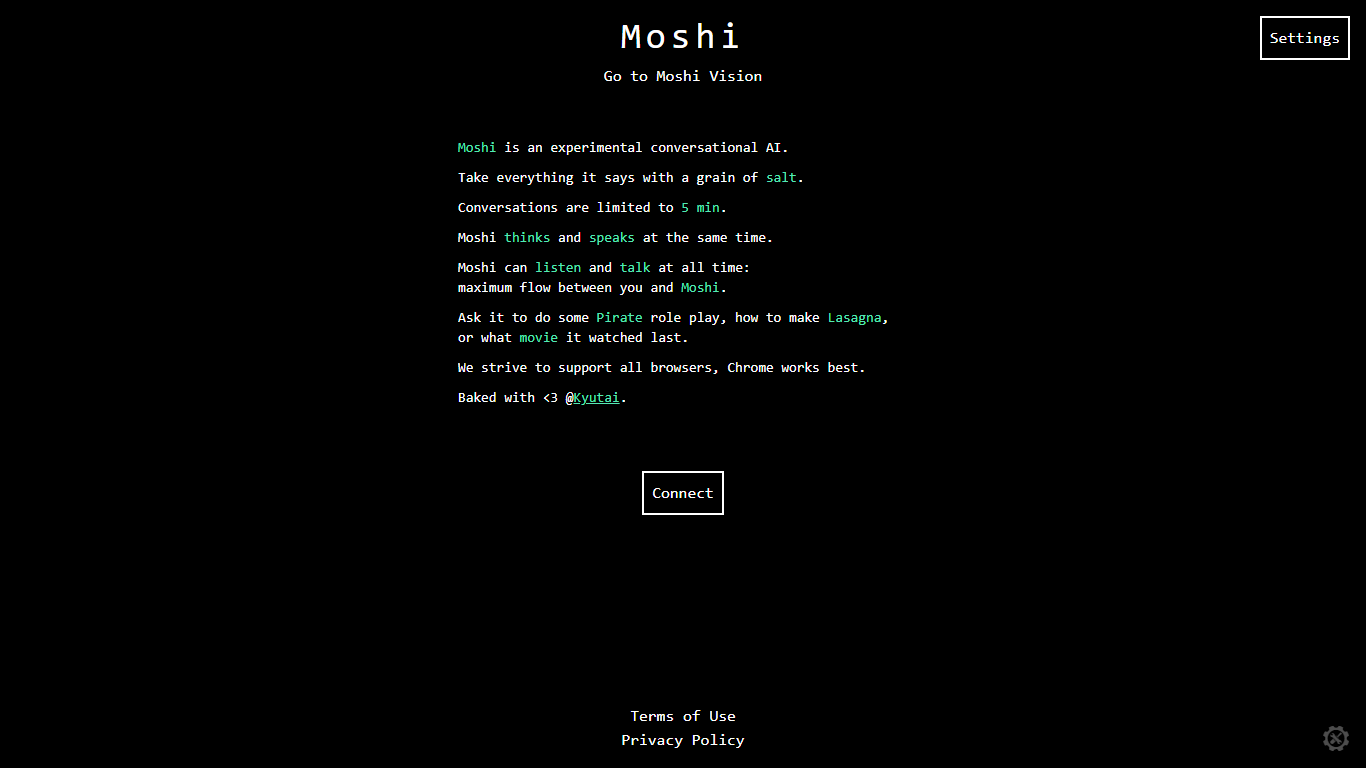
Moshi AI is a speech-native conversational model from Kyutai, a Paris-based open-science research lab. Instead of chaining speech recognition, text generation, and text-to-speech, Moshi processes audio directly and holds full-duplex voice conversations with minimal latency.
Its multi-stream design runs separate channels for the user, Moshi's spoken output, and an Inner Monologue text stream that improves coherence. That setup lets Moshi listen and talk at the same time, handle overlaps, interruptions, and backchanneling like a real conversation rather than rigid speaker turns.
Moshi is built on Helium, a 7B language model, and Mimi, Kyutai's neural audio codec. Weights and inference code ship for PyTorch, Rust, and MLX, and you can try it in the browser at moshi-chat.kyutai.org. Researchers, voice AI developers, and anyone building real-time spoken interfaces will find the most value here.
GetSound.ai
What is GetSound.ai?
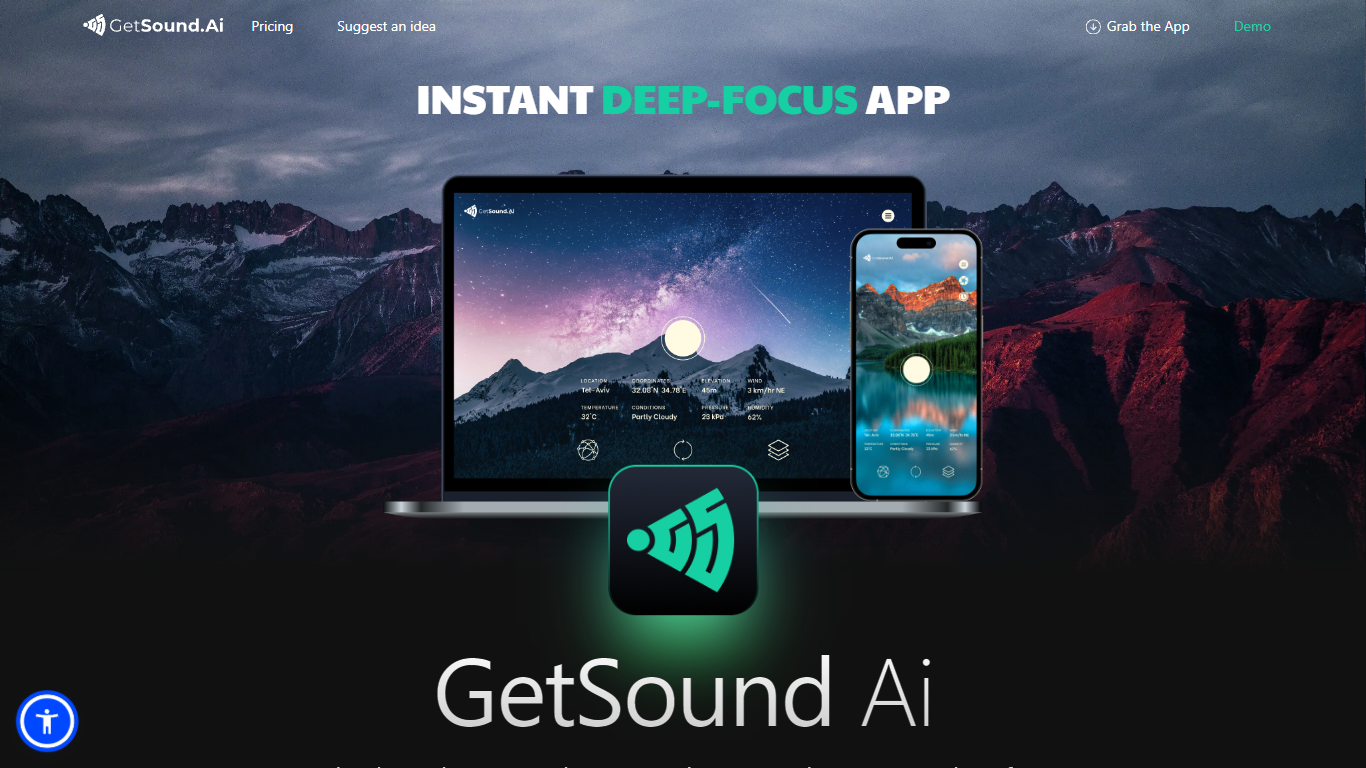
GetSound.ai generates real-time ambient soundscapes meant to help you focus, study, or unwind. Its desktop apps for macOS, Windows, and Linux, plus a mobile app, play deep-focus music and background layers that change with your location, weather, light, and wind conditions. Each session produces a fresh soundscape rather than looping the same track.
Unlike static focus playlists, GetSound.ai ties audio to your environment through what it calls RTS technology and weather-reactive layers. That means rustling leaves or flowing water can shift when the weather changes outside. The trade-off is you need the app running and location access for the reactive effect, not just a simple offline playlist.
GetSound.ai targets students, remote workers, and teams in offices, libraries, coworking spaces, or schools who want ambient audio without picking tracks manually. Businesses with multiple rooms can control sound per zone, according to the about page. Support is available at [email protected], and the site links to a knowledge base, idea suggestions, and Medium articles.
Moshi AI Upvotes
GetSound.ai Upvotes
Moshi AI Top Features
Processes speech directly without a text pipeline in the middle
Listens and talks simultaneously with overlap and interruption support
Inner Monologue text stream improves speech quality and reasoning
Runs real-time on an L4 GPU or M3 MacBook Pro via the Mimi codec
Open weights on Hugging Face with PyTorch, Rust, and MLX inference code
GetSound.ai Top Features
Real-time soundscapes generated fresh each session via RTS technology
Weather-reactive audio based on location, weather, light, and wind
Desktop apps for macOS, Windows, and Linux plus a mobile app
Free plan with limited daily usage, ambient layers, and location switches
Personal plan adds unlimited refresh, session timer, and removes ads
Business controls for separate ambient sound in multiple rooms or zones
Moshi AI Category
- Audio Generation
GetSound.ai Category
- Audio Generation
Moshi AI Pricing Type
- Free
GetSound.ai Pricing Type
- Freemium