Motion Cut vs Clipchamp
When comparing Motion Cut vs Clipchamp, which AI Video Editing tool shines brighter? We look at pricing, alternatives, upvotes, features, reviews, and more.
In a comparison between Motion Cut and Clipchamp, which one comes out on top?
When we put Motion Cut and Clipchamp side by side, both being AI-powered video editing tools, There's no clear winner in terms of upvotes, as both tools have received the same number. Your vote matters! Help us decide the winner among aitools.fyi users by casting your vote.
Disagree with the result? Upvote your favorite tool and help it win!
Motion Cut
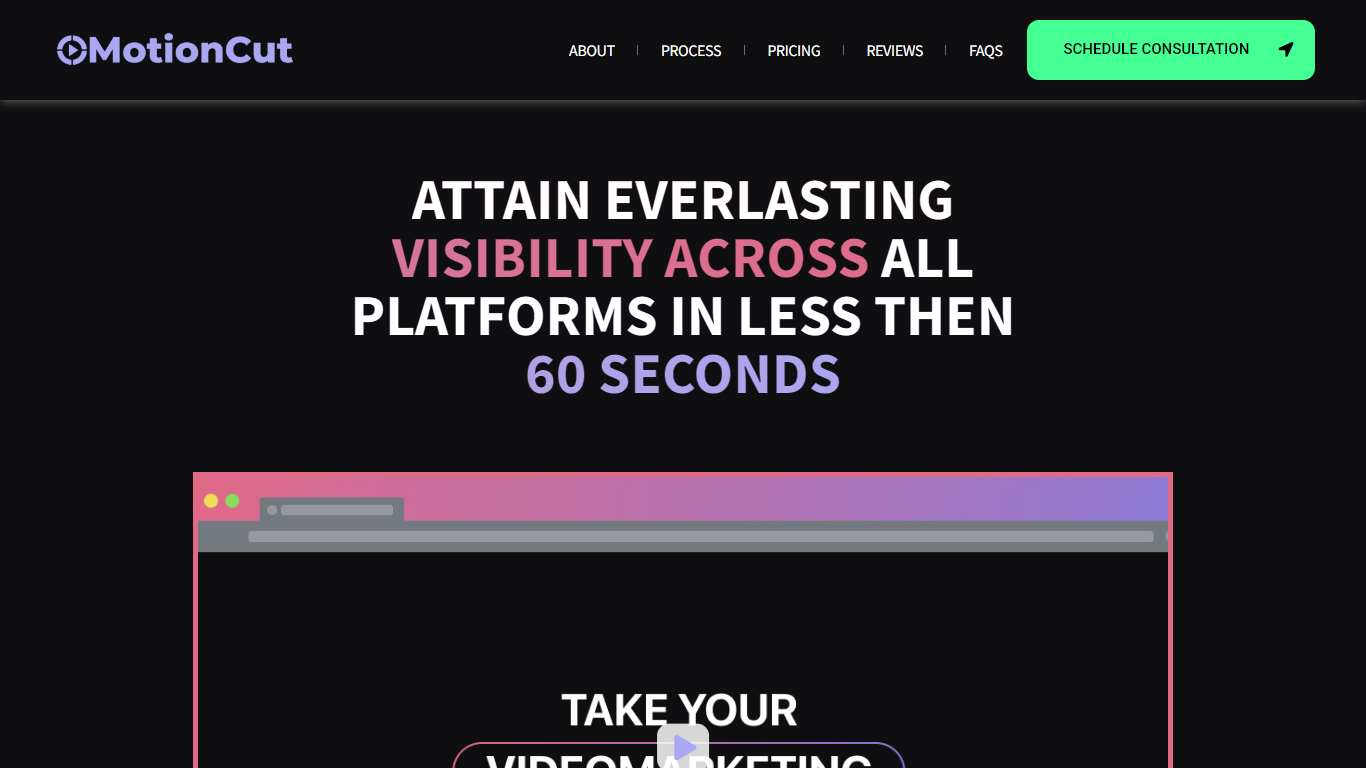

What is Motion Cut ?
Motion Cut continues to specialize in creating impactful short videos tailored for SaaS, AI, and Web3 startups, helping brands gain visibility quickly across social platforms. Their process starts with a creative consultation to understand your brand vision, followed by custom scriptwriting and storyboarding, and ends with delivering engaging, platform-optimized videos. They offer flexible packages from single videos to multi-video campaigns, ensuring content fits perfectly on all social media channels.
Recently, Motion Cut has expanded its focus to include startups looking for fast, effective video content that educates users and grows their audience without needing in-house video teams. Their all-in-one service covers scripting, storyboarding, and editing, making video production accessible and efficient.
The team emphasizes clarity and creativity, crafting videos that communicate complex tech ideas simply and memorably. While no major technical platform changes are noted, their workflow remains client-focused and iterative, ensuring each video aligns with marketing goals.
Motion Cut stands out by combining strategic storytelling with technical expertise in SaaS and emerging tech sectors, helping startups create videos that not only attract attention but also convert viewers into users. Their service is ideal for companies wanting professional video content without the overhead of building internal video production capabilities.
Clipchamp

What is Clipchamp?
Clipchamp enables users to record, edit, and share high-definition videos directly from their web browser or Windows app. It offers tools for creating videos with webcam, screen, and voice recordings, combined with AI-powered editing features like noise suppression and automatic subtitle generation.
What distinguishes Clipchamp from other video editors is its integration of advanced AI tools such as a natural voiceover generator with over 400 voices and an AI silence remover that automatically cuts long pauses. It also provides customizable color and gradient backgrounds and supports exporting videos up to 4K resolution without watermarks for premium users.
Clipchamp's content library includes royalty-free stock videos, images, music, and templates tailored for social media, education, and business use. Its privacy-first approach ensures all recordings remain on the user's device unless shared, making it a secure choice for video creation.
With features like multi-item editing, grouping, and a flexible video resizer supporting multiple aspect ratios, Clipchamp offers a comprehensive editing experience suitable for creators of all skill levels. It works seamlessly in Microsoft Edge and Google Chrome browsers, with an optional Windows app available for enhanced performance.
Motion Cut Upvotes
Clipchamp Upvotes
Motion Cut Top Features
🎬 Custom Scriptwriting: Tailored scripts that clearly explain your product and engage your audience.
🖼️ Storyboarding Services: Visual planning to ensure your video flows smoothly and tells a compelling story.
📱 Multi-Platform Formatting: Videos optimized for all social media channels to maximize reach and impact.
⏱️ Fast Turnaround: Efficient production process delivering quality videos quickly to meet tight marketing schedules.
🤝 End-to-End Support: From concept to final edit, a full-service approach that removes the need for in-house video teams.
Clipchamp Top Features
🎤 Natural AI voiceover generator with 400+ voices and adjustable pitch and pace
📝 AI subtitle generator creating accurate captions in 80+ languages with editable styles
📹 Screen and webcam recorder with unlimited retakes and no watermarks
🔇 AI silence remover to automatically cut long pauses and silences from videos
🎨 Custom color and gradient video backgrounds with HSV and HEX color picker
📺 Video exports up to 4K resolution available with premium subscription
🎬 Multi-item editing and grouping tools for efficient workflow
Motion Cut Category
- Video Editing
Clipchamp Category
- Video Editing
Motion Cut Pricing Type
- Freemium
Clipchamp Pricing Type
- Freemium