Motion Cut vs Timebolt
In the contest of Motion Cut vs Timebolt, which AI Video Editing tool is the champion? We evaluate pricing, alternatives, upvotes, features, reviews, and more.
If you had to choose between Motion Cut and Timebolt, which one would you go for?
When we examine Motion Cut and Timebolt, both of which are AI-enabled video editing tools, what unique characteristics do we discover? The upvote count shows a clear preference for Timebolt. Timebolt has garnered 18 upvotes, and Motion Cut has garnered 6 upvotes.
Not your cup of tea? Upvote your preferred tool and stir things up!
Motion Cut
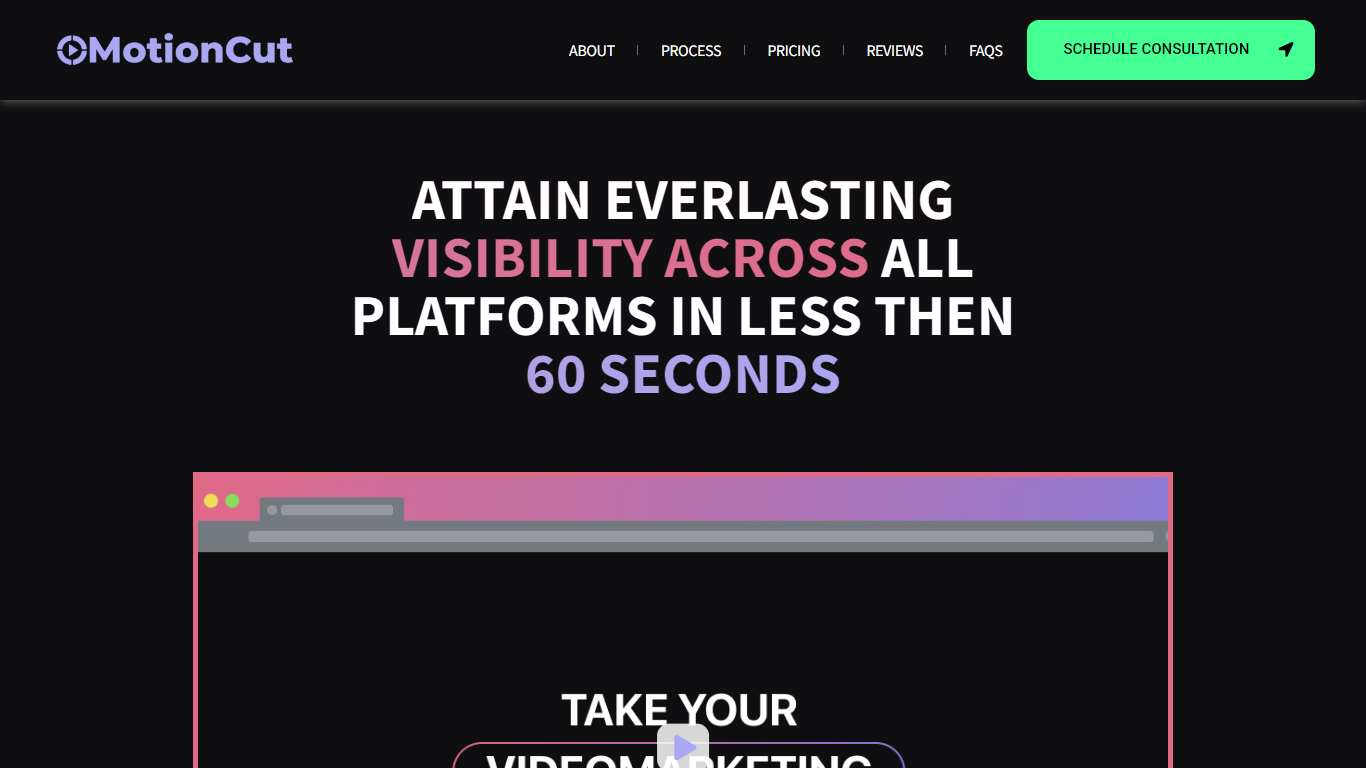

What is Motion Cut ?
Motion Cut continues to specialize in creating impactful short videos tailored for SaaS, AI, and Web3 startups, helping brands gain visibility quickly across social platforms. Their process starts with a creative consultation to understand your brand vision, followed by custom scriptwriting and storyboarding, and ends with delivering engaging, platform-optimized videos. They offer flexible packages from single videos to multi-video campaigns, ensuring content fits perfectly on all social media channels.
Recently, Motion Cut has expanded its focus to include startups looking for fast, effective video content that educates users and grows their audience without needing in-house video teams. Their all-in-one service covers scripting, storyboarding, and editing, making video production accessible and efficient.
The team emphasizes clarity and creativity, crafting videos that communicate complex tech ideas simply and memorably. While no major technical platform changes are noted, their workflow remains client-focused and iterative, ensuring each video aligns with marketing goals.
Motion Cut stands out by combining strategic storytelling with technical expertise in SaaS and emerging tech sectors, helping startups create videos that not only attract attention but also convert viewers into users. Their service is ideal for companies wanting professional video content without the overhead of building internal video production capabilities.
Timebolt

What is Timebolt?
Timebolt is a desktop video editor built around waveform-first jump cuts for podcasts, interviews, and screen recordings. It strips silence, filler words, and bad takes with 0.01 second cut control, then exports timelines to Premiere Pro, Final Cut Pro, DaVinci Resolve, or Camtasia without re-cutting by hand.
Most text-based AI editors guess where pauses live and leave hundreds of missed cuts per hour. Timebolt measures the audio waveform first, which is why its benchmark claims zero mistakes left per hour while rivals like Descript and Gling still need manual cleanup. That trade-off favors editors who want frame-tight cuts over a chat-style transcript workflow.
Podcasters, YouTubers, and course creators use Timebolt to shrink raw talking-head footage before publishing. Post-production teams also route Riverside multicam sessions through Timebolt XML exports so senior editors finish polish work in their preferred NLE.
Motion Cut Upvotes
Timebolt Upvotes
Motion Cut Top Features
🎬 Custom Scriptwriting: Tailored scripts that clearly explain your product and engage your audience.
🖼️ Storyboarding Services: Visual planning to ensure your video flows smoothly and tells a compelling story.
📱 Multi-Platform Formatting: Videos optimized for all social media channels to maximize reach and impact.
⏱️ Fast Turnaround: Efficient production process delivering quality videos quickly to meet tight marketing schedules.
🤝 End-to-End Support: From concept to final edit, a full-service approach that removes the need for in-house video teams.
Timebolt Top Features
0.01 second cut control on waveform-based silence removal
Processes an hour of footage in about 13 seconds for jump cuts
Exports XML timelines to Premiere Pro, Final Cut Pro, and DaVinci Resolve
UMCHECK removes filler words automatically from recorded speech
Free 4K screen capture tool for Mac and Windows
Benchmark reports zero missed cuts per hour versus hundreds on rival AI editors
Motion Cut Category
- Video Editing
Timebolt Category
- Video Editing
Motion Cut Pricing Type
- Freemium
Timebolt Pricing Type
- Freemium