MotionMate vs Peech AI
Compare MotionMate vs Peech AI and see which AI Video Editing tool is better when we compare features, reviews, pricing, alternatives, upvotes, etc.
Which one is better? MotionMate or Peech AI?
When we compare MotionMate with Peech AI, which are both AI-powered video editing tools, The community has spoken, MotionMate leads with more upvotes. MotionMate has been upvoted 6 times by aitools.fyi users, and Peech AI has been upvoted 5 times.
Want to flip the script? Upvote your favorite tool and change the game!
MotionMate

What is MotionMate ?
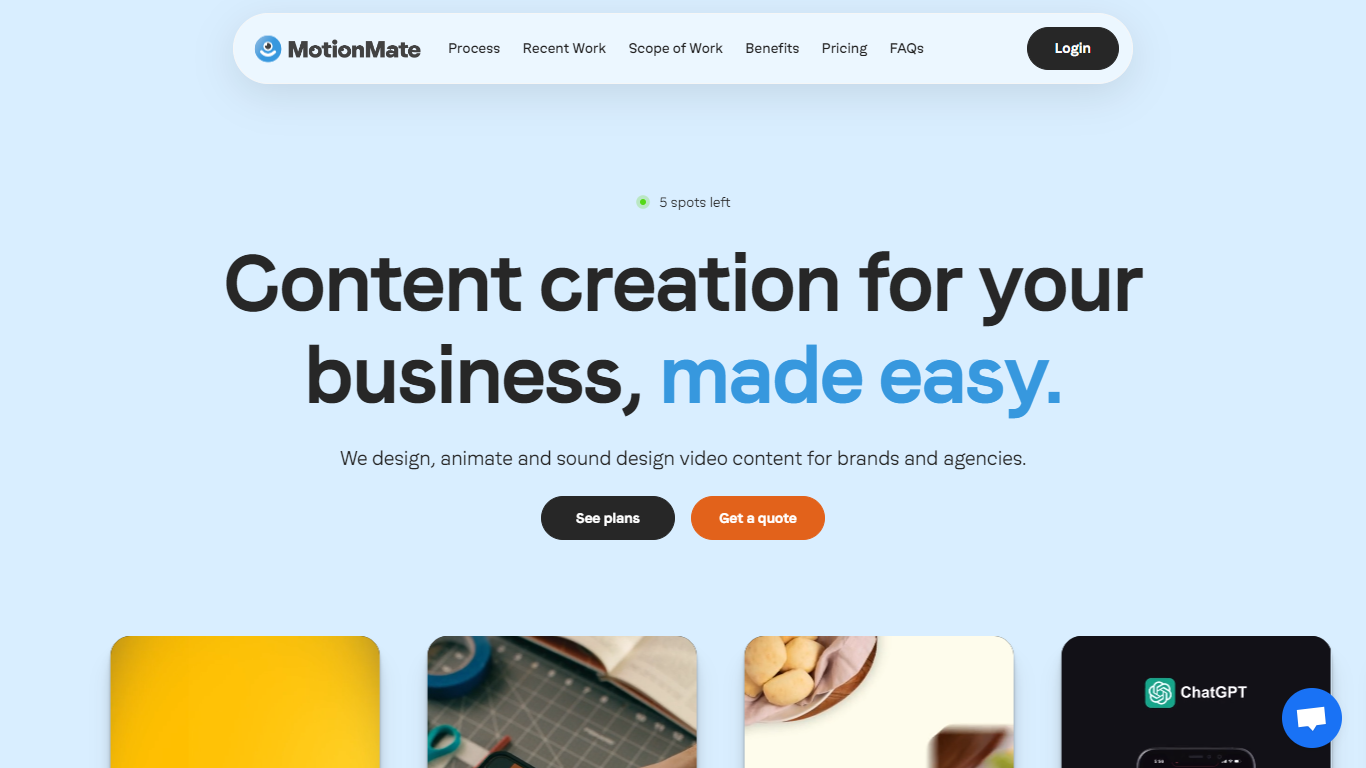
MotionMate enables brands to create custom animated content including explainer videos, onboarding clips, social media ads, product demos, and logo animations. It guides users through a clear process of understanding client needs, designing animations, revising based on feedback, and delivering polished videos.
What distinguishes MotionMate from other animation services is its support for multiple users and brands under flexible subscription plans that can be paused or canceled anytime. It also offers interactive elements like custom Lottie files to enhance engagement, a feature less common among similar platforms.
Designed for businesses seeking quick and effective animation solutions without complex setups, MotionMate emphasizes ease of use and customer support. While detailed pricing and technical specifics are limited on their website, the platform focuses on delivering quality animated content efficiently and with a straightforward workflow.
Peech AI

What is Peech AI?
Peech turns raw video footage into branded, platform-ready clips through automated post-production. Upload your content and the platform tags scenes, transcribes speech, applies your brand elements, and outputs resized versions for social, web, and ads. A text-to-video editor lets you trim clips and remove filler words as easily as editing a document.
Agency-style post-production usually means days of editor time for every batch of marketing videos. Peech automates transcription in 20+ languages, facial-recognition framing, aspect-ratio cropping, and highlight clip generation in one workflow. Media teams report cutting post-production time by up to 95% and design costs by over 80% compared to hiring external editors.
Marketing teams at B2B companies like Peerspot and Datarails use Peech to repurpose webinars and interviews into daily social clips. Media companies organize large footage libraries with automatic tagging and topic-based highlight recommendations. You can start free without a credit card, then scale to dozens of branded videos per month through the app at app.peech-ai.com.
MotionMate Upvotes
Peech AI Upvotes
MotionMate Top Features
Custom animated videos tailored to your brand’s message
Unlimited feedback rounds for easy revisions
Social media-ready video ads formatted for major platforms
Logo animations that enhance brand recognition
Interactive Lottie files for dynamic web content
Supports unlimited users and brands per subscription
Flexible subscription plans with pause or cancel anytime
Peech AI Top Features
Real-time transcription and translation into 20+ languages with subtitle export
Text-to-video editor cuts clips and removes filler words like editing a doc
Automated brand elements applied across every output with one-click execution
Frame cropper centers speakers via facial recognition across aspect ratios
Clip Generator produces ready-to-publish social videos from long-form footage
MotionMate Category
- Video Editing
Peech AI Category
- Video Editing
MotionMate Pricing Type
- Freemium
Peech AI Pricing Type
- Freemium