MotionMate vs Vidon.ai
When comparing MotionMate vs Vidon.ai, which AI Video Editing tool shines brighter? We look at pricing, alternatives, upvotes, features, reviews, and more.
In a comparison between MotionMate and Vidon.ai, which one comes out on top?
When we put MotionMate and Vidon.ai side by side, both being AI-powered video editing tools, The upvote count is neck and neck for both MotionMate and Vidon.ai. The power is in your hands! Cast your vote and have a say in deciding the winner.
Disagree with the result? Upvote your favorite tool and help it win!
MotionMate
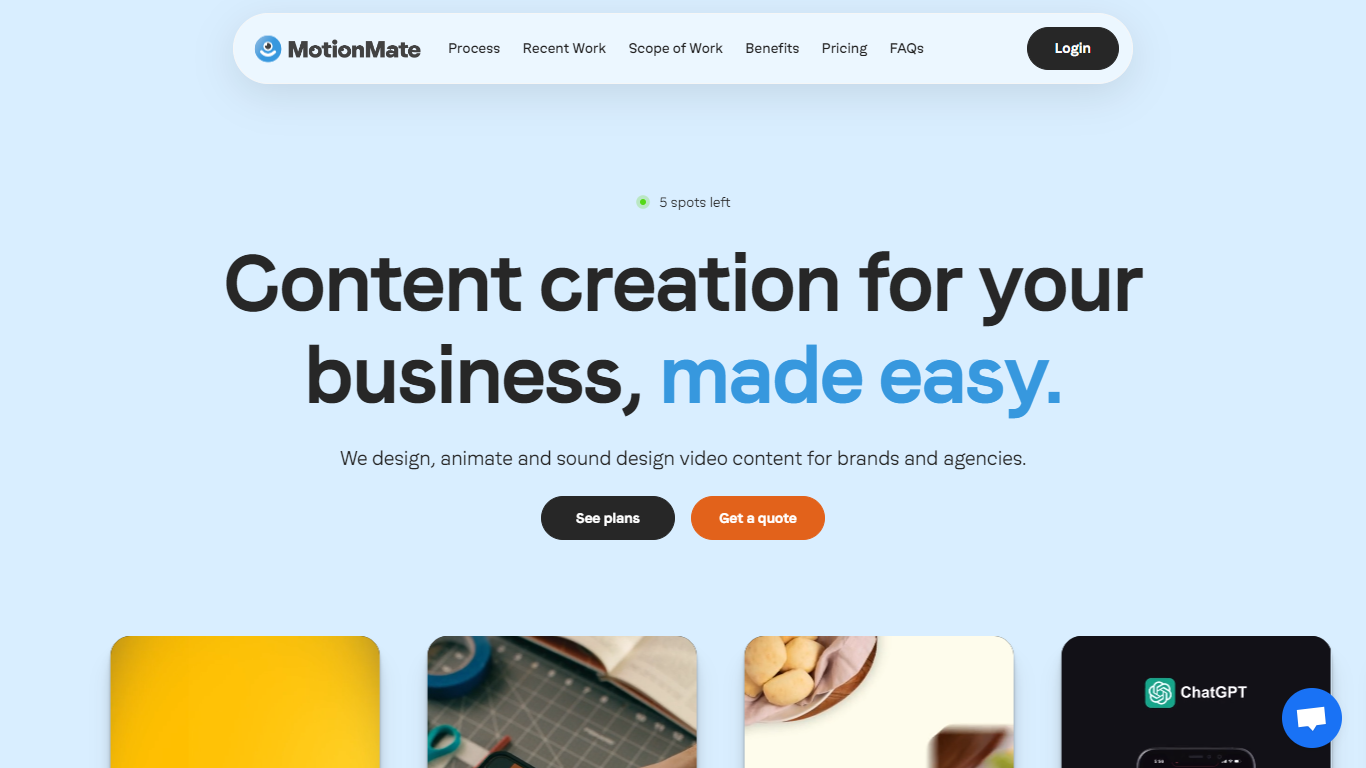

What is MotionMate ?
MotionMate enables brands to create custom animated content including explainer videos, onboarding clips, social media ads, product demos, and logo animations. It guides users through a clear process of understanding client needs, designing animations, revising based on feedback, and delivering polished videos.
What distinguishes MotionMate from other animation services is its support for multiple users and brands under flexible subscription plans that can be paused or canceled anytime. It also offers interactive elements like custom Lottie files to enhance engagement, a feature less common among similar platforms.
Designed for businesses seeking quick and effective animation solutions without complex setups, MotionMate emphasizes ease of use and customer support. While detailed pricing and technical specifics are limited on their website, the platform focuses on delivering quality animated content efficiently and with a straightforward workflow.
Vidon.ai

What is Vidon.ai?
Vidon.ai turns text, URLs, and prompts into finished marketing videos, then lets you schedule, publish, and host them from one dashboard. You type copy, paste a blog link, or describe an idea, and the tool writes a script, selects clips from a 12-million-item stock library, adds voiceover and captions, and builds the video. The web editor runs free with no login required, and you pay only when you export.
Most AI video generators stop at the export button. Vidon.ai bundles a content calendar, one-click social publishing, CDN video hosting with Schema.org metadata, and performance analytics in the same product. That end-to-end pipeline fits teams repurposing blogs or product pages at volume rather than making one-off clips.
Marketers, content teams, and solo creators use Vidon.ai for blog-to-video repurposing, product page videos, and scheduled social series. Business plans add brand kits, API access, bulk CSV import, and video triggers that auto-generate when new blog posts appear.
MotionMate Upvotes
Vidon.ai Upvotes
MotionMate Top Features
Custom animated videos tailored to your brand’s message
Unlimited feedback rounds for easy revisions
Social media-ready video ads formatted for major platforms
Logo animations that enhance brand recognition
Interactive Lottie files for dynamic web content
Supports unlimited users and brands per subscription
Flexible subscription plans with pause or cancel anytime
Vidon.ai Top Features
Stock library access covers 12M+ clips with automatic image selection per scene
One video credit exports landscape, square, and vertical aspect ratios together
Prompt to Video uses ChatGPT to write scripts with voiceover in 50+ languages
Business plan includes 40 video exports per month plus REST API and CSV bulk import
Individual plan covers 10 monthly exports with content calendar and social publishing
Videos support up to 4000 characters per script, roughly 5 to 10 minutes of narration
MotionMate Category
- Video Editing
Vidon.ai Category
- Video Editing
MotionMate Pricing Type
- Freemium
Vidon.ai Pricing Type
- Freemium