Motionshift vs Clipchamp
In the face-off between Motionshift vs Clipchamp, which AI Video Editing tool takes the crown? We scrutinize features, alternatives, upvotes, reviews, pricing, and more.
In a face-off between Motionshift and Clipchamp, which one takes the crown?
If we were to analyze Motionshift and Clipchamp, both of which are AI-powered video editing tools, what would we find? Both tools are equally favored, as indicated by the identical upvote count. The power is in your hands! Cast your vote and have a say in deciding the winner.
Think we got it wrong? Cast your vote and show us who's boss!
Motionshift

What is Motionshift?
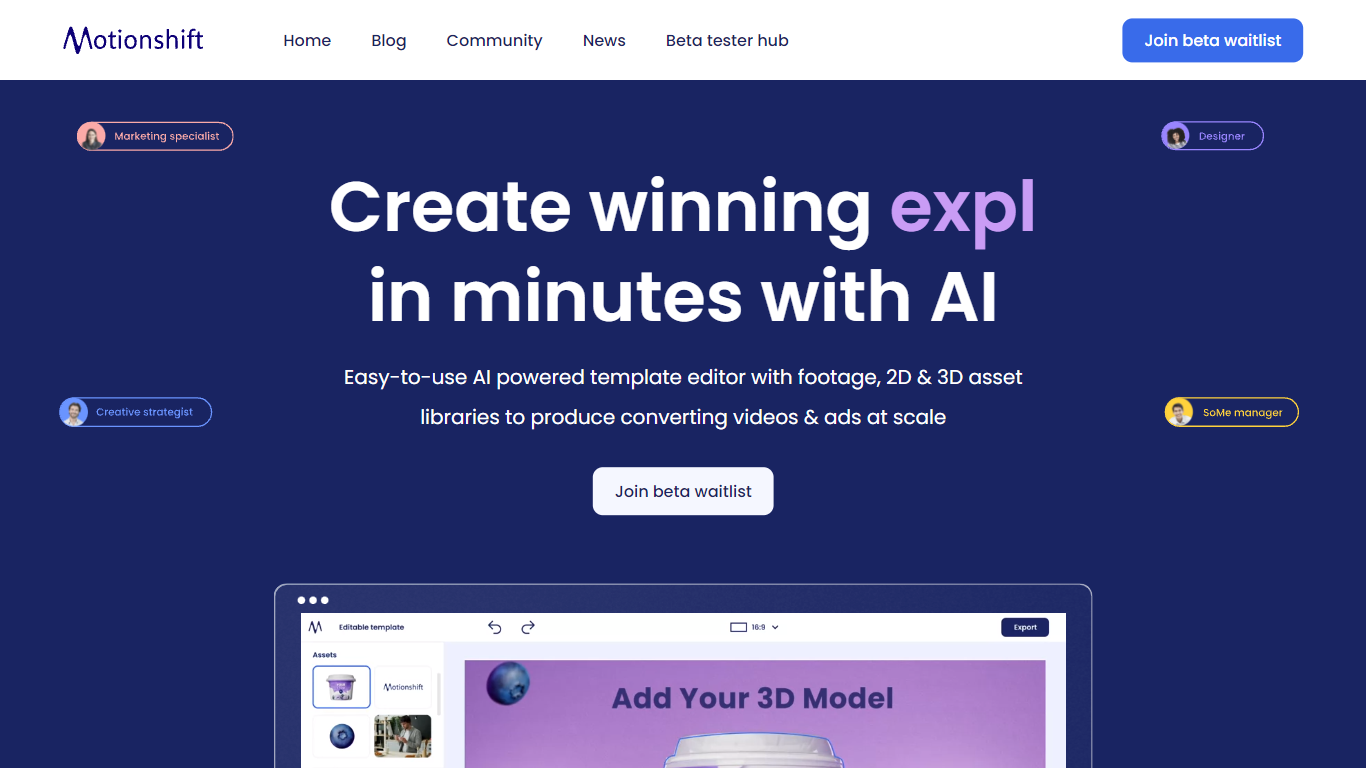
Motionshift is revolutionizing the way digital content is created by offering an incredibly easy-to-use platform for making winning videos in just minutes. With Motionshift, anyone can design powerful 2D and 3D videos that stand out and create a lasting impression. This tool is perfect for attracting, engaging, and converting audiences with eye-catching ads, regardless of design experience. Thanks to its AI-powered template editor, complete with expansive footage and 2D & 3D asset libraries, users can produce high-converting videos and ads at scale. It also features video and ad templates optimized for various industries, providing a strategic and research-based edge for creative performance. Whether you're a digital marketing specialist, brand manager, art director, or small business owner, Motionshift is equipped to elevate your video marketing game. Sign up for the beta waitlist and be among the first to access this groundbreaking tool and add a new dimension to your digital marketing strategy.
Clipchamp

What is Clipchamp?
Clipchamp is a versatile video editing platform that empowers users to create stunning videos with ease. Whether you're editing on a browser, using the Windows app, or on mobile, Clipchamp simplifies the process with its smart tools and royalty-free content. It's ideal for everything from YouTube and TikTok videos to promo videos and Facebook video ads. Notable for its AI video editing capabilities, such as autocaptions and text-to-speech, Clipchamp also offers features like green screen effects, video overlays, and even speaker coaching. It ensures that your video fits any platform perfectly by allowing you to resize and transform your video with stylish elements. For business, education, or fun, Clipchamp is the way to go for creating high-quality videos without watermarks in up to 4K resolution. Now a part of Microsoft, this tool assures a smooth experience for all your video creation needs.
Motionshift Upvotes
Clipchamp Upvotes
Motionshift Top Features
AI-Powered Template Editor: Comes with footage and asset libraries for easy video and ad creation.
2D & 3D Videos: Offers the ability to create both 2D and 3D videos for diverse marketing needs.
Customizable Templates: Access to free and customizable templates optimized for success across various industries.
Beta Testing Access: Join the beta waitlist to get early access to Motionshift.
Engaging Video Interaction: Videos that play on hover to draw in users on the platform with automatic play and pause functionality.
Clipchamp Top Features
Autocaptions: Automatically generate accurate captions in over 140 languages using advanced speech-to-text technology.
Text to Speech: Easily convert text into natural-sounding speech in various languages and voices.
Resize Video: Adjust the aspect ratio of your videos to fit different platforms with customizable background colors and blur effects.
Speaker Coach: Improve communication skills with feedback on pace pitch and filler words using the webcam recorder tool.
Royalty-Free Elements: Enhance your videos with access to a wide range of stock elements including text overlays filters and templates.
Motionshift Category
- Video Editing
Clipchamp Category
- Video Editing
Motionshift Pricing Type
- Freemium
Clipchamp Pricing Type
- Freemium