Movavi vs Captions
Compare Movavi vs Captions and see which AI Video Editing tool is better when we compare features, reviews, pricing, alternatives, upvotes, etc.
Which one is better? Movavi or Captions?
When we compare Movavi with Captions, which are both AI-powered video editing tools, The upvote count reveals a draw, with both tools earning the same number of upvotes. Join the aitools.fyi users in deciding the winner by casting your vote.
Does the result make you go "hmm"? Cast your vote and turn that frown upside down!
Movavi


What is Movavi ?
Movavi Video Editor 2024 enables users to create and edit videos with a variety of tools designed for both beginners and experienced creators. It provides features such as background removal, motion tracking, noise reduction, color correction, and video stabilization to enhance video projects.
What sets Movavi apart is its combination of over 6,000 effects and transitions with AI-powered tools that speed up editing tasks like cutting and overlay effects. This balance of extensive creative options and intelligent automation helps users produce polished videos efficiently.
The software supports a wide range of video formats and offers a drag-and-drop interface that simplifies applying filters, titles, and effects. Movavi also includes a free music library and tutorials to assist users in mastering video editing techniques.
Movavi Video Editor 2024 is designed primarily for Windows users who want to create engaging content such as travel videos, vlogs, or family memories without a steep learning curve. Its value lies in making powerful editing accessible while maintaining quality results.
Overall, Movavi stands out for its extensive effects, AI enhancements, and approachable design that help users bring their video ideas to life quickly and effectively.
Captions
What is Captions?
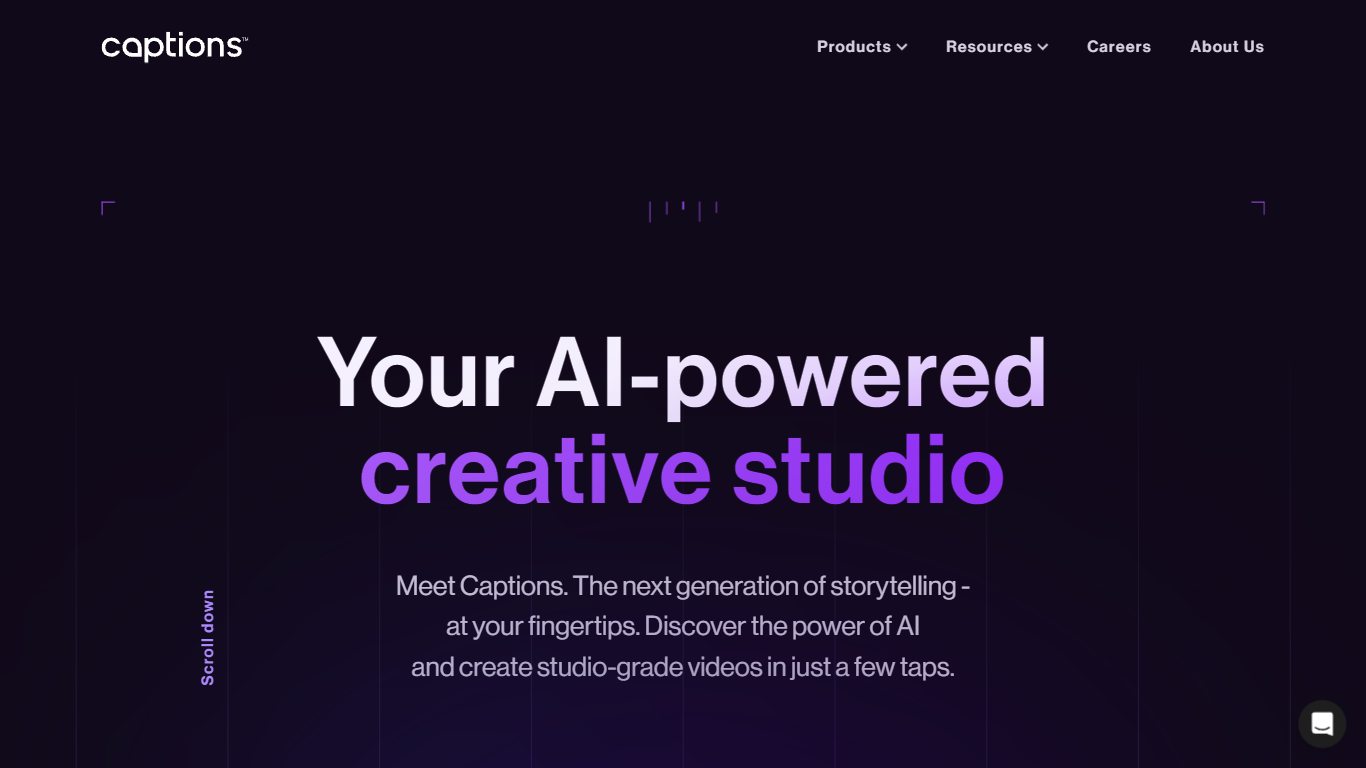
Captions turns raw footage into finished social videos with one upload. Its AI editor picks cuts, overlays B-roll, adds captions, music, and transitions based on the style you choose, and you can steer changes through a chat-based prompt interface instead of a timeline.
Traditional auto-editors optimize for speed and produce the same generic cuts every time. Captions targets taste: the system reads your story and adapts edits to the specific footage, with 20+ named styles like Bloom, Prime, and Elevate you can swap in a click. It also merged Mirage Studio, so you can generate AI avatars, digital twins, and entirely new footage without recording yourself.
Content creators, marketers, and podcasters use Captions for short-form social clips, translated subtitles in 100+ languages, eye-contact correction, and pause trimming. The free tier covers basic trimming and one caption template; paid Max and Scale plans unlock 500 to 5,600 monthly AI credits for generative editing.
Movavi Upvotes
Captions Upvotes
Movavi Top Features
AI-powered video cutting speeds up editing tasks
Background removal tool for clean subject isolation
Motion tracking to follow objects smoothly in videos
Free music library included for adding soundtracks
Over 6,000 effects and transitions to customize videos
Captions Top Features
AI Edit applies 20+ styles like Bloom, Prime, and Elevate with automatic cuts, B-roll, and music
Max plan at $24.99 per month includes 500 AI credits and digital twin creation
Auto-captions in 100+ languages with 100+ stylized templates on paid plans
Chat-based editor lets you direct changes with simple text prompts
AI avatars and digital twins for generating new footage without recording
Eye-contact correction, denoise, and automatic pause and filler-word trimming
Scale plans from $69.99 to $279.99 per month with 1,400 to 5,600 monthly credits
Movavi Category
- Video Editing
Captions Category
- Video Editing
Movavi Pricing Type
- Freemium
Captions Pricing Type
- Freemium