Movavi vs Cliplama
Explore the showdown between Movavi vs Cliplama and find out which AI Video Editing tool wins. We analyze upvotes, features, reviews, pricing, alternatives, and more.
When comparing Movavi and Cliplama, which one rises above the other?
When we contrast Movavi with Cliplama, both of which are exceptional AI-operated video editing tools, and place them side by side, we can spot several crucial similarities and divergences. The community has spoken, Cliplama leads with more upvotes. Cliplama has garnered 7 upvotes, and Movavi has garnered 6 upvotes.
Not your cup of tea? Upvote your preferred tool and stir things up!
Movavi


What is Movavi ?
Movavi Video Editor 2024 enables users to create and edit videos with a variety of tools designed for both beginners and experienced creators. It provides features such as background removal, motion tracking, noise reduction, color correction, and video stabilization to enhance video projects.
What sets Movavi apart is its combination of over 6,000 effects and transitions with AI-powered tools that speed up editing tasks like cutting and overlay effects. This balance of extensive creative options and intelligent automation helps users produce polished videos efficiently.
The software supports a wide range of video formats and offers a drag-and-drop interface that simplifies applying filters, titles, and effects. Movavi also includes a free music library and tutorials to assist users in mastering video editing techniques.
Movavi Video Editor 2024 is designed primarily for Windows users who want to create engaging content such as travel videos, vlogs, or family memories without a steep learning curve. Its value lies in making powerful editing accessible while maintaining quality results.
Overall, Movavi stands out for its extensive effects, AI enhancements, and approachable design that help users bring their video ideas to life quickly and effectively.
Cliplama
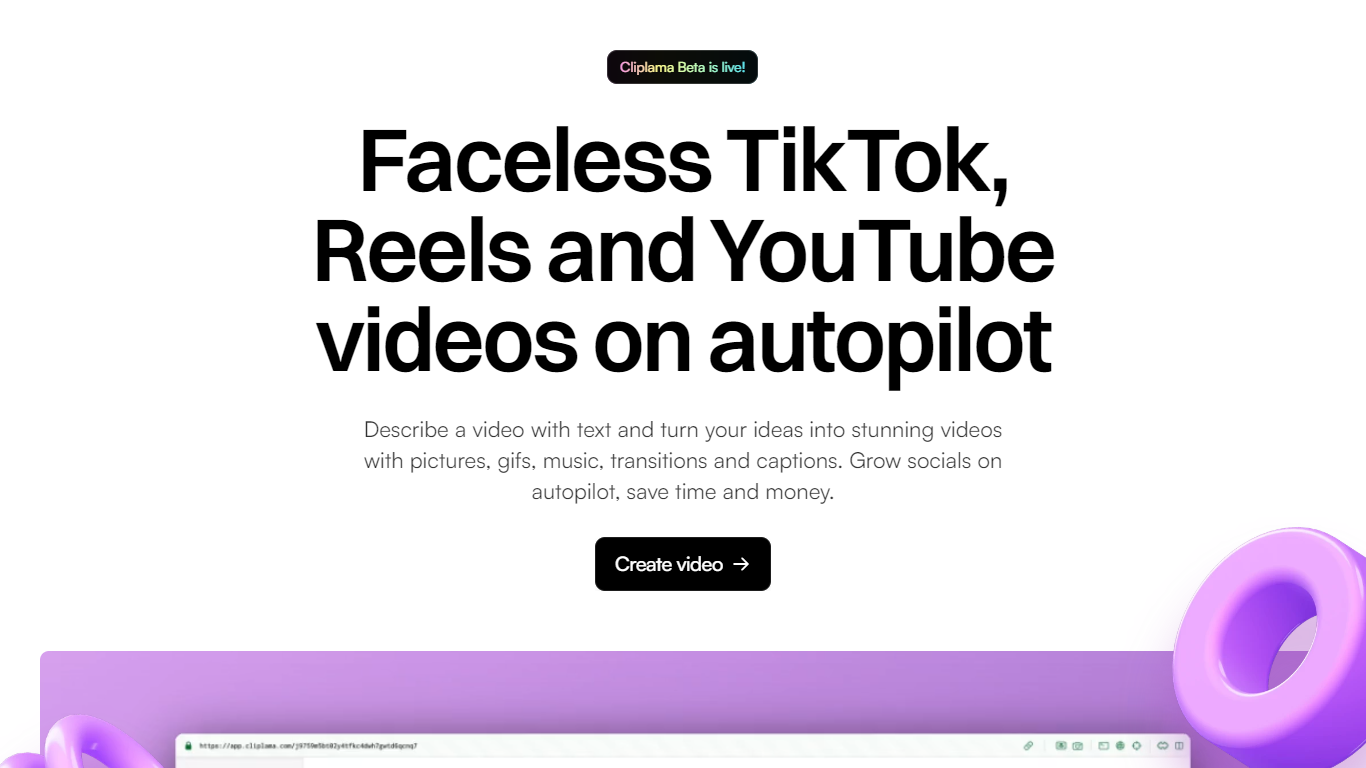
What is Cliplama?
Cliplama is a text-to-video platform for building faceless social channels. You describe a video in plain text, pick a voice style, and the tool generates a short-form clip with narration, captions, background music, and visuals pulled together automatically.
The workflow is built around recurring content: create videos in seconds, then schedule them to TikTok (with YouTube support noted as coming soon). Auto Shorts and Auto Series features help run a channel without manual editing for every post.
It targets creators who want faceless videos for TikTok and YouTube without learning video editing software. The app lives at app.cliplama.com, with a free tier that includes one video and paid plans sold through monthly credits.
Movavi Upvotes
Cliplama Upvotes
Movavi Top Features
AI-powered video cutting speeds up editing tasks
Background removal tool for clean subject isolation
Motion tracking to follow objects smoothly in videos
Free music library included for adding soundtracks
Over 6,000 effects and transitions to customize videos
Cliplama Top Features
Turn a text description into a faceless short video with voiceover, captions, music, and visuals in seconds
Schedule generated videos to TikTok and grow a channel on autopilot
Choose from ElevenLabs voice styles on paid plans for more natural narration
Auto Shorts and Auto Series help batch recurring content without manual editing each time
Download finished videos with no watermark on every plan, including the free tier
Movavi Category
- Video Editing
Cliplama Category
- Video Editing
Movavi Pricing Type
- Freemium
Cliplama Pricing Type
- Freemium