Movavi vs Fliz
In the contest of Movavi vs Fliz, which AI Video Editing tool is the champion? We evaluate pricing, alternatives, upvotes, features, reviews, and more.
If you had to choose between Movavi and Fliz, which one would you go for?
When we examine Movavi and Fliz, both of which are AI-enabled video editing tools, what unique characteristics do we discover? Interestingly, both tools have managed to secure the same number of upvotes. Be a part of the decision-making process. Your vote could determine the winner.
Not your cup of tea? Upvote your preferred tool and stir things up!
Movavi


What is Movavi ?
Movavi Video Editor 2024 enables users to create and edit videos with a variety of tools designed for both beginners and experienced creators. It provides features such as background removal, motion tracking, noise reduction, color correction, and video stabilization to enhance video projects.
What sets Movavi apart is its combination of over 6,000 effects and transitions with AI-powered tools that speed up editing tasks like cutting and overlay effects. This balance of extensive creative options and intelligent automation helps users produce polished videos efficiently.
The software supports a wide range of video formats and offers a drag-and-drop interface that simplifies applying filters, titles, and effects. Movavi also includes a free music library and tutorials to assist users in mastering video editing techniques.
Movavi Video Editor 2024 is designed primarily for Windows users who want to create engaging content such as travel videos, vlogs, or family memories without a steep learning curve. Its value lies in making powerful editing accessible while maintaining quality results.
Overall, Movavi stands out for its extensive effects, AI enhancements, and approachable design that help users bring their video ideas to life quickly and effectively.
Fliz
What is Fliz?
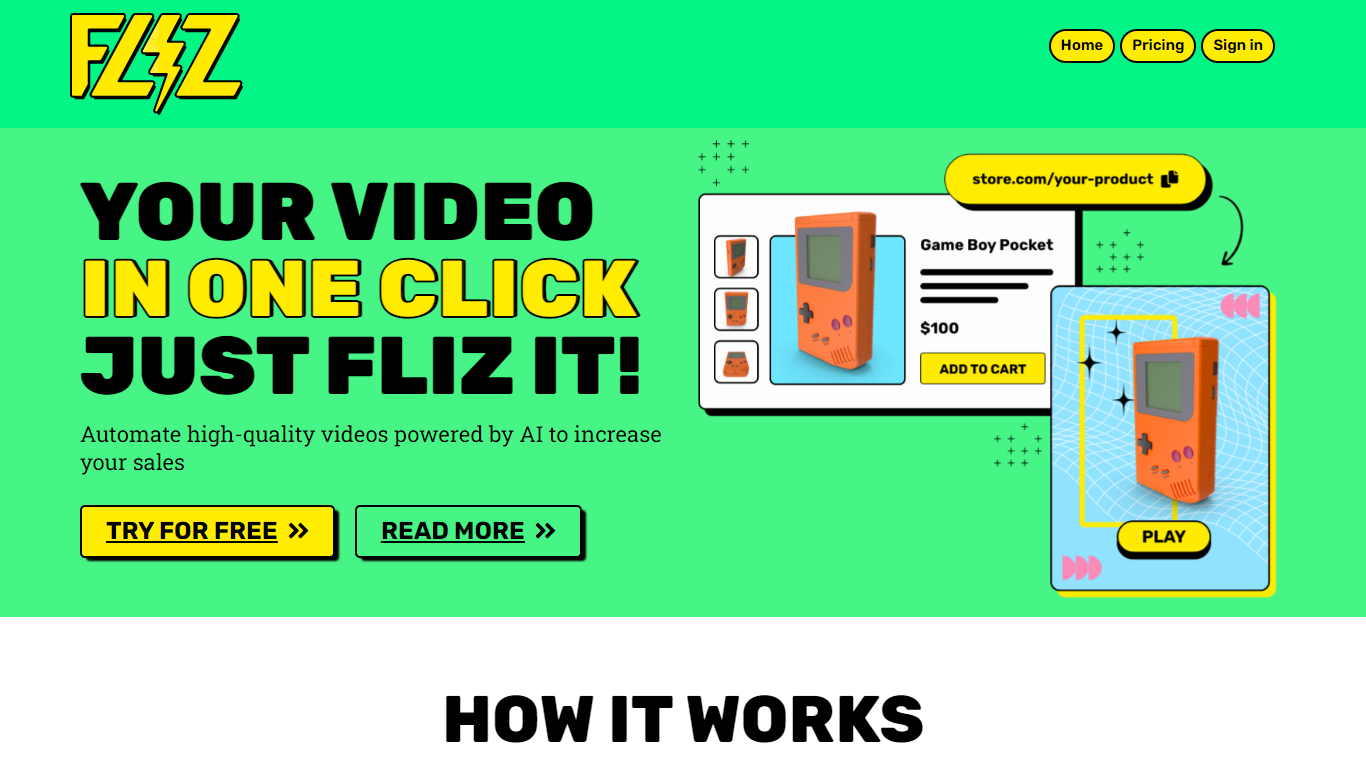
Fliz turns a URL, article text, or short brief into a finished social video without manual editing. Paste your source, and the agent writes the script, generates images, adds voiceover, and assembles an MP4 ready to post on TikTok, Instagram, YouTube, or LinkedIn.
The product leans on a large style catalog rather than one generic look. You can pick from 62 visual styles, 16 script formats, and 32 languages, spanning hyperrealistic footage, manga, clay animation, pixel art, and more. Editing adapts to the content type, whether you are summarizing news, turning a blog post into a reel, or spinning a children's story from a few sentences.
Fliz also targets builders who need volume. A documented REST API, plus Zapier, Make, n8n, and a WordPress plugin, let you trigger video generation from blog publishes, spreadsheet rows, or RSS feeds. Pricing is pay-per-use credit packs with no monthly subscription.
Movavi Upvotes
Fliz Upvotes
Movavi Top Features
AI-powered video cutting speeds up editing tasks
Background removal tool for clean subject isolation
Motion tracking to follow objects smoothly in videos
Free music library included for adding soundtracks
Over 6,000 effects and transitions to customize videos
Fliz Top Features
Paste a URL, article, or brief and get a finished MP4 back
62 visual styles from hyperrealistic to clay animation and pixel art
Outputs square, 9:16 vertical, and 16:9 horizontal formats
32 languages and 16 script templates for hooks and CTAs
REST API with Zapier, Make, n8n, and WordPress plugin integrations
Pay-per-use credits with no recurring subscription
Movavi Category
- Video Editing
Fliz Category
- Video Editing
Movavi Pricing Type
- Freemium
Fliz Pricing Type
- Paid