Movavi vs HeyEditor
In the face-off between Movavi vs HeyEditor, which AI Video Editing tool takes the crown? We scrutinize features, alternatives, upvotes, reviews, pricing, and more.
In a face-off between Movavi and HeyEditor, which one takes the crown?
If we were to analyze Movavi and HeyEditor, both of which are AI-powered video editing tools, what would we find? HeyEditor stands out as the clear frontrunner in terms of upvotes. HeyEditor has attracted 88 upvotes from aitools.fyi users, and Movavi has attracted 6 upvotes.
Disagree with the result? Upvote your favorite tool and help it win!
Movavi


What is Movavi ?
Movavi Video Editor 2024 enables users to create and edit videos with a variety of tools designed for both beginners and experienced creators. It provides features such as background removal, motion tracking, noise reduction, color correction, and video stabilization to enhance video projects.
What sets Movavi apart is its combination of over 6,000 effects and transitions with AI-powered tools that speed up editing tasks like cutting and overlay effects. This balance of extensive creative options and intelligent automation helps users produce polished videos efficiently.
The software supports a wide range of video formats and offers a drag-and-drop interface that simplifies applying filters, titles, and effects. Movavi also includes a free music library and tutorials to assist users in mastering video editing techniques.
Movavi Video Editor 2024 is designed primarily for Windows users who want to create engaging content such as travel videos, vlogs, or family memories without a steep learning curve. Its value lies in making powerful editing accessible while maintaining quality results.
Overall, Movavi stands out for its extensive effects, AI enhancements, and approachable design that help users bring their video ideas to life quickly and effectively.
HeyEditor
What is HeyEditor?
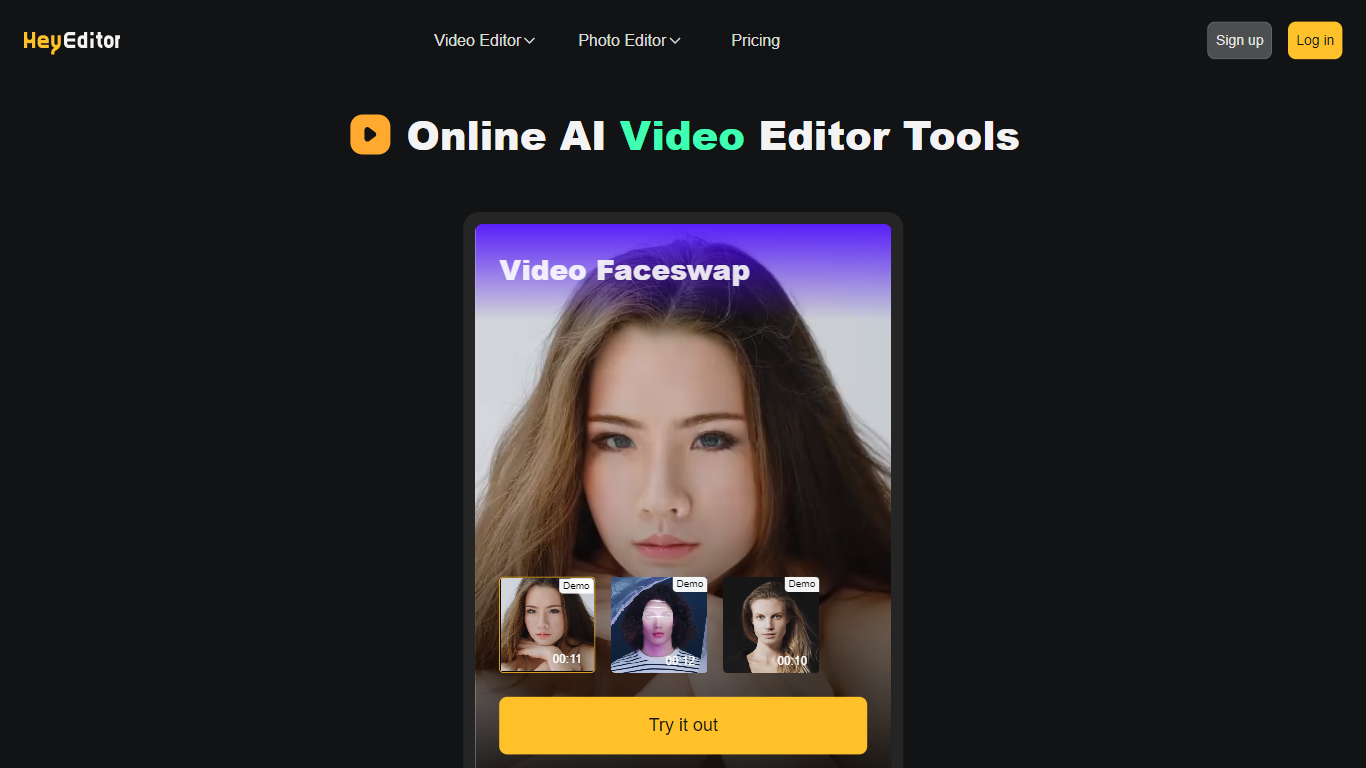
HeyEditor is a browser-based suite for editing videos and photos with AI. You upload a file on the site and run focused tools like face swap, photo enhancement, or anime-style conversion without installing desktop software.
The platform is organized around task-specific editors rather than a full timeline workflow. Video face swap accepts files up to 10 minutes and 500 MB, while photo tools cap uploads at 10 MB and GIFs at 15 MB.
HeyEditor suits creators who want fast results for social posts, memes, or stylized images. You can browse the editors from the homepage, then sign up and add credits or a Pro plan when you need more usage.
Movavi Upvotes
HeyEditor Upvotes
Movavi Top Features
AI-powered video cutting speeds up editing tasks
Background removal tool for clean subject isolation
Motion tracking to follow objects smoothly in videos
Free music library included for adding soundtracks
Over 6,000 effects and transitions to customize videos
HeyEditor Top Features
Swap faces in videos up to 10 minutes (500 MB) or in still photos and GIFs up to 10 MB and 15 MB
Enhance photo resolution and detail with a dedicated AI photo enhancer
Turn uploaded photos into anime-style artwork from the browser
Buy credit packs from 100 to 3,000 credits or subscribe to Pro monthly or yearly
Pay with debit or credit card directly on the pricing page
Start with zero credits and add more when you need heavier usage
Movavi Category
- Video Editing
HeyEditor Category
- Video Editing
Movavi Pricing Type
- Freemium
HeyEditor Pricing Type
- Freemium