Movavi vs Invideo AI
When comparing Movavi vs Invideo AI, which AI Video Editing tool shines brighter? We look at pricing, alternatives, upvotes, features, reviews, and more.
In a comparison between Movavi and Invideo AI, which one comes out on top?
When we put Movavi and Invideo AI side by side, both being AI-powered video editing tools, Both tools are equally favored, as indicated by the identical upvote count. Since other aitools.fyi users could decide the winner, the ball is in your court now to cast your vote and help us determine the winner.
You don't agree with the result? Cast your vote to help us decide!
Movavi


What is Movavi ?
Movavi Video Editor 2024 enables users to create and edit videos with a variety of tools designed for both beginners and experienced creators. It provides features such as background removal, motion tracking, noise reduction, color correction, and video stabilization to enhance video projects.
What sets Movavi apart is its combination of over 6,000 effects and transitions with AI-powered tools that speed up editing tasks like cutting and overlay effects. This balance of extensive creative options and intelligent automation helps users produce polished videos efficiently.
The software supports a wide range of video formats and offers a drag-and-drop interface that simplifies applying filters, titles, and effects. Movavi also includes a free music library and tutorials to assist users in mastering video editing techniques.
Movavi Video Editor 2024 is designed primarily for Windows users who want to create engaging content such as travel videos, vlogs, or family memories without a steep learning curve. Its value lies in making powerful editing accessible while maintaining quality results.
Overall, Movavi stands out for its extensive effects, AI enhancements, and approachable design that help users bring their video ideas to life quickly and effectively.
Invideo AI
What is Invideo AI?
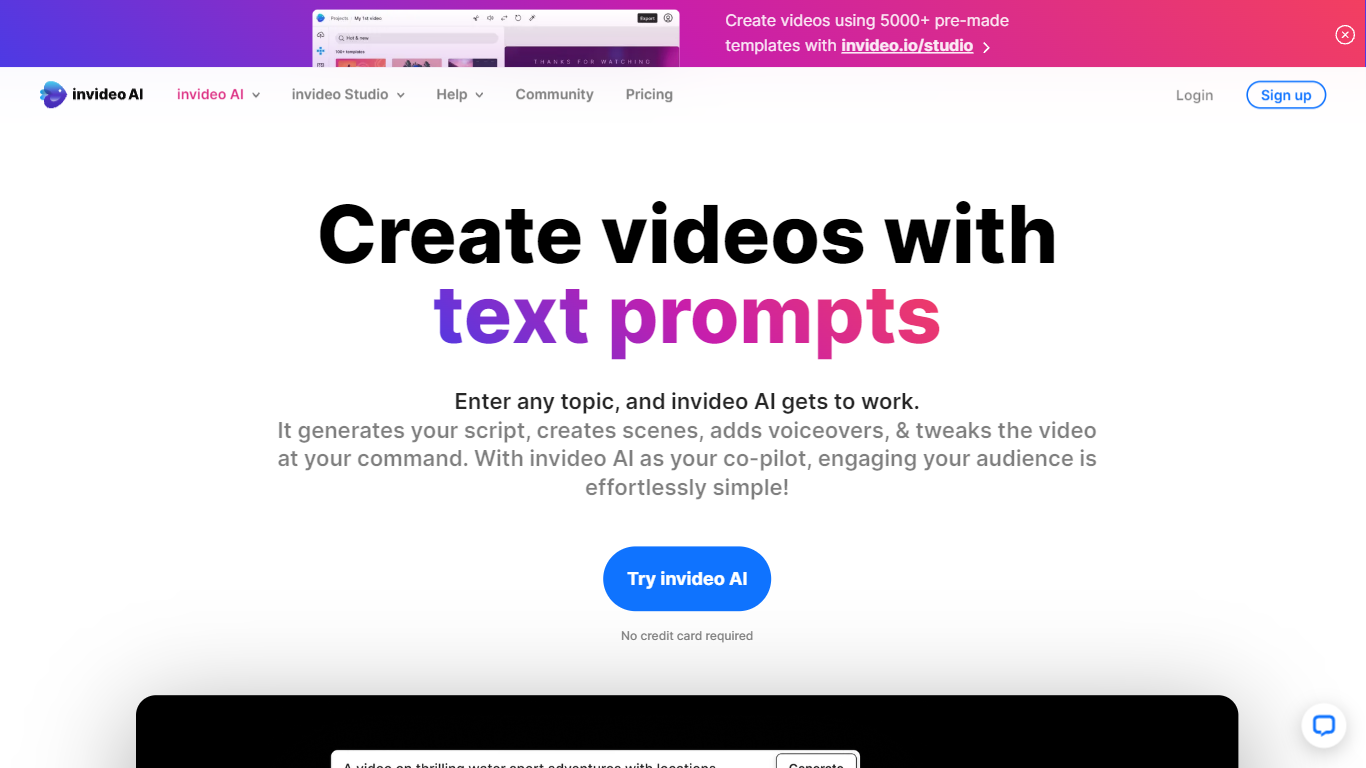
Invideo AI turns prompts into multi-scene films, ads, and microdramas through Agent Two, a crew of AI agents that remember your project's full context across shots. Characters, costumes, and locations stay consistent because agents store long-term memory instead of treating each clip as isolated. You can edit multiple clips at once, swap backdrops without regenerating entire scenes, and let agents pick the right model and write per-shot prompts for you.
Runway and Pika focus on single-clip generation. Invideo targets full productions with storyboarding from scripts, a timeline editor, multiplayer collaboration with live cursors, and custom agents for roles like cinematographer or music designer. Paid plans unlock 200+ generative models including Veo 3.1, Kling 3.0, and Seedance 2.0 plus stock from iStock and Storyblocks.
Filmmakers, ad teams, and social creators use Invideo when they need binge-worthy microdrama series or dozens of vertical cuts from one idea without babysitting every generation. Credits power AI actions while exports stay unlimited on paid tiers, though unused monthly credits do not roll over.
Movavi Upvotes
Invideo AI Upvotes
Movavi Top Features
AI-powered video cutting speeds up editing tasks
Background removal tool for clean subject isolation
Motion tracking to follow objects smoothly in videos
Free music library included for adding soundtracks
Over 6,000 effects and transitions to customize videos
Invideo AI Top Features
Agent Two maintains long-term project memory so characters and locations stay consistent across shots
Edit multiple clips at once to swap costumes, locations, or characters without full regeneration
Access 200+ image, video, audio, and music models including Veo 3.1, Kling 3.0, and Seedance 2.0
Storyboarding turns scripts into shot-by-shot plans before any generation starts
Timeline editor with multiplayer live cursors for real-time team collaboration
Plus plan at $20/mo includes 75 monthly credits and watermark-free unlimited exports
Stock footage from iStock and Storyblocks available alongside generative clip creation
Movavi Category
- Video Editing
Invideo AI Category
- Video Editing
Movavi Pricing Type
- Freemium
Invideo AI Pricing Type
- Freemium