Napkin vs Nadi
In the contest of Napkin vs Nadi , which AI Developer tool is the champion? We evaluate pricing, alternatives, upvotes, features, reviews, and more.
If you had to choose between Napkin and Nadi , which one would you go for?
When we examine Napkin and Nadi , both of which are AI-enabled developer tools, what unique characteristics do we discover? The upvote count reveals a draw, with both tools earning the same number of upvotes. You can help us determine the winner by casting your vote and tipping the scales in favor of one of the tools.
Think we got it wrong? Cast your vote and show us who's boss!
Napkin


What is Napkin?
Napkin is a comprehensive platform designed to simplify the process of website creation and digital marketing for businesses. Its core functionality revolves around transforming ideas into successful online ventures by providing a user-friendly interface that requires no technical skills from the user. The platform caters primarily to small and medium-sized enterprises (SMEs) and entrepreneurs who seek to establish a robust online presence without the complexities typically associated with web development and digital marketing.
The unique value proposition of Napkin lies in its all-inclusive service model, where users can provide their business details, and the platform takes care of the entire website development process. This approach not only saves time but also alleviates the stress of managing multiple service providers. Key differentiators include a fixed pricing structure for website creation and ongoing digital marketing services, ensuring transparency and predictability in costs for users.
In addition to its ease of use, Napkin employs proven marketing strategies to attract real customers, making it an attractive option for those looking to enhance their online visibility. By combining website development with effective marketing tactics, Napkin positions itself as a one-stop solution for businesses aiming to thrive in the digital landscape.
Nadi
What is Nadi ?
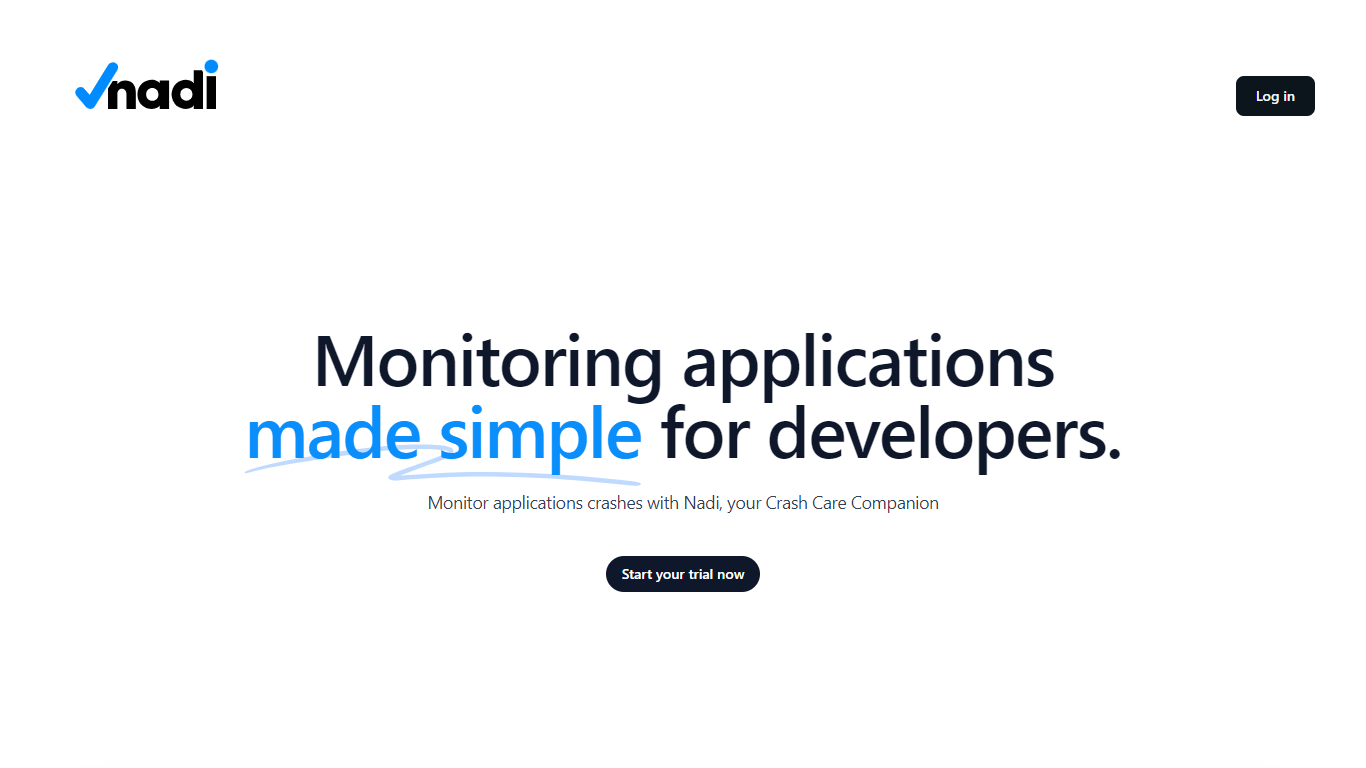
Nadi is a crash care companion for developers who need real-time visibility into application errors and performance. It combines backend error tracking for PHP applications with browser real user monitoring, alerting, and team management in one dashboard. The platform positions itself as the nervous system for your app, capturing exceptions, slow queries, failed jobs, and other issue types with full stack traces and user impact data.
Setup is built around Laravel and PHP first. You install the Nadi Laravel package via Composer, run a single artisan installer command, and add API credentials to your environment. The JavaScript RUM SDK handles Core Web Vitals, session tracking, JavaScript errors, rage click detection, and source map deobfuscation on the frontend. Supported integrations include Laravel, WordPress, and browser JavaScript, with Node.js, Python, and Go SDKs listed as coming soon.
Alerting routes issues to Slack, Microsoft Teams, Telegram, email, and webhooks through configurable rules. Organizations get multi-tenant data isolation, team roles, project grouping, invitations, and audit logs. Nadi offers a free tier for side projects, a Pro plan for growing teams, and custom Enterprise pricing with SSO and SLA options.
Napkin Upvotes
Nadi Upvotes
Napkin Top Features
Comprehensive Website Development: Napkin offers a complete website creation service, handling everything from design to deployment, ensuring a professional online presence without requiring technical skills from the user.
Proven Marketing Strategies: The platform utilizes established marketing techniques to attract real customers, enhancing the visibility and reach of the user's business online.
Fixed Pricing Model: Napkin provides a transparent pricing structure, with clear costs for website creation and ongoing marketing services, allowing users to budget effectively.
User-Centric Approach: By focusing on the needs of small and medium-sized enterprises, Napkin tailors its services to meet the specific requirements of its target audience, ensuring satisfaction and success.
Ongoing Support and Resources: Users have access to continuous support and additional resources, helping them navigate the complexities of online business management even after the initial setup.
Nadi Top Features
Captures 10 backend issue types including exceptions, slow queries, queue failures, and HTTP errors with stack traces
JavaScript RUM SDK tracks Core Web Vitals, sessions, browser errors, rage clicks, and page load performance
Alert rules route notifications to Slack, Teams, Telegram, email, and webhooks with acknowledge and resolve workflows
Laravel package installs via Composer and auto-discovers with a two-minute setup path
Multi-organization workspaces with team roles, project grouping, invitations, and audit trails
Napkin Category
- Developer
Nadi Category
- Developer
Napkin Pricing Type
- Paid
Nadi Pricing Type
- Freemium