Native AI vs Quicktools
In the face-off between Native AI vs Quicktools, which AI All In One tool takes the crown? We scrutinize features, alternatives, upvotes, reviews, pricing, and more.
When we put Native AI and Quicktools head to head, which one emerges as the victor?
If we were to analyze Native AI and Quicktools, both of which are AI-powered all in one tools, what would we find? The upvote count is neck and neck for both Native AI and Quicktools. Every vote counts! Cast yours and contribute to the decision of the winner.
Does the result make you go "hmm"? Cast your vote and turn that frown upside down!
Native AI
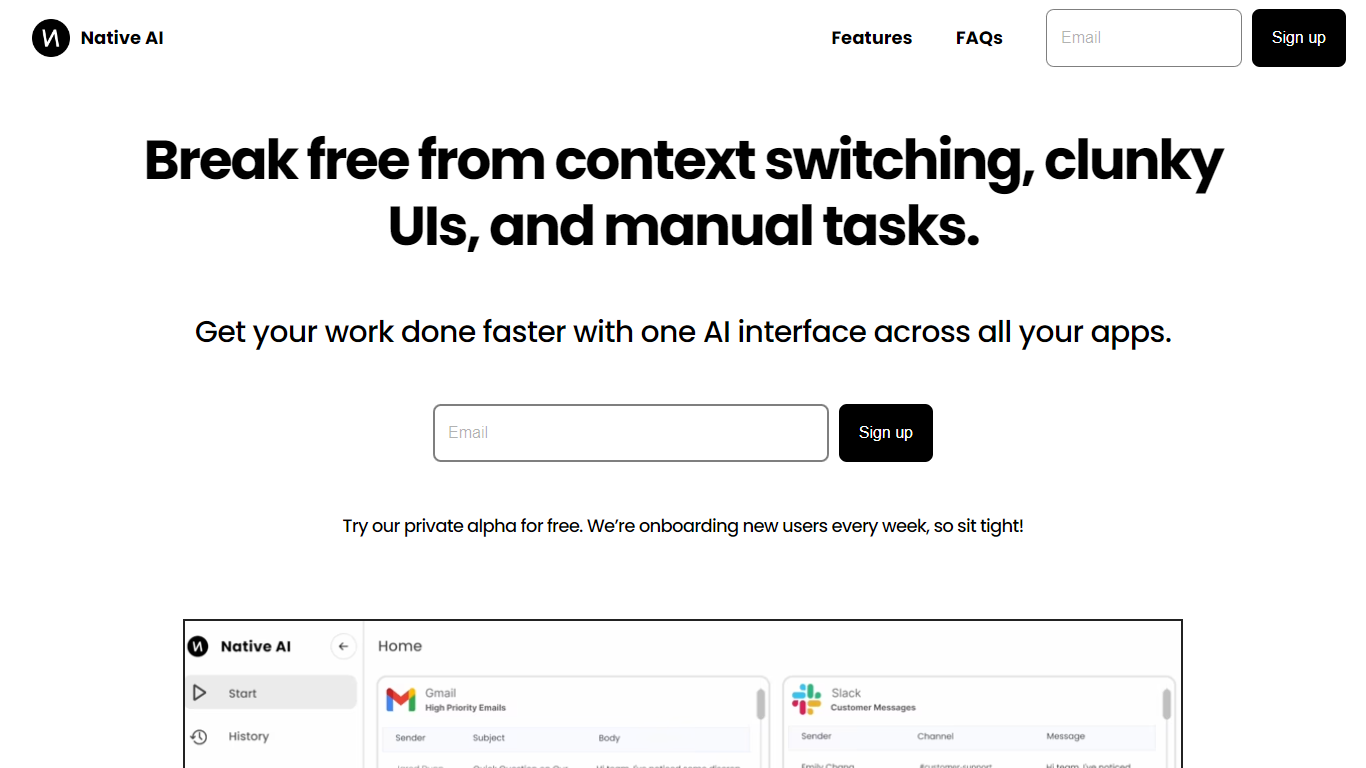

What is Native AI?
Native AI introduces a transformative approach to managing apps by providing a single AI interface for all your applications. Embrace the future with Native AI, where context switching, cumbersome user interfaces (UIs), and repetitive manual tasks become a thing of the past.
Experience the power of lightning-fast interactions, simple intuitive interfaces, and effortless automations designed to streamline your workflow across various apps such as Slack, Gmail, Jira, and more. The unified platform fosters a seamless experience, letting you focus on productivity rather than juggling multiple apps.
Native AI invites you to join their private alpha, offering you a complimentary opportunity to be part of an innovation that's onboarding users weekly. With endorsements from professionals across industries, it's clear that Native AI is setting a new standard for efficiency and effectiveness in the workplace.
Quicktools
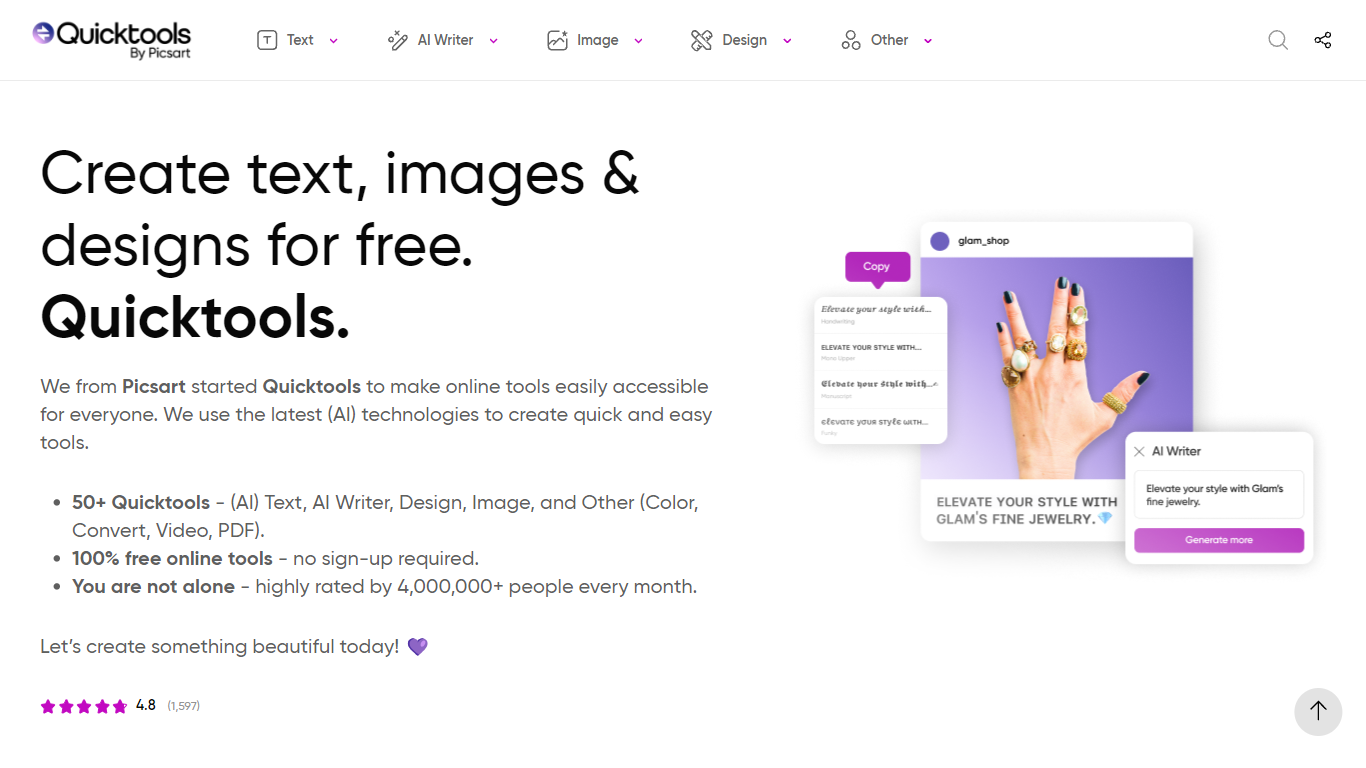
What is Quicktools?
Quicktools is a free online toolbox from Picsart with 50 or more single-purpose utilities for text, images, design, video, PDFs, and file conversion. You open a tool in your browser, use it, and leave without creating an account. Popular picks include the font generator, AI writer, profile picture maker, and Instagram caption generator.
Most free tool sites scatter ads and upsells across every page. Quicktools runs the full collection at no cost with no sign-up, backed by Picsart's infrastructure and a 4.8 rating from over 1,500 reviews. The trade-off is that each tool does one job rather than offering a unified editor like Canva or Picsart's main app.
Students, social media managers, and casual creators who need a quick font style, emoji lookup, or AI paragraph draft without installing software are the typical users. The site reports 4 million monthly visitors across its tool categories.
Native AI Upvotes
Quicktools Upvotes
Native AI Top Features
Universal AI Interface: Manage all your apps through a single AI-powered interface.
Fast Interactions: Enjoy super quick interactions with apps, utilizing typing, speaking, and clicking methods.
Simple UI: Benefit from a minimal user interface that's easy to navigate, with context-based AI suggestions.
Effortless Automations: Automate tasks within your workflows using natural language commands.
Security and Privacy: Native AI ensures the security and privacy of your interactions.
Quicktools Top Features
50 or more tools spanning text, AI writing, image editing, design, video, PDF, and file conversion
No account or sign-up required to use any tool on the site
4 million or more monthly users with a 4.8 average rating from 1,597 reviews
AI Writer generates articles, emails, essays, and scripts from a text prompt
Profile Picture Maker resizes selfies for platform-specific avatar dimensions
Font Generator creates styled text for social bios and captions
Native AI Category
- All In One
Quicktools Category
- All In One
Native AI Pricing Type
- Freemium
Quicktools Pricing Type
- Free