Native AI vs Raycast Pro
Explore the showdown between Native AI vs Raycast Pro and find out which AI All In One tool wins. We analyze upvotes, features, reviews, pricing, alternatives, and more.
In a face-off between Native AI and Raycast Pro, which one takes the crown?
When we contrast Native AI with Raycast Pro, both of which are exceptional AI-operated all in one tools, and place them side by side, we can spot several crucial similarities and divergences. The upvote count is neck and neck for both Native AI and Raycast Pro. Join the aitools.fyi users in deciding the winner by casting your vote.
You don't agree with the result? Cast your vote to help us decide!
Native AI

What is Native AI?
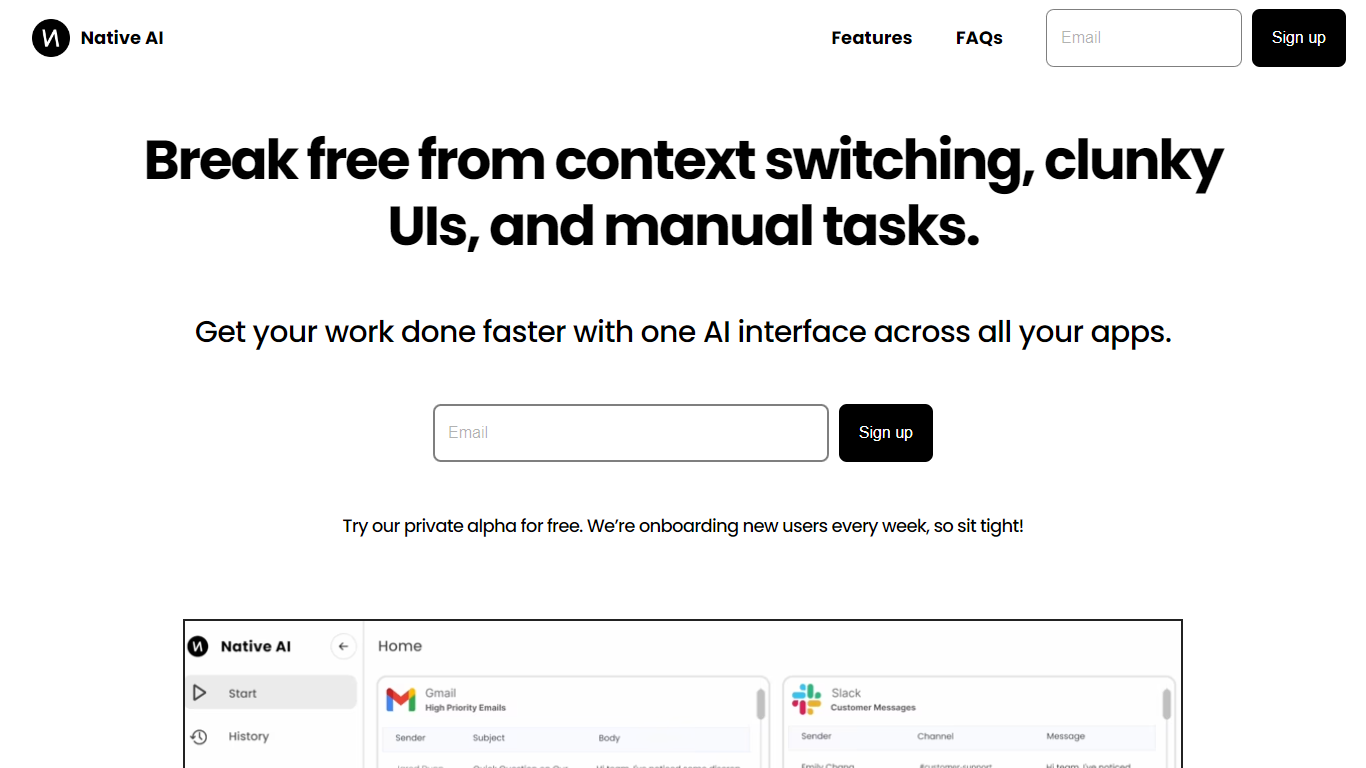
Native AI introduces a transformative approach to managing apps by providing a single AI interface for all your applications. Embrace the future with Native AI, where context switching, cumbersome user interfaces (UIs), and repetitive manual tasks become a thing of the past.
Experience the power of lightning-fast interactions, simple intuitive interfaces, and effortless automations designed to streamline your workflow across various apps such as Slack, Gmail, Jira, and more. The unified platform fosters a seamless experience, letting you focus on productivity rather than juggling multiple apps.
Native AI invites you to join their private alpha, offering you a complimentary opportunity to be part of an innovation that's onboarding users weekly. With endorsements from professionals across industries, it's clear that Native AI is setting a new standard for efficiency and effectiveness in the workplace.
Raycast Pro
What is Raycast Pro?
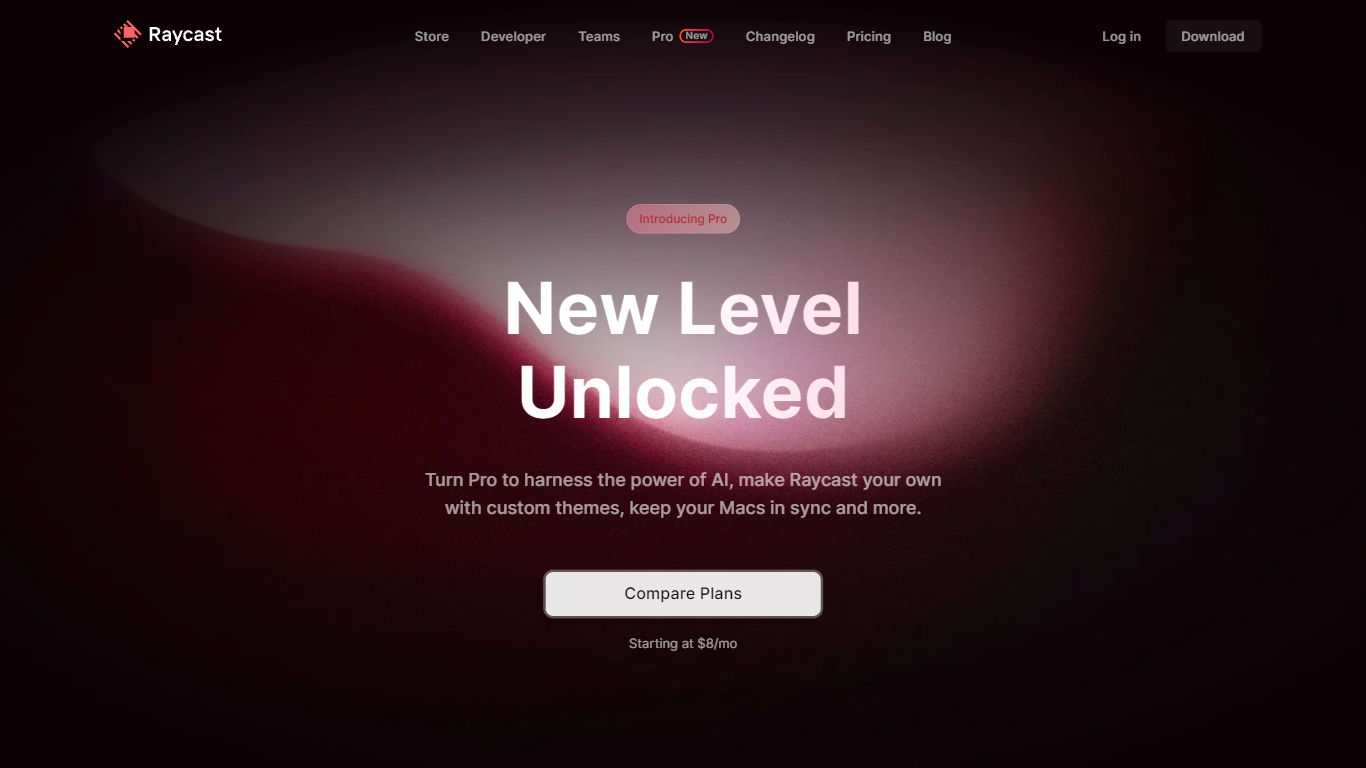
Raycast Pro is the paid tier of Raycast, an all-in-one macOS launcher that adds AI chat, cloud sync, and premium utilities on top of the free Raycast app. It keeps the same command-palette workflow as the base product but unlocks unlimited clipboard history, custom themes, translator access, and synced notes across Mac and iOS.
Compared with Spotlight or Alfred, Raycast Pro pushes deeper into daily workflows with a built-in extension store, native integrations for tools like Jira and GitHub, and OS-level AI that can switch between dozens of models from OpenAI, Anthropic, Google, Mistral, and others. The Pro plan starts at $8 per month on annual billing, with a separate Advanced AI add-on for the highest-tier models.
Developers, designers, and other Mac power users who live in keyboard shortcuts are the core audience. Raycast Pro fits teams that want one launcher for snippets, window management, quicklinks, and coding help without opening a browser tab for every task.
Native AI Upvotes
Raycast Pro Upvotes
Native AI Top Features
Universal AI Interface: Manage all your apps through a single AI-powered interface.
Fast Interactions: Enjoy super quick interactions with apps, utilizing typing, speaking, and clicking methods.
Simple UI: Benefit from a minimal user interface that's easy to navigate, with context-based AI suggestions.
Effortless Automations: Automate tasks within your workflows using natural language commands.
Security and Privacy: Native AI ensures the security and privacy of your interactions.
Raycast Pro Top Features
Raycast AI chat with models from OpenAI, Anthropic, Google, Mistral, Perplexity, and xAI
Cloud Sync for snippets, notes, and chats across Mac and iOS devices
Unlimited clipboard history versus the 3-month limit on the free plan
Unlimited Raycast Notes compared with 5 notes on the free tier
Custom window management commands for positioning and resizing app windows
Built-in Translator for on-the-fly text translation and pronunciation checks
Custom themes plus hundreds of community theme options
Native AI Category
- All In One
Raycast Pro Category
- All In One
Native AI Pricing Type
- Freemium
Raycast Pro Pricing Type
- Freemium