Native AI vs RisuAI
Compare Native AI vs RisuAI and see which AI All In One tool is better when we compare features, reviews, pricing, alternatives, upvotes, etc.
Which one is better? Native AI or RisuAI?
When we compare Native AI with RisuAI, which are both AI-powered all in one tools, The upvote count reveals a draw, with both tools earning the same number of upvotes. Join the aitools.fyi users in deciding the winner by casting your vote.
Does the result make you go "hmm"? Cast your vote and turn that frown upside down!
Native AI
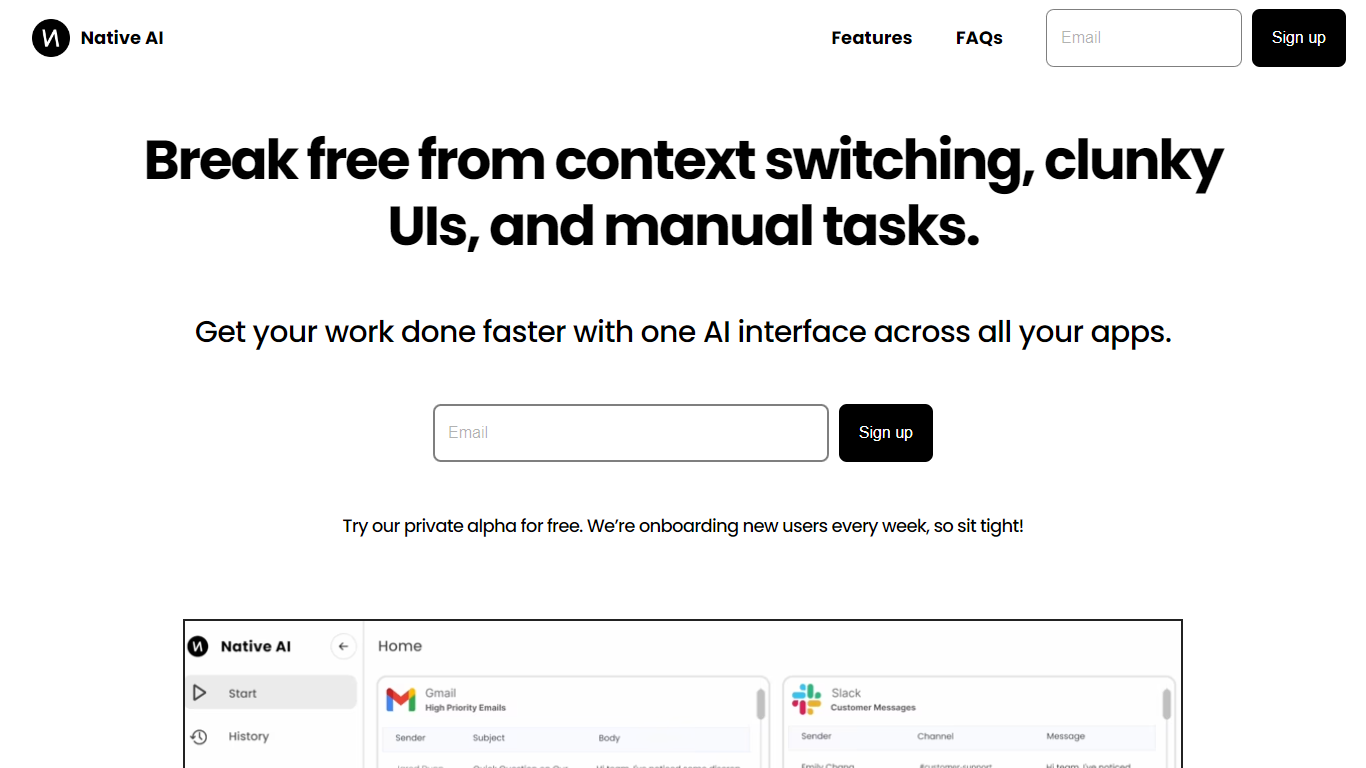

What is Native AI?
Native AI introduces a transformative approach to managing apps by providing a single AI interface for all your applications. Embrace the future with Native AI, where context switching, cumbersome user interfaces (UIs), and repetitive manual tasks become a thing of the past.
Experience the power of lightning-fast interactions, simple intuitive interfaces, and effortless automations designed to streamline your workflow across various apps such as Slack, Gmail, Jira, and more. The unified platform fosters a seamless experience, letting you focus on productivity rather than juggling multiple apps.
Native AI invites you to join their private alpha, offering you a complimentary opportunity to be part of an innovation that's onboarding users weekly. With endorsements from professionals across industries, it's clear that Native AI is setting a new standard for efficiency and effectiveness in the workplace.
RisuAI
What is RisuAI?
Edit visual content quickly using automated tools for background removal, object erasure, and upscaling. The software combines an accessible interface with powerful editing functions to speed up workflows for non-technical users while providing precision for detailed edits.
Unlike traditional editing software that requires steep learning curves, RisuAI uses template-based workflows and batch processing to handle multiple images efficiently. The platform positions itself as a practical solution for individuals who need reliable image editing without unnecessary complexity.
Native AI Upvotes
RisuAI Upvotes
Native AI Top Features
Universal AI Interface: Manage all your apps through a single AI-powered interface.
Fast Interactions: Enjoy super quick interactions with apps, utilizing typing, speaking, and clicking methods.
Simple UI: Benefit from a minimal user interface that's easy to navigate, with context-based AI suggestions.
Effortless Automations: Automate tasks within your workflows using natural language commands.
Security and Privacy: Native AI ensures the security and privacy of your interactions.
RisuAI Top Features
Background removal: Instantly cut out backgrounds from any image with one click, perfect for product photos and marketing visuals.
Object erasure: Remove unwanted objects or people from images without leaving traces, ideal for cleaning up photos.
Image upscaling: Increase image resolution up to 4x while keeping sharpness and detail for high-quality prints.
Template workflows: Use pre-built templates for common tasks like social media posts and product listings.
Batch processing: Edit multiple images at once to save time when working with large photo collections.
API integration: Access full API capabilities on Pro plans for connecting RisuAI with external automation tools.
Native AI Category
- All In One
RisuAI Category
- All In One
Native AI Pricing Type
- Freemium
RisuAI Pricing Type
- Freemium