NeuralPix vs PhotoAid's AI Image Enlarger
Compare NeuralPix vs PhotoAid's AI Image Enlarger and see which AI Photo Editing tool is better when we compare features, reviews, pricing, alternatives, upvotes, etc.
Which one is better? NeuralPix or PhotoAid's AI Image Enlarger?
When we compare NeuralPix with PhotoAid's AI Image Enlarger, which are both AI-powered photo editing tools, The upvote count reveals a draw, with both tools earning the same number of upvotes. Join the aitools.fyi users in deciding the winner by casting your vote.
Does the result make you go "hmm"? Cast your vote and turn that frown upside down!
NeuralPix

What is NeuralPix ?
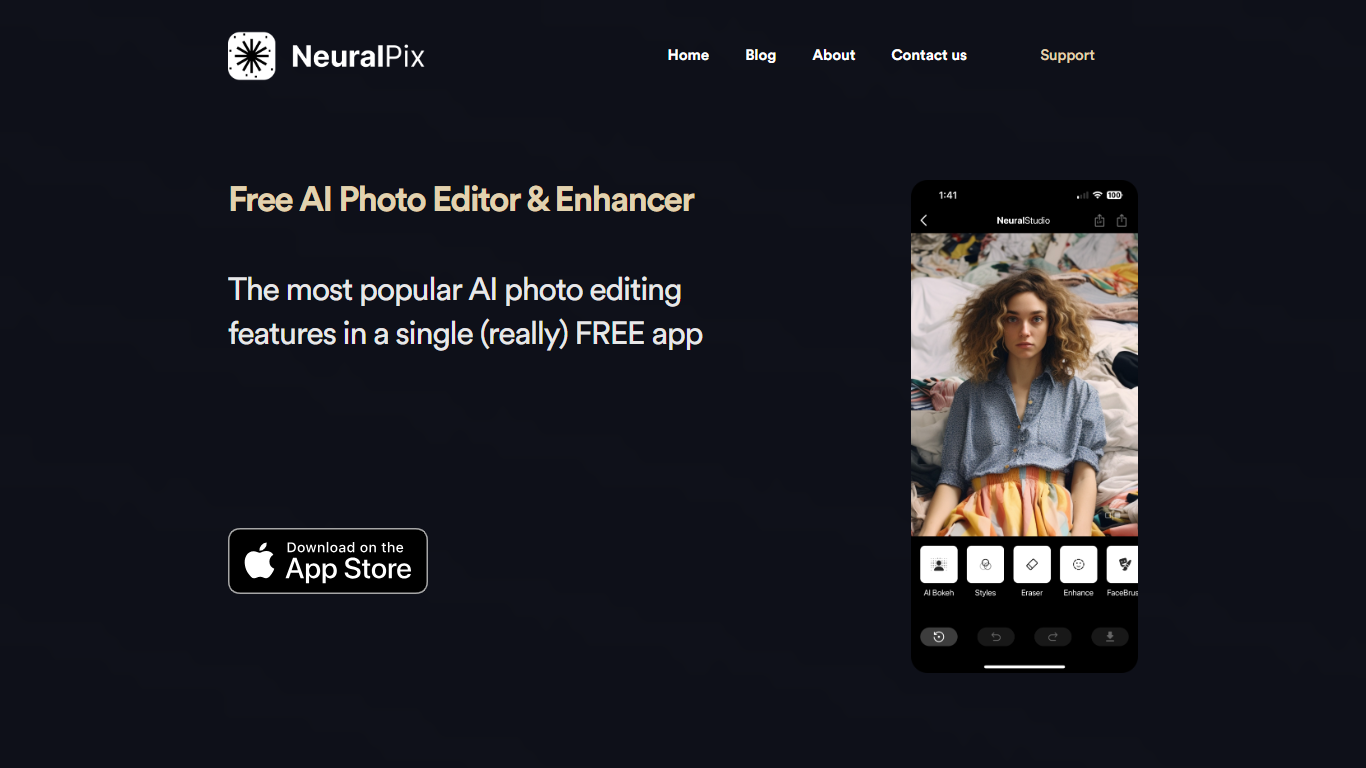
NeuralPix is a free AI photo and video editor from Neural Cam SRL for iPhone, with support on Mac with Apple silicon. You edit photos by typing what you want changed or picking from a curated prompt library, then apply the transformation with one tap. The app can also animate any edit into a short video clip sized for TikTok and Reels.
Eight core AI tools run on-device and work offline, including AI Eraser, background blur and bokeh, upscaling, styles and filters, and more. The prompt library covers pro headshots, object removal, background replacement, art styles, and selfie transformations with before-and-after previews.
The base app is free with no subscription required for the eight permanent AI tools. NeuralPix Pro unlocks advanced features and higher usage limits through an optional in-app subscription.
PhotoAid's AI Image Enlarger

What is PhotoAid's AI Image Enlarger?
PhotoAid's AI Image Enlarger upscales photos in the browser without a software download. You upload a JPEG, WEBP, or PNG file up to 30MB or 10,000 by 10,000 pixels, pick a 1x or 2x zoom level, and the tool doubles dimensions while smoothing detail instead of leaving blocky pixels.
Standard resize tools stretch pixels and blur faces fast. PhotoAid's upscaler uses AI smoothing tuned especially for portraits, so a 1000 by 1000 px image can become 2000 by 2000 px with fewer artifacts than a basic bicubic stretch.
The enlarger is free and hosted by PhotoAiD, the same team behind passport and visa photo tools on photoaid.com. They released it as a standalone browser utility alongside their biometric photo pipeline, with multilingual site options and links back to other PhotoAid tools.
PhotoAid's AI Image Enlarger fits photographers, ecommerce sellers, and anyone who needs a quick upscale for profile shots or product images. It also helps travelers who already use PhotoAid for passport photos and want a separate enlargement step in the same ecosystem.
NeuralPix Upvotes
PhotoAid's AI Image Enlarger Upvotes
NeuralPix Top Features
Edit photos with text prompts or pick from a curated prompt library with one-tap apply
Animate any photo transformation into 4 to 8 second videos for TikTok and Reels
Eight on-device AI tools free forever, including AI Eraser, blur, bokeh, and upscaling
Prompt library with pro headshots, object removal, background replacement, and art styles
Works offline for core on-device editing tools without an internet connection
PhotoAid's AI Image Enlarger Top Features
2x zoom doubles image dimensions, for example 1000 by 1000 px to 2000 by 2000 px
Maximum upload size is 30MB or 10,000 by 10,000 pixels
Supports JPEG, WEBP, and PNG input formats
Browser-based workflow requires no desktop software download
AI upscaler emphasizes face photos but handles other image types
Free access with share and tell-friends prompts on the tool page
Multilingual PhotoAid site lists 15 language options in the footer
NeuralPix Category
- Photo Editing
PhotoAid's AI Image Enlarger Category
- Photo Editing
NeuralPix Pricing Type
- Freemium
PhotoAid's AI Image Enlarger Pricing Type
- Free