NeuralStudio vs Lightning AI
Compare NeuralStudio vs Lightning AI and see which AI Data Science tool is better when we compare features, reviews, pricing, alternatives, upvotes, etc.
Which one is better? NeuralStudio or Lightning AI?
When we compare NeuralStudio with Lightning AI, which are both AI-powered data science tools, Both tools have received the same number of upvotes from aitools.fyi users. Join the aitools.fyi users in deciding the winner by casting your vote.
Feeling rebellious? Cast your vote and shake things up!
NeuralStudio

What is NeuralStudio?
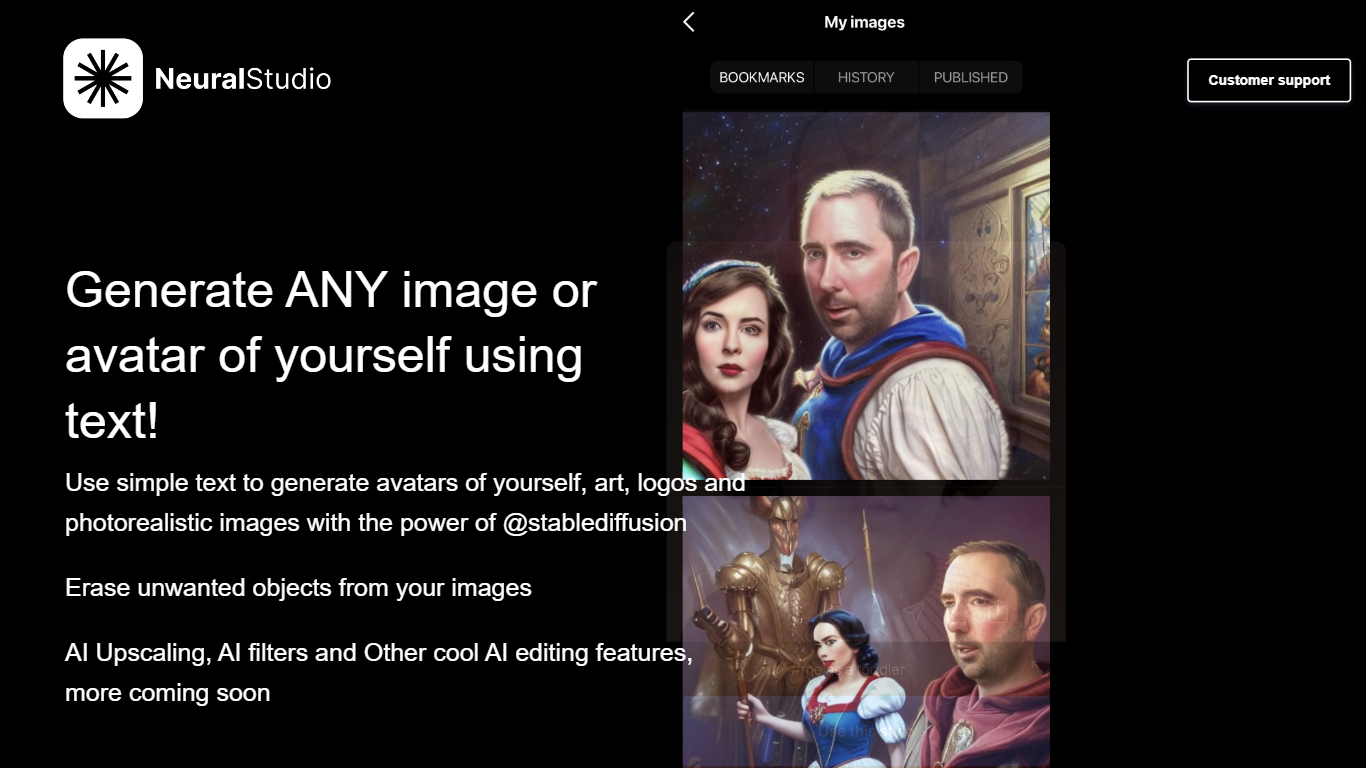
NeuralStudio turns text prompts into avatars, art, logos, and photorealistic images through Stable Diffusion on neural.cam. You describe what you want in plain language and get generated visuals without opening a separate design tool. The same workspace also removes unwanted objects from photos and applies AI upscaling and filter effects.
Compared with general-purpose image editors that need manual masking for object removal, NeuralStudio bundles generation and cleanup in one Stable Diffusion-powered flow. That combination targets creators who want quick avatar variants and touch-up edits without switching between a generator and a photo editor.
Social media creators, indie designers, and hobbyists use NeuralStudio for profile avatars, logo drafts, and quick image cleanup. The product is published in partnership with MWM. Support is available at [email protected].
Lightning AI
What is Lightning AI?
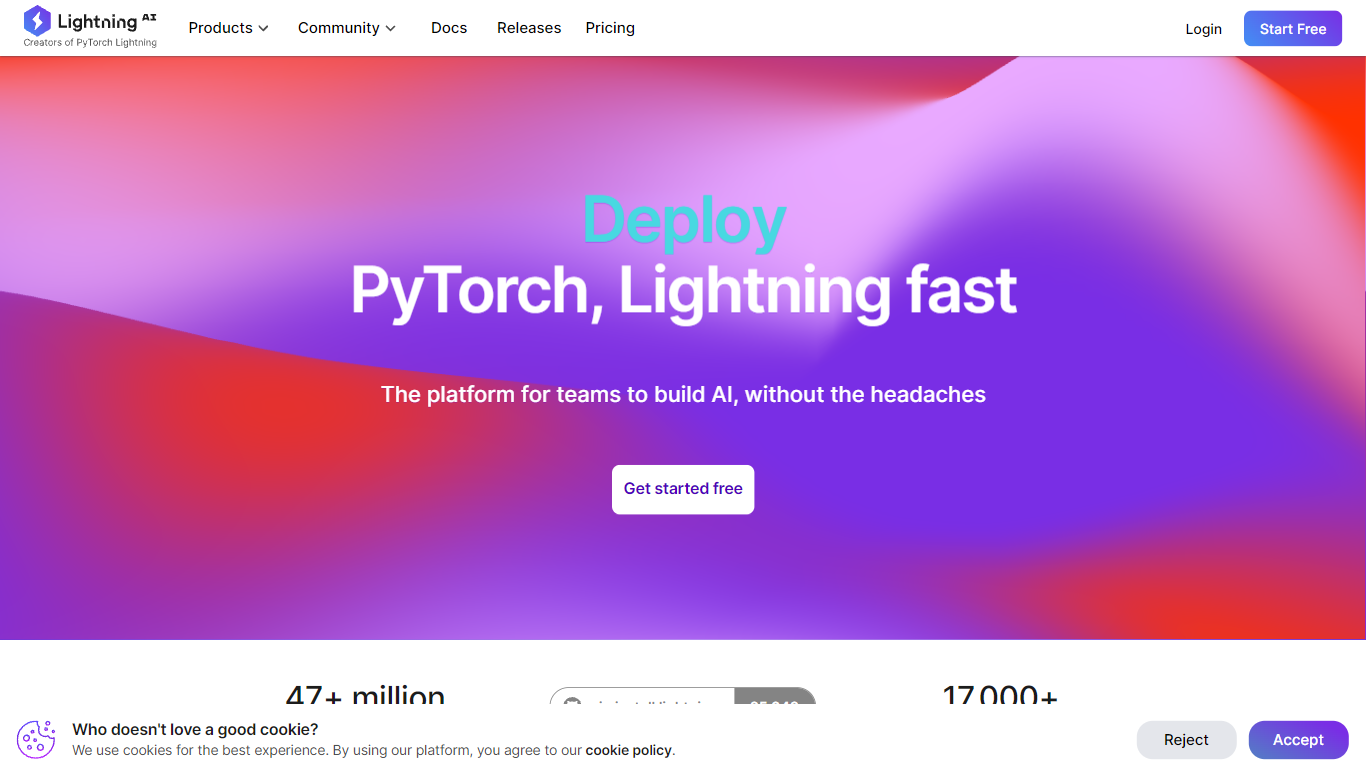
Lightning AI gives ML teams one place to build, train, and deploy specialized models on guaranteed GPU capacity. You move from dataset prep through prototyping, experiment sweeps, evaluation, and inference without stitching together separate notebooks, cluster managers, and serving layers. The platform comes from the creators of PyTorch Lightning and advertises access to 40,000 GPUs plus on-demand H100s from $4.50 per hour.
General cloud consoles rent raw machines and leave you to wire up MLOps yourself. Lightning bundles Studios for interactive coding, parallel experiment runners, multi-node training, and enterprise guardrails like SOC2 and HIPAA in one workflow. That matters when you need to own a fine-tuned model rather than depend on a shared API that can change pricing or policy overnight. Customer stories on the site cite cancer research teams cutting timelines in half and edge-AI projects shrinking multi-year builds to months.
Data scientists, research labs, and enterprise AI groups use Lightning when they outgrow notebook-only workflows but do not want to run their own Kubernetes fleet. The free tier includes up to 80 GPU hours and one always-on Studio with four-hour restarts, while Pro starts at $20 per month billed annually. Teams and Enterprise tiers add multi-GPU nodes, spending controls, and options to deploy inside your own VPC with AWS or GCP credits.
NeuralStudio Upvotes
Lightning AI Upvotes
NeuralStudio Top Features
Text-to-image generation for avatars, art, logos, and photorealistic scenes via Stable Diffusion
Object eraser removes unwanted elements from existing photos
AI upscaling sharpens image resolution beyond the original capture
AI filter effects for stylized output without manual layer editing
Published in partnership with MWM for expanded distribution reach
Support contact at [email protected] for generation and editing help
Lightning AI Top Features
On-demand H100 GPUs from $4.50 per hour with self-serve provisioning in minutes
Free tier includes up to 80 GPU hours and 30 starter credits with no credit card required
Studios support SSH, local IDE connections, and multiplayer live collaboration on code
Multi-node training scales to 12 GPUs on Teams and unlimited nodes on Enterprise
GPU catalog spans T4, L4, L40S, A100, H100, H200, and B200 instances across partner clouds
Enterprise add-ons cover VPC deployment, AWS/GCP credit usage, and 99.95% uptime SLA
NeuralStudio Category
- Data Science
Lightning AI Category
- Data Science
NeuralStudio Pricing Type
- Freemium
Lightning AI Pricing Type
- Freemium