Neverscene vs Blend AI Studio
Compare Neverscene vs Blend AI Studio and see which AI Design tool is better when we compare features, reviews, pricing, alternatives, upvotes, etc.
Which one is better? Neverscene or Blend AI Studio?
When we compare Neverscene with Blend AI Studio, which are both AI-powered design tools, Interestingly, both tools have managed to secure the same number of upvotes. The power is in your hands! Cast your vote and have a say in deciding the winner.
Does the result make you go "hmm"? Cast your vote and turn that frown upside down!
Neverscene


What is Neverscene?
Neverscene helps interior designers and design studios generate fresh room visuals without starting from a blank canvas each time. Upload reference images or connect a Pinterest account, and the platform learns your signature style so new living rooms, bedrooms, kitchens, and home offices stay consistent with the look you are known for.
The product is built around repeatable content creation for social channels. You can spin up unlimited interior concepts, design custom furniture pieces, and export finished images at up to 4K resolution on paid plans. A public Discover gallery showcases community work, while Private Mode on higher tiers keeps selected projects off shared feeds.
Neverscene targets interior designers, architects, creative directors, and design studios who need a steady stream of portfolio-ready visuals for pitches, client outreach, and social posts. Starter plans cover personal experimentation, while Pro and Enterprise tiers raise render limits, unlock full image ownership, and add privacy controls for client-facing work.
Blend AI Studio
What is Blend AI Studio?
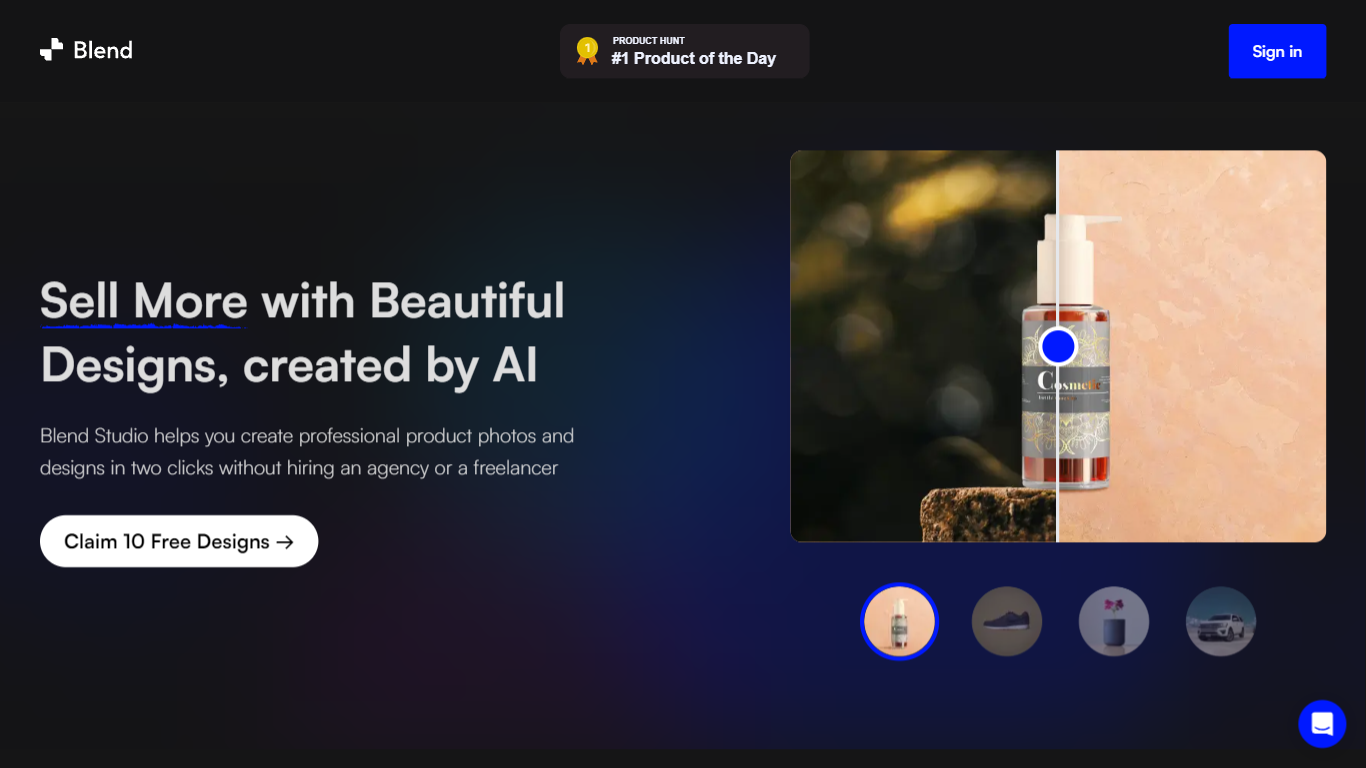
Blend AI Studio turns flat product uploads into studio shots, on-model try-on images, lifestyle scenes, and short product videos for ecommerce listings without booking a photographer. Upload a product image, pick a workflow like studio shots, ghost mannequin, or virtual try-on, and export listing-ready visuals through the web app or mobile apps.
Where general editors like Canva or Photoroom spread across social graphics and one-off cutouts, Blend keeps the workflow tied to seller tasks: marketplace white backgrounds, ghost mannequin apparel shots, batch catalog processing, and credit-priced limits per feature type on paid plans. That trade-off favors merchants shipping hundreds of SKUs over designers building broad brand decks.
Fashion, beauty, home goods, and high-volume catalog teams use it for Amazon, Etsy, Shopify, and DTC storefronts. BlendIt Studios reports 10M+ images created, 3.5M sellers on the platform, and a 4.8-star App Store rating on the homepage.
Neverscene Upvotes
Blend AI Studio Upvotes
Neverscene Top Features
Train a signature style by uploading moodboards or linking Pinterest
Generate interiors for living rooms, bedrooms, kitchens, and home offices
Design custom furniture pieces that match your trained aesthetic
Export finished images at up to 4K resolution on paid plans
Switch on Private Mode to keep selected designs off the public gallery
Blend AI Studio Top Features
PRO includes 1,000 monthly credits with 100 AI model shots, 100 lifestyle shots, and 100 studio shots
Batch-edit up to 20 product photos for background removal in one pass on the mobile app
Generate AI product videos up to 10 seconds on PRO or 30 seconds on MAX
Create ghost mannequin, recolor, dimension overlays, and AI backgrounds from a single upload
MAX triples PRO credits and adds custom AI influencer model creation plus cheaper add-on credits
Access 1,000+ templates and DesignGPT outputs priced from 100 to 2,000 credits per run
Neverscene Category
- Design
Blend AI Studio Category
- Design
Neverscene Pricing Type
- Freemium
Blend AI Studio Pricing Type
- Freemium