No-Code Scraper vs UseScraper
In the face-off between No-Code Scraper vs UseScraper, which AI Web Scraping tool takes the crown? We scrutinize features, alternatives, upvotes, reviews, pricing, and more.
In a face-off between No-Code Scraper and UseScraper, which one takes the crown?
If we were to analyze No-Code Scraper and UseScraper, both of which are AI-powered web scraping tools, what would we find? In the race for upvotes, UseScraper takes the trophy. UseScraper has 7 upvotes, and No-Code Scraper has 6 upvotes.
Feeling rebellious? Cast your vote and shake things up!
No-Code Scraper

What is No-Code Scraper?
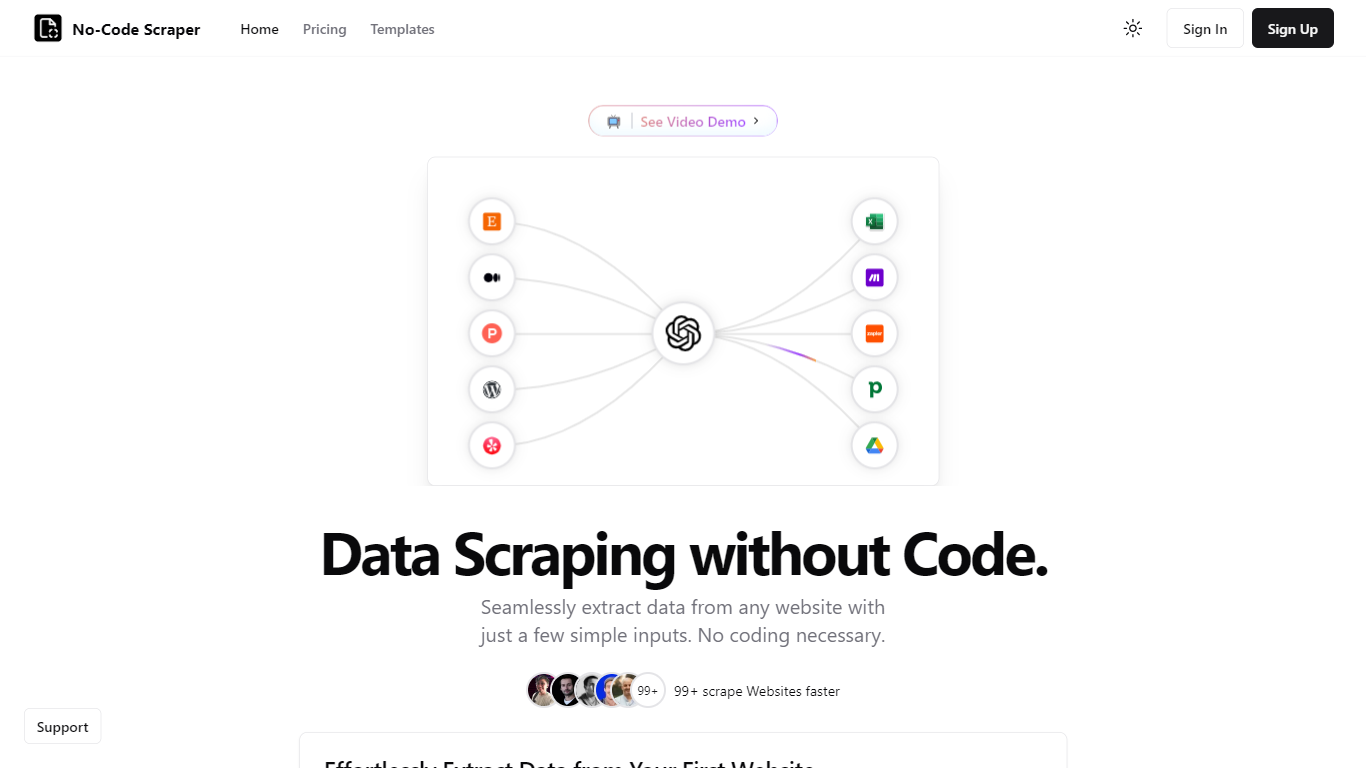
No-Code Scraper pulls structured web data through reusable templates instead of custom scripts. You import URLs, describe the fields you want in a template, and launch a job that exports cleaned rows to CSV, Excel, or JSON without writing HTML selectors or Python.
Where point-and-click scrapers break when a site redesigns its layout, No-Code Scraper uses large language models to adapt extraction when page structure shifts. One template can scrape thousands of similar sites, and optional Google Cache mode helps bypass basic anti-bot blocks.
Analysts, marketers, and founders who need product listings, directory data, or research tables use it when they want scraping output ready for spreadsheets or Google Sheets, not raw HTML dumps that need hours of cleanup.
UseScraper
What is UseScraper?
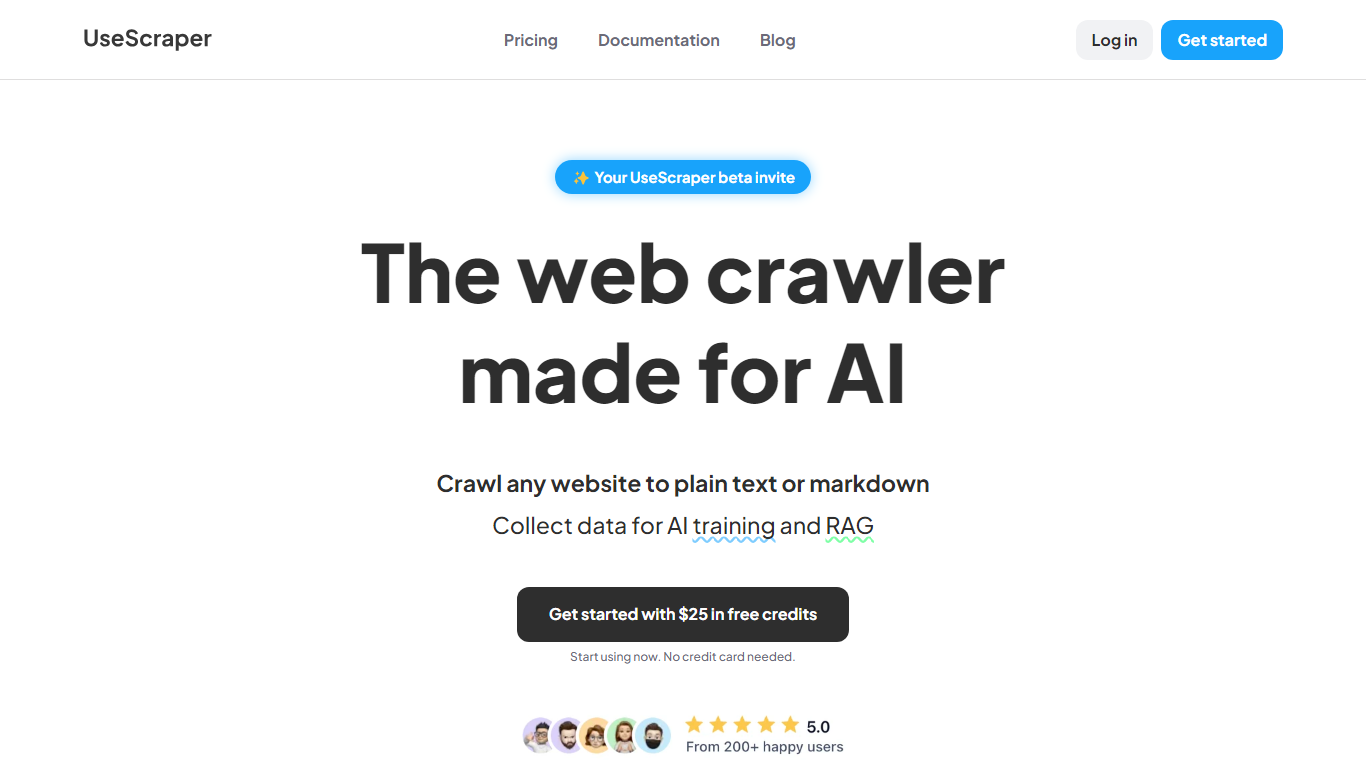
Experience hyper-fast web crawling and scraping with UseScraper, a cutting-edge API designed for efficiency. Simplify data collection with a service that allows you to transform any website into plain text or markdown, perfect for AI training and RAG tasks. Start immediately with $25 in free credits, no credit card required. Our robust web crawling can process thousands of pages a minute, offering full browser rendering, even with complex JavaScript elements. Enjoy versatile content extraction in markdown, plain text, or HTML and stay ahead of rate limits with our automatic rotating proxies. Choose from flexible pricing plans and benefit from features like multi-site crawling, page exclusions, webhook updates, and a convenient output data store.
No-Code Scraper Upvotes
UseScraper Upvotes
No-Code Scraper Top Features
Starter plan at $16.99 per month includes 400 credits and a 5-day free trial
Pro at $19.99 per month adds Google Sheets, Notion, and Airtable exports
Expert at $25.99 per month unlocks API access and premium proxy support
Credit calculator lists scrape-and-extract jobs at 5 credits on simple pages
Optional Google Cache mode circumvents some anti-scraping measures
Supports pagination, load-more buttons, and multi-page scraping flows
UseScraper Top Features
Hyper-Fast Web Crawling: Crawl and scrape thousands of web pages per minute with an instantly scalable web crawler.
Markdown & Text Extraction: Perfectly convert website content to markdown or plain text ideal for use with AI systems.
Full Browser Rendering: Utilize headless Chrome browsing to render and scrape complex websites with JavaScript.
Automatic Rotating Proxies: Overcome scraping blocks with auto-rotating proxies that prevent rate limiting.
Flexible Pricing & Free Credits: Access UseScraper's services with no upfront cost and get started with $25 in free credits.
No-Code Scraper Category
- Web Scraping
UseScraper Category
- Web Scraping
No-Code Scraper Pricing Type
- Freemium
UseScraper Pricing Type
- Freemium