Noon Ai vs Video To Blog
Explore the showdown between Noon Ai vs Video To Blog and find out which AI Content Creation tool wins. We analyze upvotes, features, reviews, pricing, alternatives, and more.
When comparing Noon Ai and Video To Blog, which one rises above the other?
When we contrast Noon Ai with Video To Blog, both of which are exceptional AI-operated content creation tools, and place them side by side, we can spot several crucial similarities and divergences. Both tools have received the same number of upvotes from aitools.fyi users. The power is in your hands! Cast your vote and have a say in deciding the winner.
You don't agree with the result? Cast your vote to help us decide!
Noon Ai

What is Noon Ai?
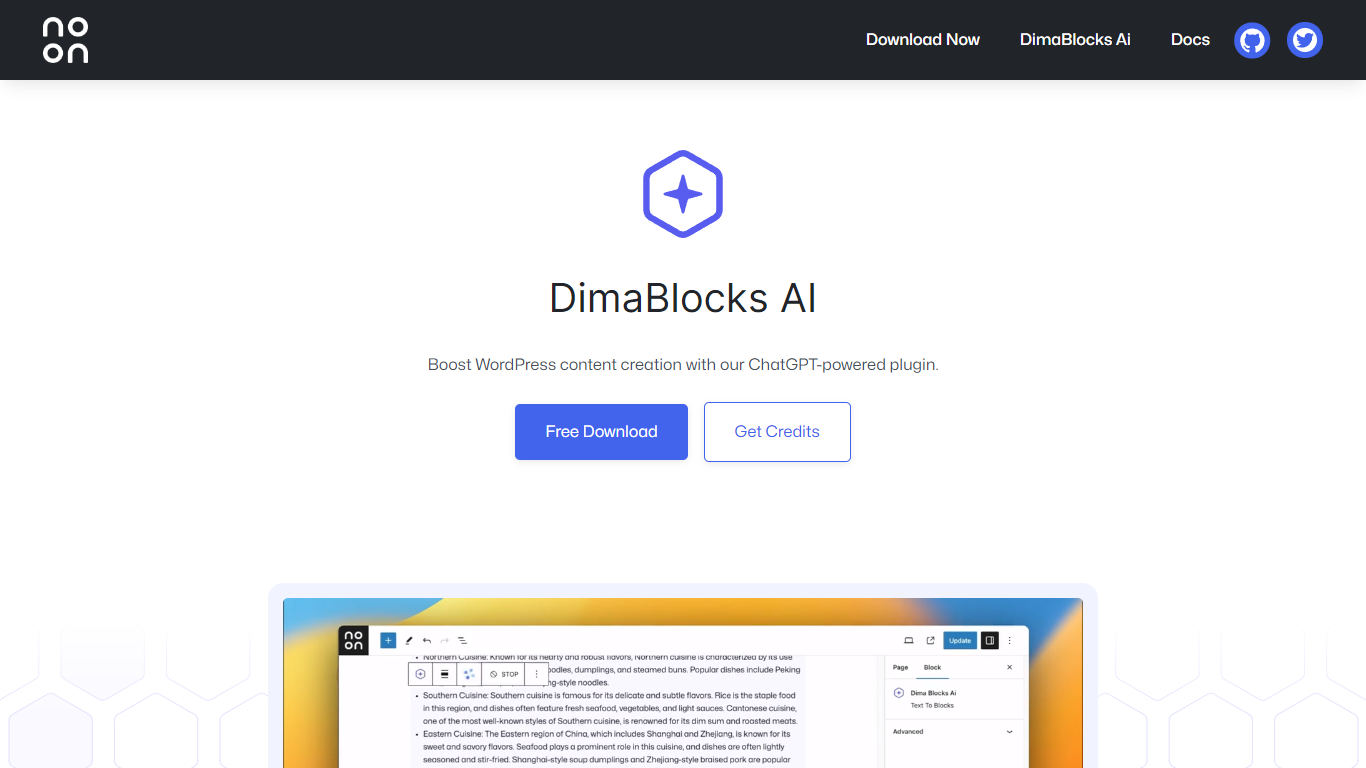
Noon is an AI WordPress block theme that drafts Gutenberg layouts, color palettes, and typography systems from plain-language prompts. You describe a section, page, or design direction, and Noon returns native block code inside the editor. No page builder lock-in, no proprietary shortcodes.
Five built-in instruments cover distinct stages of site building. Pattern Forge generates block patterns from descriptions. Page Scribe assembles full page structures with correct heading hierarchy. Palette Librarian produces OKLCH color systems with typography pairings. Type Rubric builds complete font stacks as self-hosted woff2 files. RTL Concordance generates bilingual Arabic-English or Hebrew-English pages with script-aware typography.
Built by Noon Press Studio in Amman, Noon targets WordPress freelancers, agencies, and MENA-region publishers who need native FSE workflows with strong RTL support. The base theme is free and GPL-licensed; AI features scale across Monk, Scribe, and Abbey subscription tiers.
Video To Blog

What is Video To Blog?
Video To Blog turns spoken video and audio into publish-ready blog articles. Paste a YouTube link, upload a file, drop in a transcript, record audio, or connect a channel, and the service outputs structured posts with headings, screenshots, smart links, metadata, and calls to action you can send to a website, newsletter, or download as HTML, Markdown, PDF, or Word.
Transcript-to-ChatGPT workflows still leave you stitching screenshots, links, and publishing steps by hand. Video To Blog bundles those production tasks: auto screenshots from the source video, reusable CTA blocks, SEO and GEO formatting, YouTube upload automations, and a built-in Publications feature for hosting a blog plus email newsletter on a custom domain. The homepage cites 500,000+ articles created and a 4.8 average across 500+ reviews on Trustpilot, G2, and Capterra.
YouTube creators, podcasters, agencies, and teams publishing sermons or webinars are the target users. Pricing starts free with one monthly upload, scales to Business at $69 per month (yearly billing) for 50 videos, and every paid tier adds publications, website integrations, and longer runtime limits.
Noon Ai Upvotes
Video To Blog Upvotes
Noon Ai Top Features
Pattern Forge turns a text description into editable Gutenberg block patterns in under five seconds
Page Scribe assembles hero, features, social proof, and CTA sections with Lighthouse-clean heading hierarchy
Palette Librarian generates five OKLCH color palettes with dark mode variants from a mood brief
Type Rubric builds display, body, and mono font stacks as self-hosted woff2 with a ready theme.json excerpt
RTL Concordance creates bilingual Arabic-English or Hebrew-English pages with script-specific typography
Video To Blog Top Features
Imports YouTube links, uploaded video/audio, transcripts, Google Drive files, and channel automations
Auto screenshots pull key visual moments from source videos into each article
Smart links and reusable CTA blocks insert internal and external links automatically
Publications host a blog, email newsletter, and custom domain without extra services
Free plan includes 1 monthly upload for videos up to 30 minutes with no credit card
Pro plan ($39/mo yearly) allows 15 monthly uploads up to 1.5 hours with 3 team members
Exports finished posts as HTML, Markdown, PDF, or Word and publishes to connected websites
Noon Ai Category
- Content Creation
Video To Blog Category
- Content Creation
Noon Ai Pricing Type
- Freemium
Video To Blog Pricing Type
- Freemium