Not Legal Advice vs Keep It Shot
When comparing Not Legal Advice vs Keep It Shot, which AI Assistant tool shines brighter? We look at pricing, alternatives, upvotes, features, reviews, and more.
Between Not Legal Advice and Keep It Shot, which one is superior?
When we put Not Legal Advice and Keep It Shot side by side, both being AI-powered assistant tools, Keep It Shot stands out as the clear frontrunner in terms of upvotes. Keep It Shot has garnered 7 upvotes, and Not Legal Advice has garnered 6 upvotes.
Want to flip the script? Upvote your favorite tool and change the game!
Not Legal Advice


What is Not Legal Advice?
Not Legal Advice walks you through everyday legal paperwork without hiring a lawyer. The assistant covers landlord and tenant disputes, property questions, employment issues, money and tax matters, family law, and wills or probate. You describe your situation and get step-by-step guidance plus document help built for people representing themselves.
Most legal help sites either sell form templates or push you toward an attorney referral. Not Legal Advice keeps the workflow in one place with collaborative editing, comments, and shared reports so you can work through a dispute with a roommate, cofounder, or family member before deciding if you need counsel. The product positions itself around speed, claiming answers about 100 times faster than a traditional firm and a future price target near 1% of typical legal fees.
Renters fighting eviction notices, employees reviewing termination letters, and parents sorting custody questions are the clearest fits. It also suits small operators who need plain-language explanations of contracts, debt letters, or basic estate documents without opening a client matter with a law firm.
Keep It Shot
What is Keep It Shot?
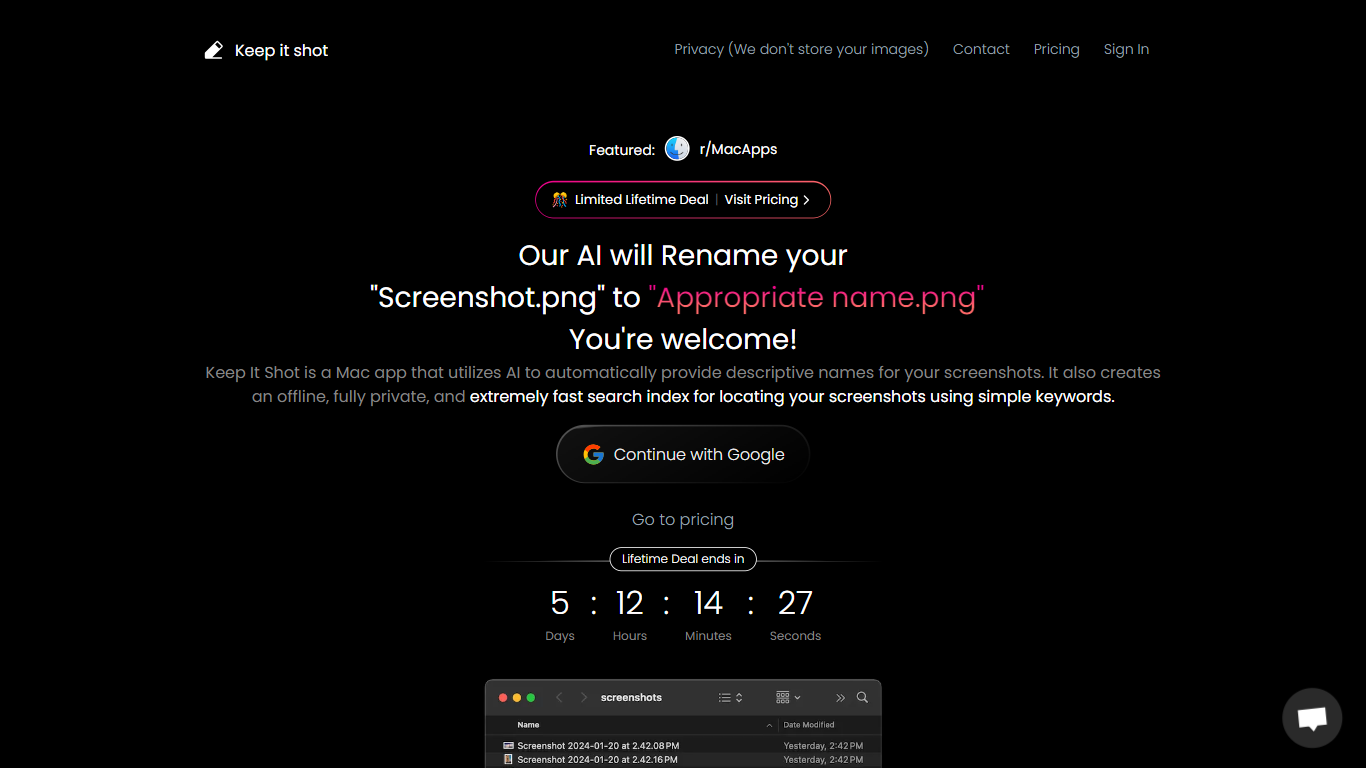
Keep It Shot is an innovative Mac application designed to enhance the way users manage their screenshots. It leverages AI technology to auto-generate descriptive names for screenshots, allowing for quick and easy identification. Moreover, it offers a powerful offline search feature, making it swift to locate specific screenshots using simple keywords. The application ensures complete privacy by not uploading any images to the cloud. It's optimized for speed and simplicity, allowing users to efficiently rename large batches of screenshots with minimal effort. Keep It Shot simplifies screenshot management, transforming it from a cluttered collection into a highly organized and accessible library.
Not Legal Advice Upvotes
Keep It Shot Upvotes
Not Legal Advice Top Features
Six practice areas: landlord and tenant, property, employment, money and tax, family, and wills or probate
Speed claim: guidance positioned as about 100 times faster than a typical law firm workflow
Collaborative reports: share, comment, and edit case summaries without leaving the platform
Early-access pricing: free to use while the product is in launch phase
Document help: draft letters and basic filings for common disputes across the covered topics
Keep It Shot Top Features
Automated Descriptive Naming: Automatically provides descriptive names for screenshots using AI.
Offline and Private Search Index: Creates a fast local search index for screenshots using keywords, with complete privacy.
Bulk Rename in Two Clicks: Quickly rename large batches of screenshots with a progress bar to track changes.
Tailored Renaming Preferences: Customize naming conventions and automate renaming for new screenshots.
Easy Reversion: Single-click option to revert any changes and go back to the original screenshot names.
Not Legal Advice Category
- Assistant
Keep It Shot Category
- Assistant
Not Legal Advice Pricing Type
- Free
Keep It Shot Pricing Type
- Freemium