NotebookLM vs Browse AI
Explore the showdown between NotebookLM vs Browse AI and find out which AI Research tool wins. We analyze upvotes, features, reviews, pricing, alternatives, and more.
In a face-off between NotebookLM and Browse AI, which one takes the crown?
When we contrast NotebookLM with Browse AI, both of which are exceptional AI-operated research tools, and place them side by side, we can spot several crucial similarities and divergences. The users have made their preference clear, Browse AI leads in upvotes. Browse AI has 25 upvotes, and NotebookLM has 7 upvotes.
Does the result make you go "hmm"? Cast your vote and turn that frown upside down!
NotebookLM

What is NotebookLM?
NotebookLM, now branded as Gemini Notebook, is your AI-powered research and thinking partner that helps you understand and organize information from your trusted sources. Upload PDFs, websites, videos, audio files, Google Docs, and more, and Gemini Notebook summarizes and connects topics using the latest Gemini models. It provides clear citations for every answer, so you can trust the information.
The tool supports creative projects like podcast-style Audio Overviews and helps generate outlines, flashcards, reports, slides, infographics, and video overviews. Gemini Notebook is designed for personalized learning, reducing AI hallucinations by grounding responses strictly in your uploaded sources. It syncs your work across devices and offers mobile apps for iOS and Android.
Privacy and control remain priorities, with your data not used for training the system. S. and select regions, with plans for individuals, teams, and organizations, including Google Workspace and Cloud integrations.
Browse AI
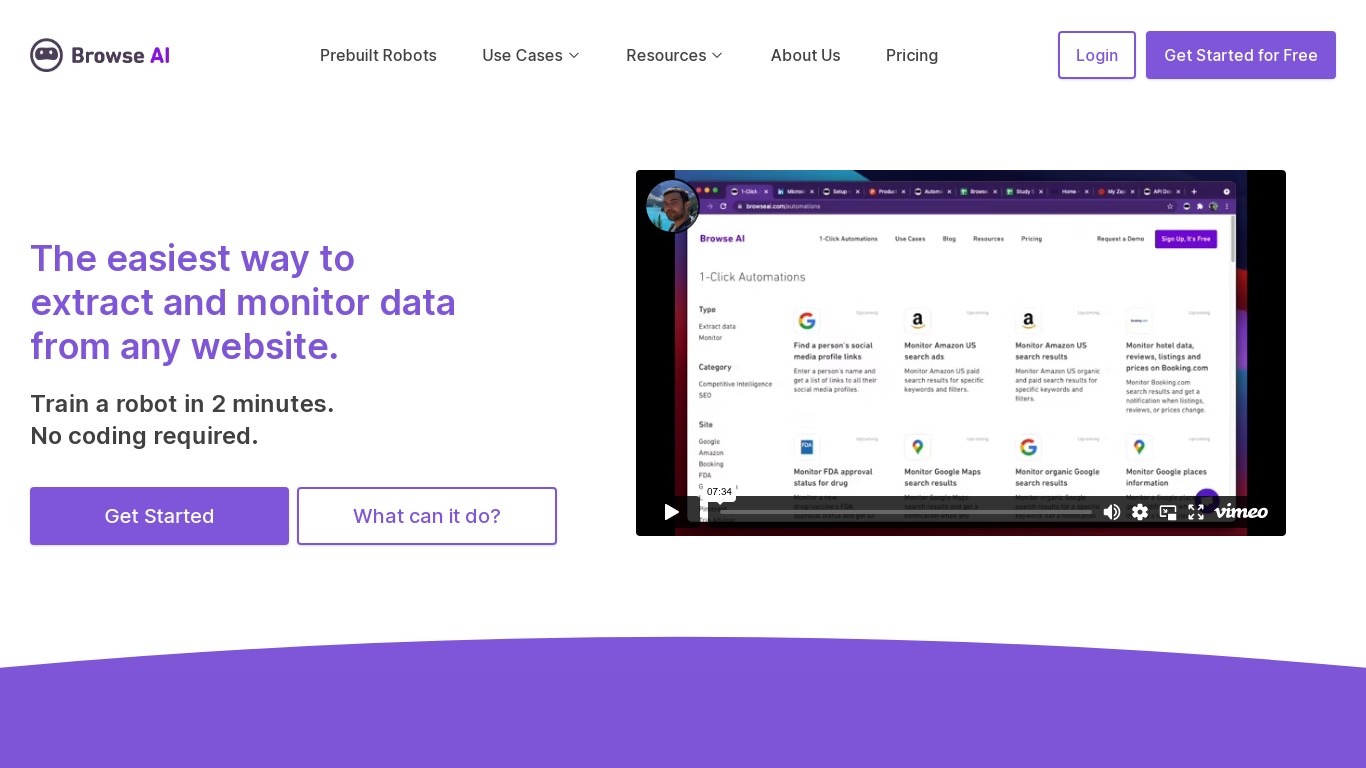
What is Browse AI?
Browse AI is a no-code web scraping and website monitoring platform built for research teams that need structured data from sites they do not control. You train robots with point-and-click actions to extract lists, details, and screenshots, then schedule runs or set change alerts without writing scripts. The platform reports over 770,000 users and has delivered more than 10 billion rows of extracted data.
Where most scrapers break the moment a target site redesigns, Browse AI leans on adaptive change detection that adjusts robot selectors when layouts shift. That trade-off favors operators who monitor competitor pricing or job boards on a schedule and cannot babysit Python scripts every time a CSS class changes. You still get deep scraping workflows, bulk runs across up to 500,000 pages, and exports to Google Sheets, Airtable, Zapier, Make, webhooks, or a REST API.
Browse AI fits ecommerce analysts tracking catalogs, real estate teams pulling listings from Airbnb or Redfin, and growth operators building lead lists from directories. Over 250 prebuilt robots cover Amazon, Indeed, Google Maps, and other high-traffic sites. A Premium tier adds fully managed scraping with custom delivery for high-volume or complex pipelines.
NotebookLM Upvotes
Browse AI Upvotes
NotebookLM Top Features
📚 Upload diverse sources like PDFs, videos, and websites for comprehensive research
🔍 Get clear citations with every answer to verify information accuracy
🎧 Create podcast-style Audio Overviews to learn on the go
📝 Generate outlines, flashcards, reports, slides, and infographics from your notes
📱 Sync notebooks and sources instantly across iOS, Android, and desktop devices
Browse AI Top Features
Point-and-click robot builder trains on any page with no code required
Adaptive change detection adjusts robots when target sites redesign layouts
250+ prebuilt robots for Amazon, Indeed, Google Maps, and other popular sites
Bulk extraction runs across up to 500,000 pages in a single operation
Paid plans monitor sites every 5 minutes; free plans allow hourly checks at minimum
Syncs to Google Sheets, Airtable, Zapier, Make, REST API, webhooks, or Amazon S3
NotebookLM Category
- Research
Browse AI Category
- Research
NotebookLM Pricing Type
- Freemium
Browse AI Pricing Type
- Freemium