Open Interpreter vs Refraction
When comparing Open Interpreter vs Refraction, which AI Code Assistant tool shines brighter? We look at pricing, alternatives, upvotes, features, reviews, and more.
In a comparison between Open Interpreter and Refraction, which one comes out on top?
When we put Open Interpreter and Refraction side by side, both being AI-powered code assistant tools, The users have made their preference clear, Open Interpreter leads in upvotes. Open Interpreter has attracted 6 upvotes from aitools.fyi users, and Refraction has attracted 5 upvotes.
Not your cup of tea? Upvote your preferred tool and stir things up!
Open Interpreter
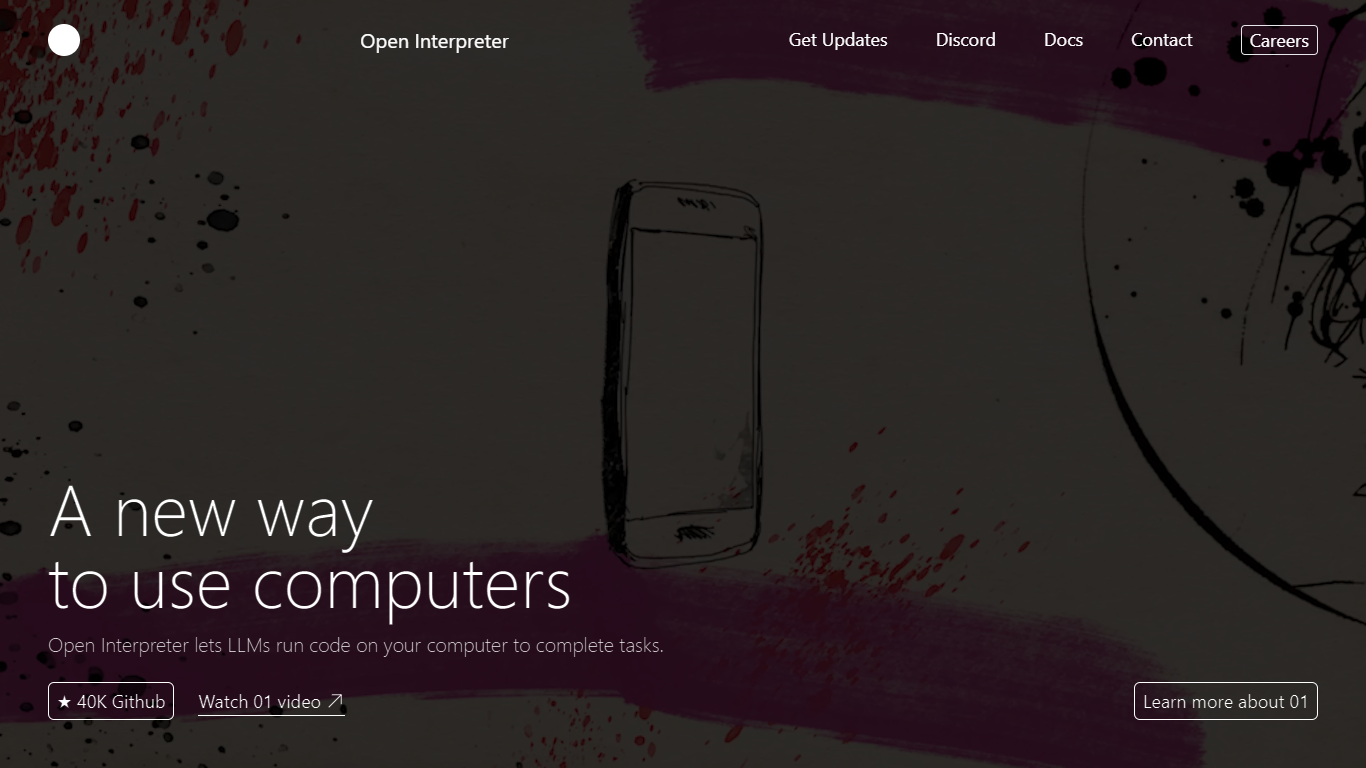

What is Open Interpreter ?
Open Interpreter is an open-source coding agent that runs in your terminal or as a desktop app. Open a project, type interpreter, and it reads your files, edits code, and runs commands with sandbox guardrails. It is built on a fork of OpenAI's Codex CLI and stays provider agnostic, so you can plug in OpenAI, Anthropic, Kimi, Qwen, DeepSeek, or local models.
The project targets low-cost and open-weight models rather than frontier-only agents. Model-specific harnesses emulate the tool interfaces each provider trained on, which the team reports improves benchmark scores on models like Kimi K2.5 and DeepSeek V4 Flash compared to generic agent loops.
Developers get a familiar Codex-style terminal with AGENTS.md support, skills, MCP servers, and session management. The separate desktop app brings the same agent workflow to Word, Excel, PDFs, and the browser for knowledge workers who do not live in a code editor.
Refraction
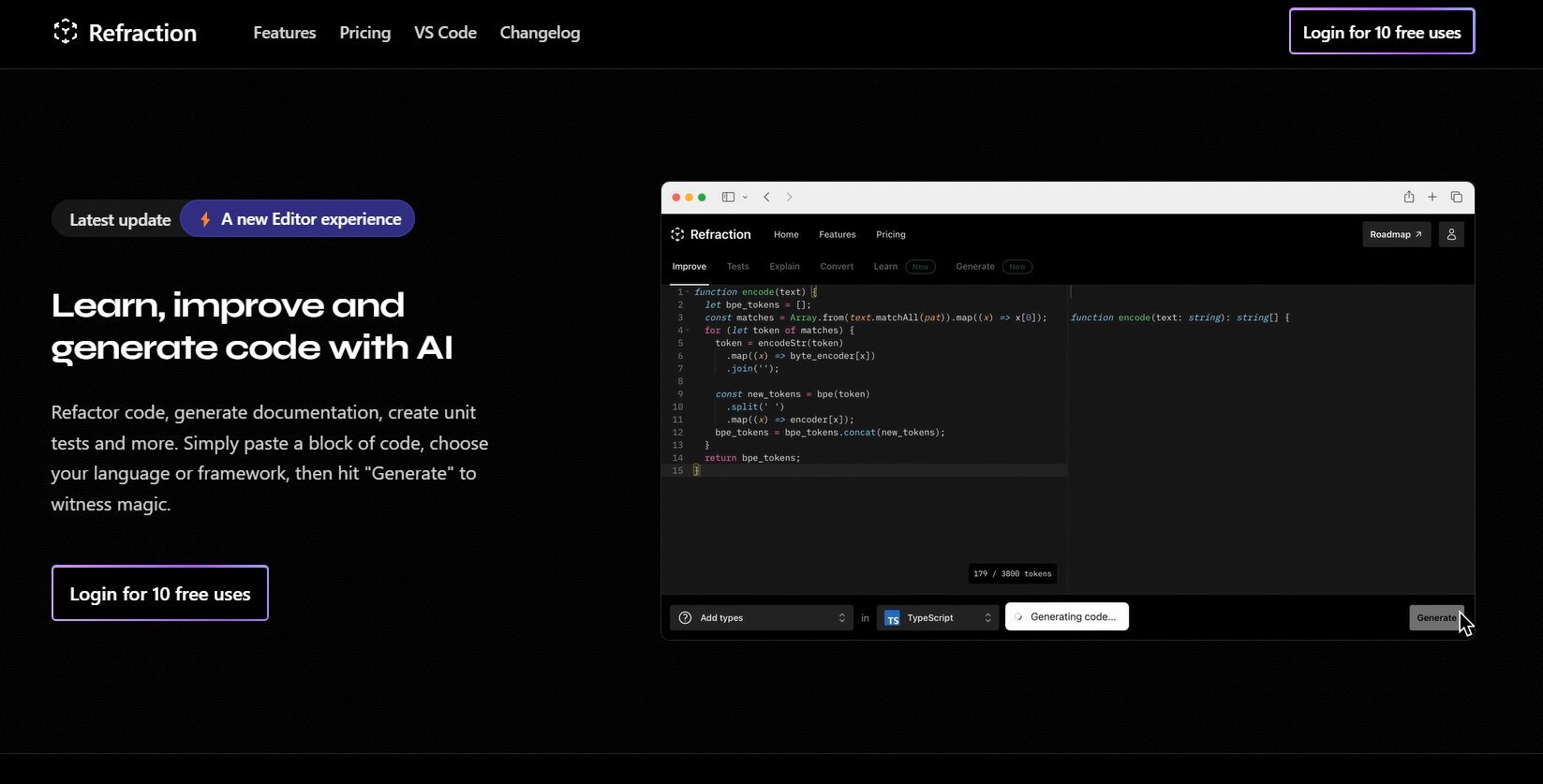
What is Refraction?
Improve and generate code with AI. Refactor code, create documentation, and write unit tests automatically. Simply paste your code, select a language or framework, and click "Generate" to see the magic happen. Refraction is a code generation tool for developers. It harnesses AI to generate code for you. Use it to produce unit tests, documentation, and refactor code.
Open Interpreter Upvotes
Refraction Upvotes
Open Interpreter Top Features
Model-specific harnesses tuned for Kimi, Qwen, DeepSeek, and other open models
OS-level sandbox on macOS, Linux, and Windows with approval gates before network access
Swap providers and models from the terminal with
/modelwithout reinstalling anythingKeeps Codex skills, MCP servers, AGENTS.md, and slash commands from the upstream fork
Desktop app fills PDF forms, edits Word docs, and builds Excel sheets with built-in editors
Refraction Top Features
No top features listedOpen Interpreter Category
- Code Assistant
Refraction Category
- Code Assistant
Open Interpreter Pricing Type
- Freemium
Refraction Pricing Type
- Freemium