Open Voice OS vs Pictory AI
In the contest of Open Voice OS vs Pictory AI, which AI Video Generation tool is the champion? We evaluate pricing, alternatives, upvotes, features, reviews, and more.
If you had to choose between Open Voice OS and Pictory AI, which one would you go for?
When we examine Open Voice OS and Pictory AI, both of which are AI-enabled video generation tools, what unique characteristics do we discover? The community has spoken, Pictory AI leads with more upvotes. Pictory AI has garnered 41 upvotes, and Open Voice OS has garnered 7 upvotes.
Think we got it wrong? Cast your vote and show us who's boss!
Open Voice OS

What is Open Voice OS?
Open Voice OS lets you build custom voice-controlled interfaces on Raspberry Pi, Mycroft devices, and Linux desktops using an open voice assistant stack. Install OVOS through Docker or a Python virtual environment, then extend skills with NLP pipelines that can run offline for privacy-sensitive setups.
Commercial smart speakers lock data in vendor clouds. Open Voice OS is community-driven FOSS descended from the Mycroft ecosystem, with a customizable UI, prebuilt images for embedded screens, and an installer script for major Linux distributions plus Raspberry Pi 3, 4, and 5.
Developers, hobbyists, and organizations building DIY smart speakers use OVOS to experiment with speech recognition and text-to-speech before upstreaming features. The project received an NGI Zero Commons fund grant and welcomes contributions through its public GitHub repositories.
Pictory AI
What is Pictory AI?
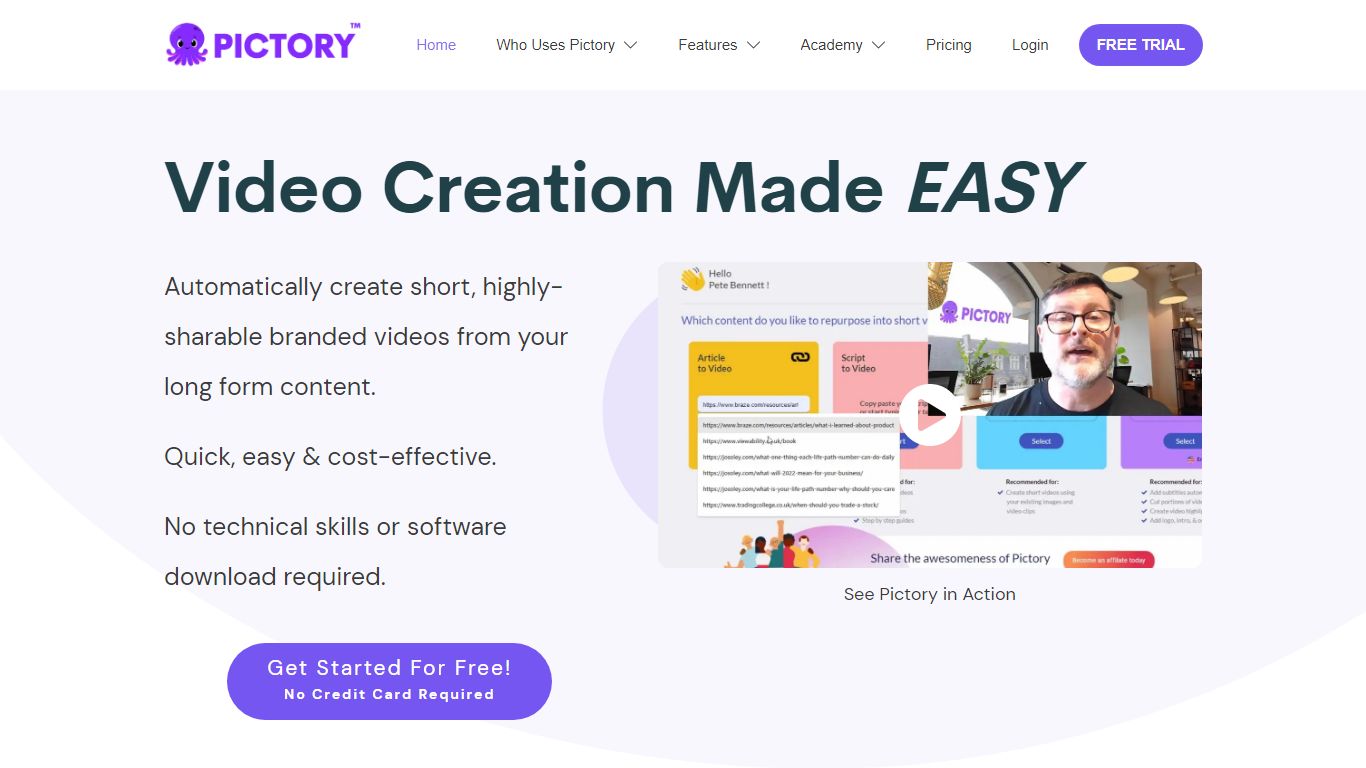
Pictory AI turns scripts, blog posts, PowerPoint decks, URLs, audio files, and screen recordings into finished marketing videos without a traditional timeline editor. You feed text or existing media into Pictory, and it builds scenes with stock footage, Gen AI visuals, automatic captions, realistic voices, and optional AI avatars ready for social or training channels.
Desktop editors expect you to hunt B-roll and manually chop long webinars into clips. Pictory automates structure, highlights key moments from long recordings, and resizes exports for multiple platforms, which is why teams use it to repurpose Zoom calls and articles instead of rebuilding each cut by hand.
Marketers, course creators, and enterprise video teams adopt Pictory to ship more video from content they already own. The homepage advertises a 14-day free trial with no credit card required and plans that start at $25 per month on annual billing.
Open Voice OS Upvotes
Pictory AI Upvotes
Open Voice OS Top Features
Install via Docker or Python virtual environment with a one-line installer script
Supports Raspberry Pi 3, 4, and 5 plus major Linux desktop distributions
Prebuilt image for embedded headless and small touch-screen devices
Offline-capable speech recognition and text-to-speech pipelines
Customizable UI descended from the Mycroft and KDE GUI lineage
Community-driven skill development with public contribution guides
Compatible with legacy Mycroft Mark 1 and Mark 2 hardware
Pictory AI Top Features
14-day free trial includes 3 video project exports on pictory.ai
Starter plan is $25 per month billed annually with 2,400 video minutes per year
Professional plan adds custom avatars and voice cloning at $35 per month annually
Library includes 5 million Getty Images and Storyblocks clips on Starter
Rated 4.7 out of 5 on G2 according to the Pictory homepage
Open Voice OS Category
- Video Generation
Pictory AI Category
- Video Generation
Open Voice OS Pricing Type
- Free
Pictory AI Pricing Type
- Freemium