OpenL Translate vs VideoDubber
When comparing OpenL Translate vs VideoDubber, which AI Translation tool shines brighter? We look at pricing, alternatives, upvotes, features, reviews, and more.
In a comparison between OpenL Translate and VideoDubber, which one comes out on top?
When we put OpenL Translate and VideoDubber side by side, both being AI-powered translation tools, In the race for upvotes, OpenL Translate takes the trophy. OpenL Translate has attracted 7 upvotes from aitools.fyi users, and VideoDubber has attracted 6 upvotes.
Don't agree with the result? Cast your vote and be a part of the decision-making process!
OpenL Translate
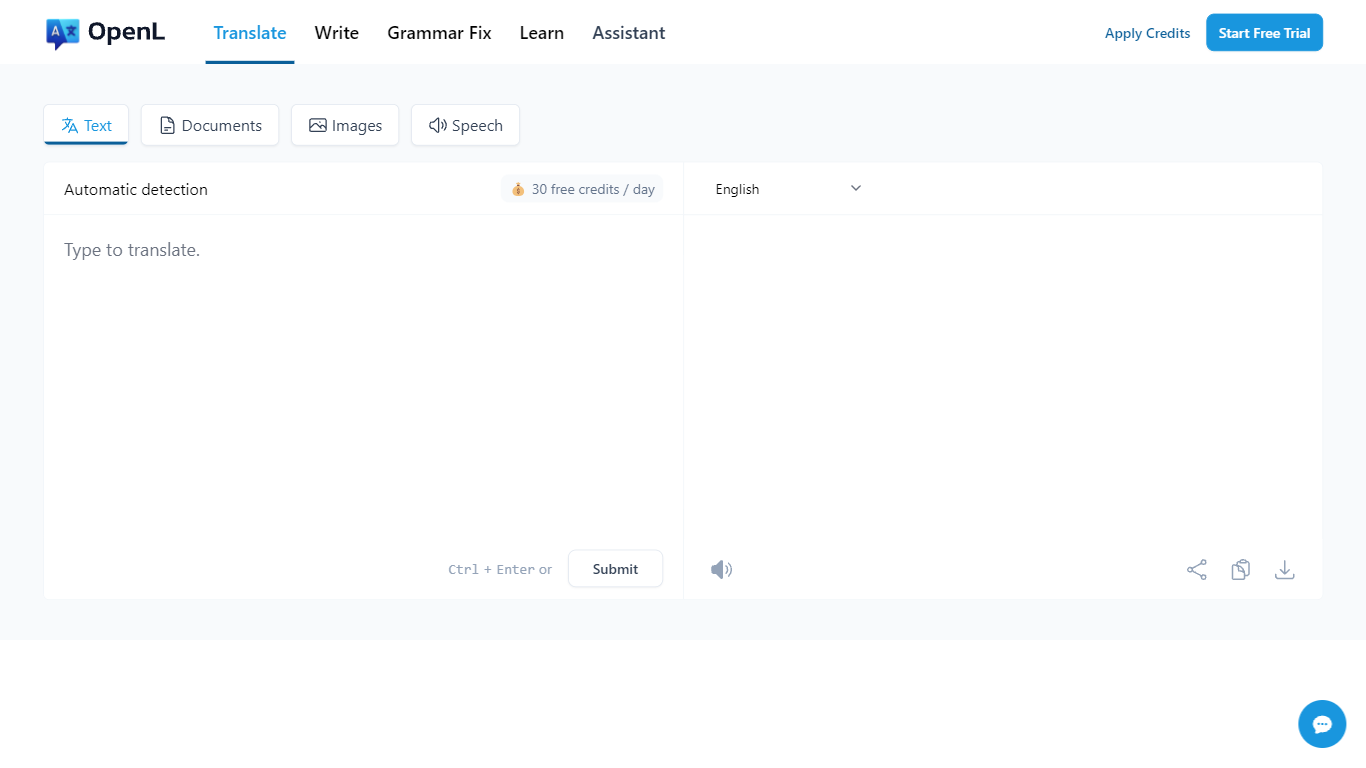

What is OpenL Translate?
OpenL Translate turns pasted text, uploaded files, screenshots, and audio into fluent output across 100+ languages. Separate tabs handle documents, images, speech, and live websites, so you can move from a PDF contract to a menu photo without switching tools.
Where Google Translate often stays literal on idioms and long files, OpenL pushes natural phrasing and bundles document OCR, scanned PDF handling, and writing helpers in one account. Paid tiers add Advanced Credits, Translate Agent for complex passages, and much higher per-request character limits up to 150,000.
Freelancers, educators, and global teams use it for quick message checks, contract drafts, and localized marketing copy. Browser extensions for Chrome and Edge, plus iOS and web apps, let you translate selected text without leaving the page.
VideoDubber
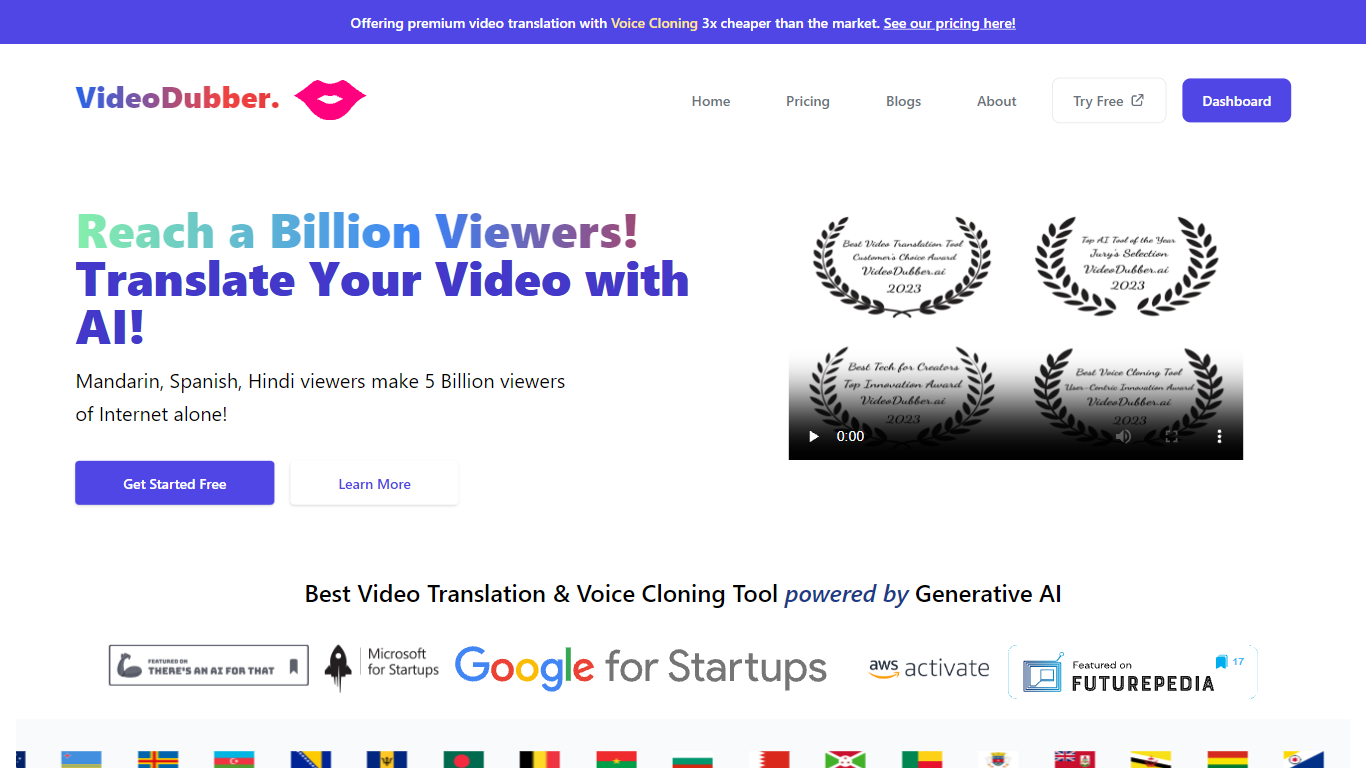
What is VideoDubber?
VideoDubber is a video translation and dubbing platform that turns uploaded footage into localized versions with cloned voices, lip sync, and subtitles. You upload a video, pick a target language, and get back a dubbed MP4 or subtitle files in SRT or VTT format. The service covers 150+ languages and handles multi-speaker projects with per-speaker voice selection.
Where most voice tools stop at audio-only dubbing, VideoDubber bundles frame-accurate lip sync (SyncPRO) and unlimited post-export edits in the same workflow. Its per-minute pricing undercuts ElevenLabs on the comparison table the site publishes, and editing scripts or re-exporting does not trigger metered revision fees on any plan.
YouTubers, e-learning teams, and marketing departments use VideoDubber to localize course libraries, YouTube channels, and promotional videos without reshooting. The platform also ships a REST API with translate, dub, and lipsync endpoints for teams embedding dubbing into a CMS or LMS pipeline.
OpenL Translate Upvotes
VideoDubber Upvotes
OpenL Translate Top Features
100+ languages including niche options like Ancient Greek and Toki Pona
Document translation for PDF, DOCX, TXT, Markdown, and SRT up to 100 MB on Pro
Image and scanned PDF translation with Pro OCR on paid plans
Free plan includes 40 Fast Credits per day and 1,500 characters per request
Chrome and Microsoft Edge extensions for in-page text translation
Translate Agent and DeepThink modes on Pro and Ultimate for complex content
Grammar checker, rewriter, and summarizer tools beyond raw translation
VideoDubber Top Features
150+ target languages with 180+ voice options listed on the about page
VoicePARROT voice cloning trained on 200K+ hours of real speech for natural dubbing
SyncPRO frame-accurate lip sync that tracks dubbed audio syllable by syllable
Export finished projects as SRT, VTT, or fully dubbed MP4 from one editor
REST API with POST /v1/translate, /v1/dub, and /v1/lipsync endpoints plus job polling
Glossary locking keeps product names and key terms consistent across languages
Unlimited script edits and re-exports with no metered revision fees on any plan
OpenL Translate Category
- Translation
VideoDubber Category
- Translation
OpenL Translate Pricing Type
- Freemium
VideoDubber Pricing Type
- Freemium