ParagraphAI vs Supertranslate
In the face-off between ParagraphAI vs Supertranslate, which AI Text Generation tool takes the crown? We scrutinize features, alternatives, upvotes, reviews, pricing, and more.
In a face-off between ParagraphAI and Supertranslate, which one takes the crown?
If we were to analyze ParagraphAI and Supertranslate, both of which are AI-powered text generation tools, what would we find? The upvote count favors ParagraphAI, making it the clear winner. The number of upvotes for ParagraphAI stands at 6, and for Supertranslate it's 4.
Want to flip the script? Upvote your favorite tool and change the game!
ParagraphAI
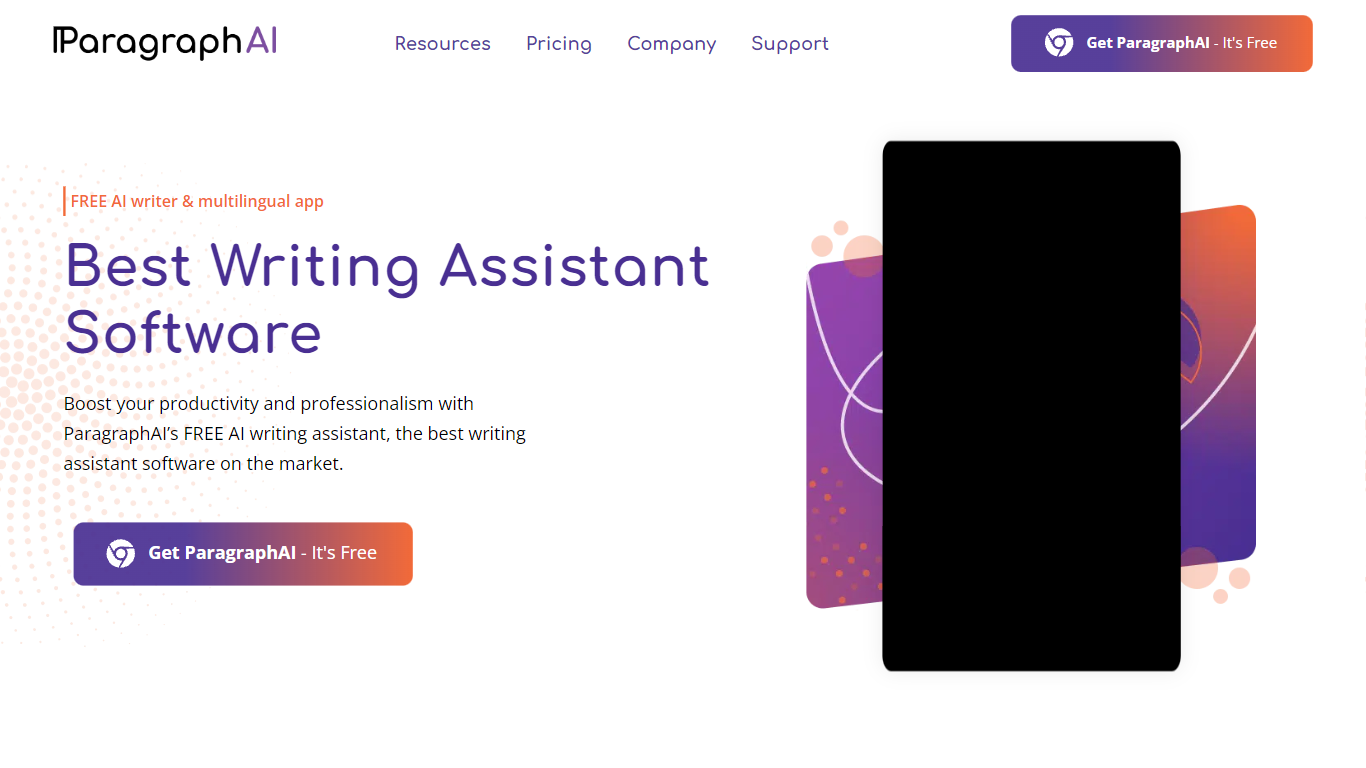

What is ParagraphAI?
ParagraphAI fixes grammar, drafts email replies, and generates text from a one-tap interface on mobile, desktop, and Chrome. The app, keyboard, and web extension share one account so you can edit a message on your phone and pick it up later in the browser. Fortune 500 teams and NASA use it for fast, consistent writing across 40+ languages.
Unlike grammar tools that only flag mistakes inline, ParagraphAI bundles Fix, Reply, Create, Edit, Summarize, and Humanize modes in a single tap workflow. The AI keyboard brings those actions into any app you type in, which is the differentiator against browser-only competitors like Grammarly's standalone extension.
Students with dyslexia, ESL writers, and professionals who email all day are the core audience. The free tier gives five daily uses per mode; Pro removes the cap and expands input to 10,000 characters.
Supertranslate
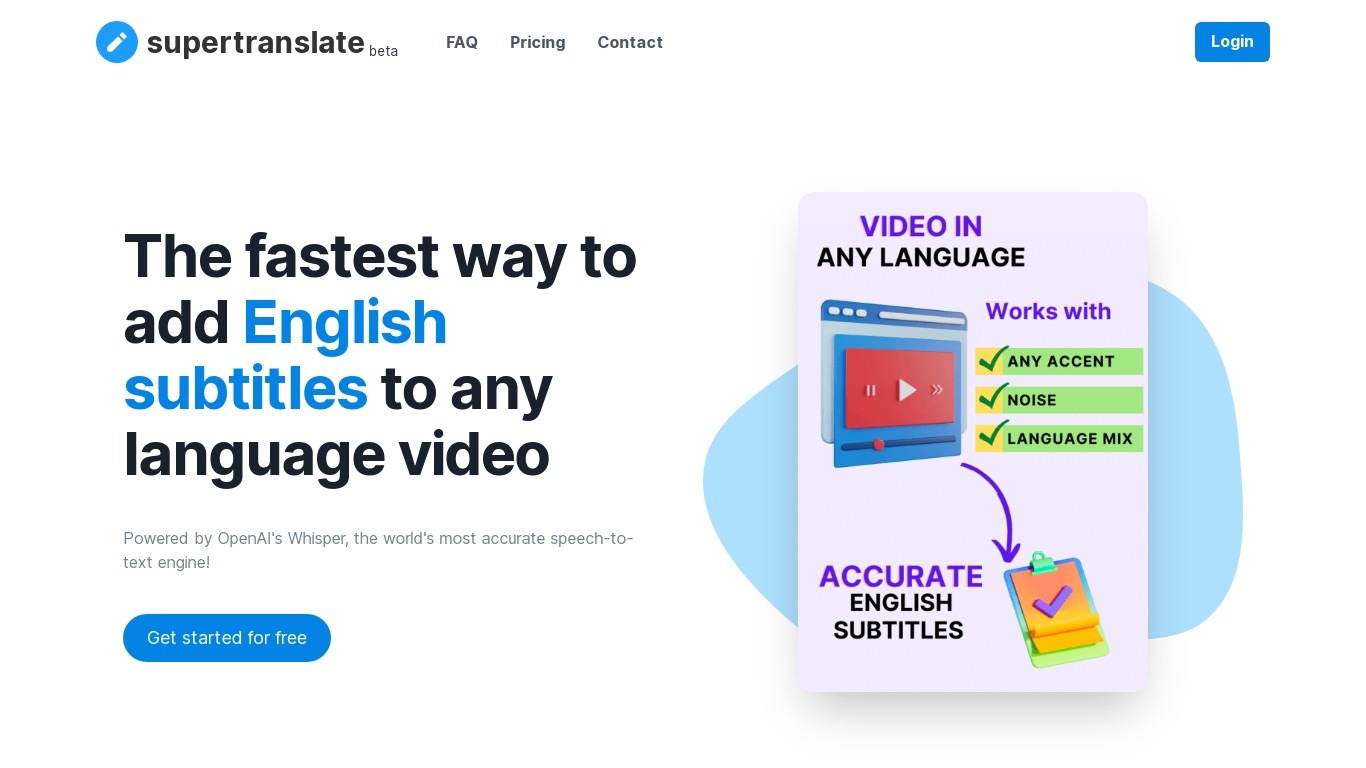
What is Supertranslate?
Supertranslate turns uploaded audio and video into editable text transcripts and subtitle files in 125+ languages. You upload media up to 10GB, get speech-to-text powered by OpenAI Whisper, then export SRT, VTT, or XML for YouTube and other platforms. Media teams, educators, and creators use it when they need fast captions without manual typing.
Compared with general transcription SaaS, Supertranslate bundles translation into the same workflow and supports custom dictionaries for proper nouns and industry terms. It also offers speaker identification, team collaboration on shared projects, and integrations with Google Drive and cloud storage for automatic file intake. Batch processing and role-based access show up on paid tiers aimed at production teams.
Freelance editors, localization vendors, and podcast producers use Supertranslate to localize video libraries. The free tier includes 200MB of processing per month; paid plans scale from 20 hours on Pro at $20 per month up to enterprise contracts with unlimited processing.
ParagraphAI Upvotes
Supertranslate Upvotes
ParagraphAI Top Features
One-tap Fix corrects grammar across any message without word-by-word review
Reply drafts email responses from a single tap with tone matching
AI keyboard works inside any mobile app for Fix, Reply, Edit, and Create
Supports 40+ languages with adjustable input and output language settings
Humanize mode rewrites AI-generated text to pass AI detection checks
Pro plan allows 10,000 character input versus 1,000 on the free tier
Summarize mode extracts key points from web pages, PDFs, and long documents
Supertranslate Top Features
Transcribe audio and video in 125+ languages with OpenAI Whisper
Export subtitles as SRT, VTT, or XML for publishing workflows
Upload files up to 10GB or connect Google Drive and cloud storage
Build custom dictionaries to improve accuracy on names and technical terms
Identify speakers with diarization and segment-level timing controls
Translate transcripts into 36+ languages from the same editor
ParagraphAI Category
- Text Generation
Supertranslate Category
- Text Generation
ParagraphAI Pricing Type
- Freemium
Supertranslate Pricing Type
- Freemium