ParagraphAI vs Whisper Memos
In the clash of ParagraphAI vs Whisper Memos, which AI Text Generation tool emerges victorious? We assess reviews, pricing, alternatives, features, upvotes, and more.
When we put ParagraphAI and Whisper Memos head to head, which one emerges as the victor?
Let's take a closer look at ParagraphAI and Whisper Memos, both of which are AI-driven text generation tools, and see what sets them apart. The users have made their preference clear, Whisper Memos leads in upvotes. The number of upvotes for Whisper Memos stands at 37, and for ParagraphAI it's 6.
Feeling rebellious? Cast your vote and shake things up!
ParagraphAI
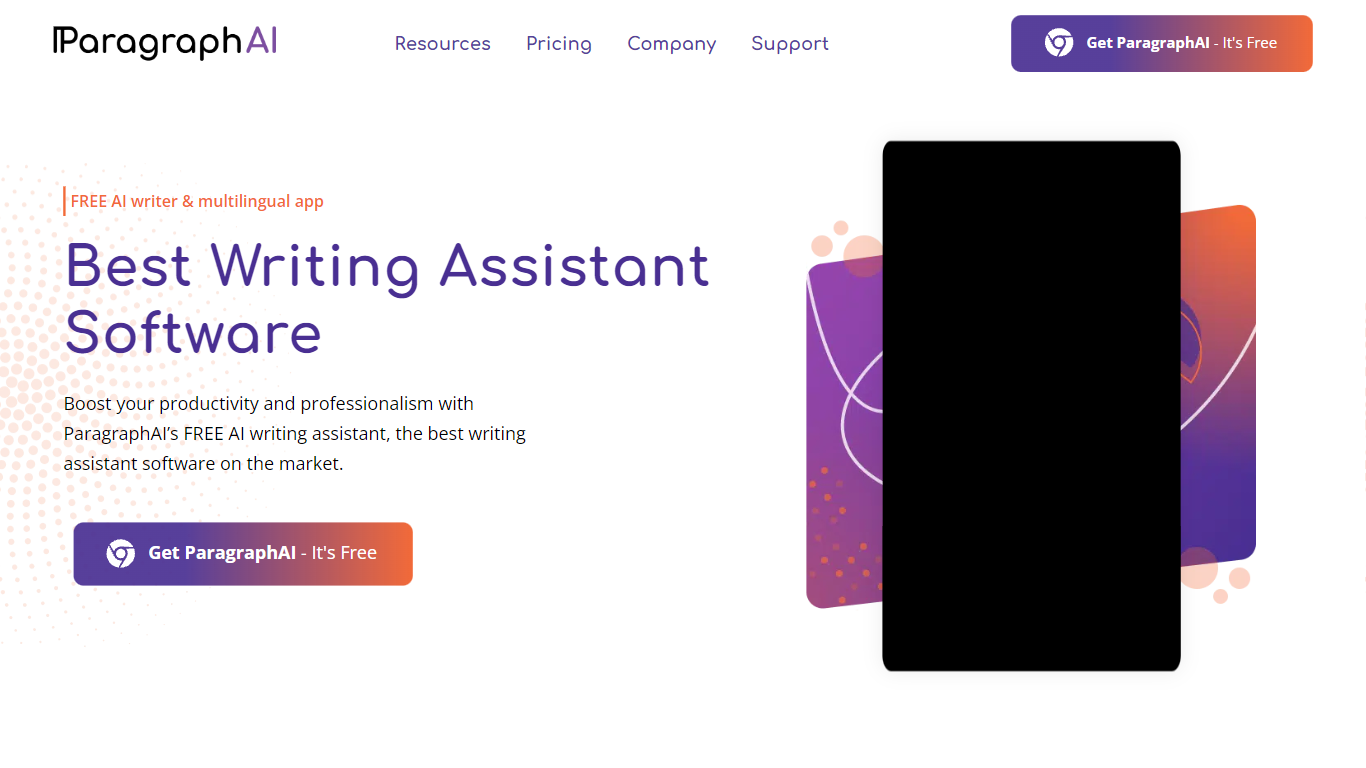

What is ParagraphAI?
ParagraphAI fixes grammar, drafts email replies, and generates text from a one-tap interface on mobile, desktop, and Chrome. The app, keyboard, and web extension share one account so you can edit a message on your phone and pick it up later in the browser. Fortune 500 teams and NASA use it for fast, consistent writing across 40+ languages.
Unlike grammar tools that only flag mistakes inline, ParagraphAI bundles Fix, Reply, Create, Edit, Summarize, and Humanize modes in a single tap workflow. The AI keyboard brings those actions into any app you type in, which is the differentiator against browser-only competitors like Grammarly's standalone extension.
Students with dyslexia, ESL writers, and professionals who email all day are the core audience. The free tier gives five daily uses per mode; Pro removes the cap and expands input to 10,000 characters.
Whisper Memos
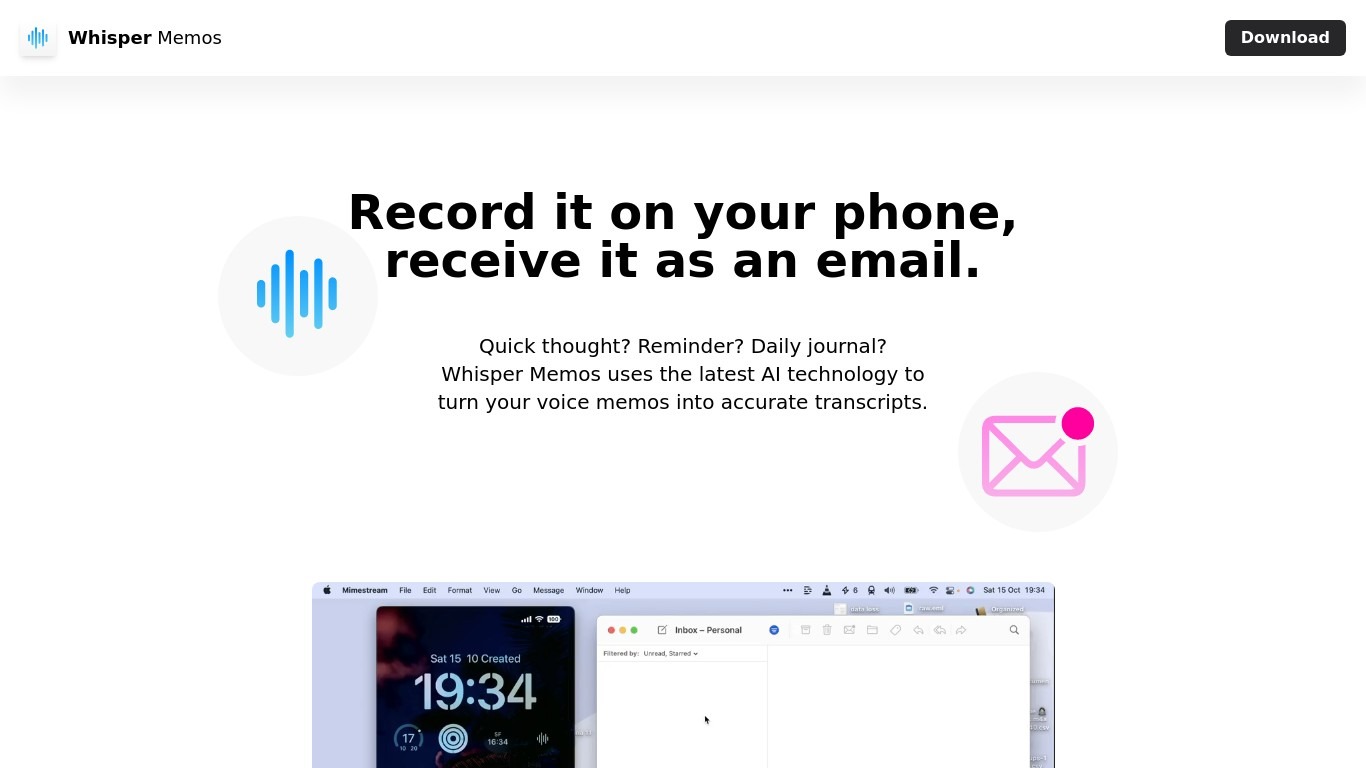
What is Whisper Memos?
Whisper Memos records voice on your iPhone or Apple Watch and emails back a formatted transcript with an optional AI summary. You tap once on your phone, watch complication, or Action Button, speak your thought, and seconds later get readable paragraphs in your inbox. It targets people who capture ideas while walking, driving, or between meetings rather than sitting down to type.
Meeting recorders like Otter or Granola center on live calls and shared workspaces. Whisper Memos routes every memo to your inbox by default, adds custom summary prompts, and lets you name Agents that send different recordings to email, Notion, Trello, or Zapier workflows. The Apple Watch app, lock screen widget, and Siri shortcuts are first-class, which matters when your hands are busy.
Freelancers, founders, and ADHD users rely on it for brain dumps, errands, and journal entries they would never write out. Students record lectures on their phone and get searchable notes back. Anyone deep in Apple's ecosystem who wants voice-to-text without cleaning up a rough transcript themselves is the core audience.
ParagraphAI Upvotes
Whisper Memos Upvotes
ParagraphAI Top Features
One-tap Fix corrects grammar across any message without word-by-word review
Reply drafts email responses from a single tap with tone matching
AI keyboard works inside any mobile app for Fix, Reply, Edit, and Create
Supports 40+ languages with adjustable input and output language settings
Humanize mode rewrites AI-generated text to pass AI detection checks
Pro plan allows 10,000 character input versus 1,000 on the free tier
Summarize mode extracts key points from web pages, PDFs, and long documents
Whisper Memos Top Features
Unlimited voice memos with recordings up to 90 minutes each on paid plans
Choose OpenAI Whisper, ElevenLabs Scribe, or Cohere Transcribe for speech-to-text
Import MP3, M4A, WAV, AAC, or FLAC files up to 100 MB for transcription
Apple Watch complication and iPhone Action Button shortcuts start recording in one tap
Agents route memos to email, Notion, Trello, Todoist, or Zapier by spoken name
Custom summary prompts turn transcripts into bullet lists, todos, or meeting notes
ParagraphAI Category
- Text Generation
Whisper Memos Category
- Text Generation
ParagraphAI Pricing Type
- Freemium
Whisper Memos Pricing Type
- Freemium