PDF Talker vs Genius PDF
In the clash of PDF Talker vs Genius PDF, which AI PDF tool emerges victorious? We assess reviews, pricing, alternatives, features, upvotes, and more.
When we put PDF Talker and Genius PDF head to head, which one emerges as the victor?
Let's take a closer look at PDF Talker and Genius PDF, both of which are AI-driven pdf tools, and see what sets them apart. The upvote count favors PDF Talker, making it the clear winner. The upvote count for PDF Talker is 8, and for Genius PDF it's 6.
Does the result make you go "hmm"? Cast your vote and turn that frown upside down!
PDF Talker
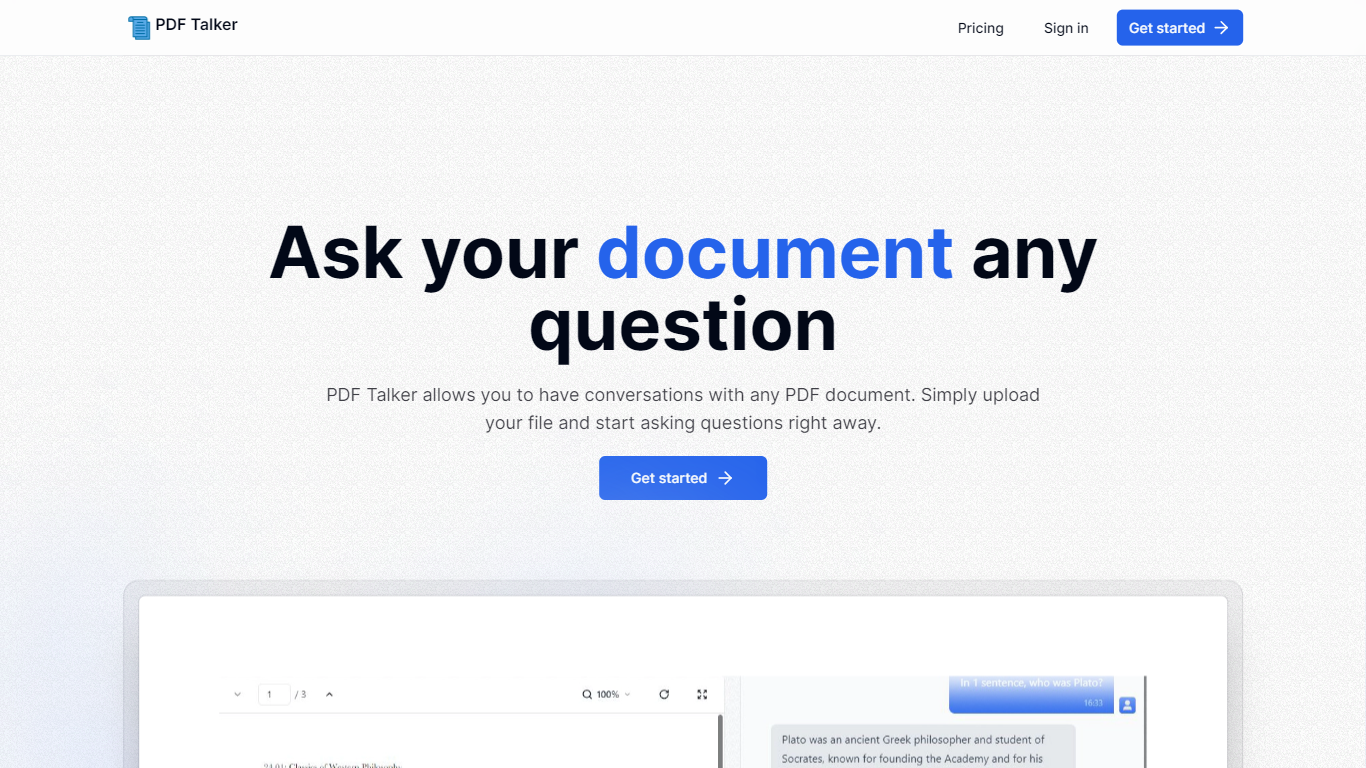

What is PDF Talker?
Introducing PDF Talker, the innovative AI tool that transforms how you interact with your PDF documents. With PDF Talker, you can now converse directly with any PDF file, making it easier to find information, understand content, and save time. The process is remarkably simple and user-friendly. Begin by signing up for an account—choose between the complimentary free plan or the comprehensive pro plan, depending on your needs.
Once registered, upload your PDF document to PDF Talker. The AI will swiftly process your file, enabling it to comprehend and answer your questions. Next, you can start the conversation and ask your document any query you have in mind. It's a revolutionary approach to document interaction, designed to be efficient and straightforward, even for those unfamiliar with AI technology. Get started with PDF Talker now and experience the next level of document management!
Genius PDF
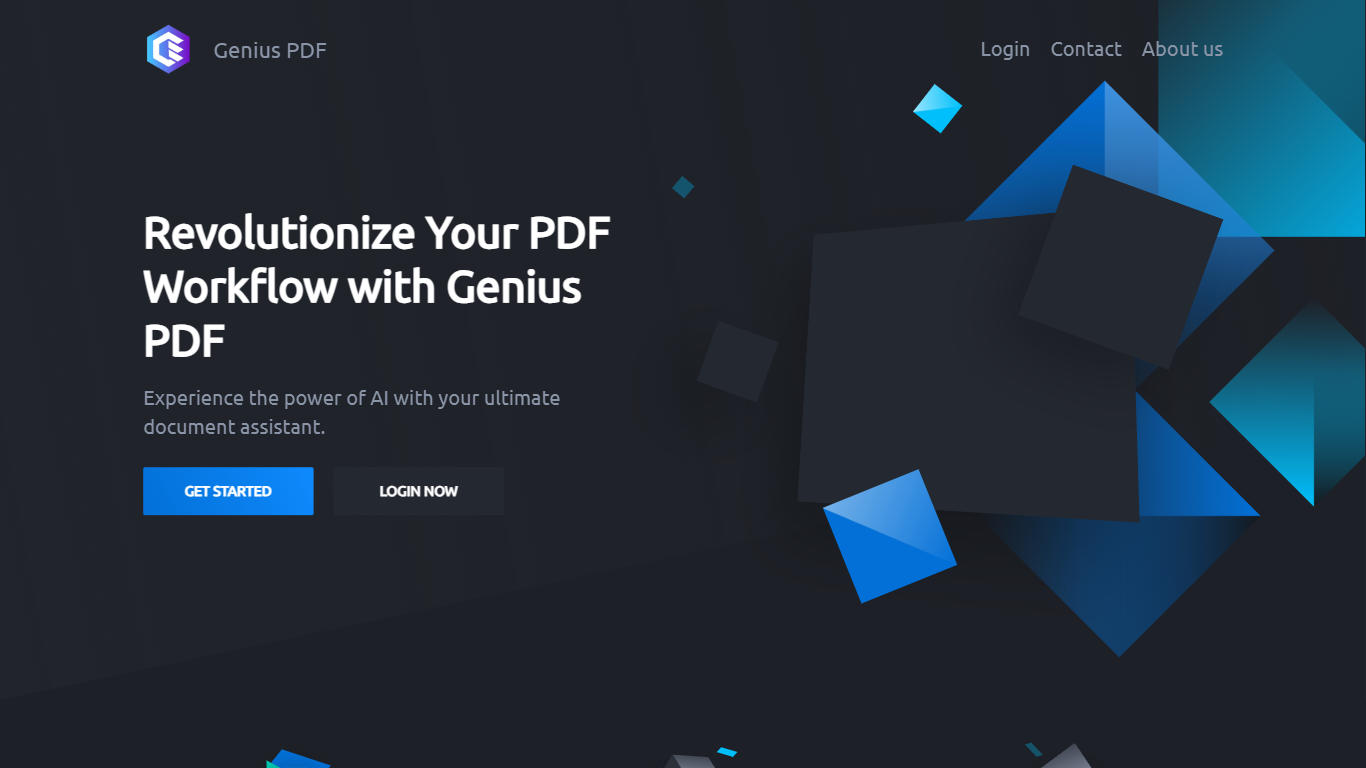
What is Genius PDF?
Upload a PDF to Genius PDF, ask questions about its text, and get answers pulled straight from the document in your browser. The site pitches the tool to students reviewing coursework, professionals scanning business documents, and readers exploring literature or historical archives.
Most PDF apps focus on editing or converting files. Genius PDF stays narrow: it reads what you upload and answers in plain language. The free tier caps you at 50 questions, 50 pages, and 3 PDFs per month, which is enough to test the workflow before paying $5 or $15 monthly for higher limits.
Students can query textbooks, handouts, presentations, and research papers without flipping page by page. Professionals use it on financial reports, sales data, proposals, training manuals, and legal contracts stored in secure cloud storage you can delete anytime. The tool understands multiple languages and answers in the language you prefer.
PDF Talker Upvotes
Genius PDF Upvotes
PDF Talker Top Features
Interactive PDF Conversations: Engage in dialogues with your PDFs to get information efficiently.
Ease of Use: Straightforward 3-step process to start asking questions to your PDF files.
Accessibility: Choose between a free plan or a pro plan tailored for all user levels.
Time-Saving: Quickly upload documents and receive answers in minutes.
Innovative Technology: Harness AI to understand and interact with PDF content.
Genius PDF Top Features
Free tier includes 50 questions per month across up to 50 pages and 3 PDF uploads
$5 per month plan raises limits to 650 questions, 150 pages, and 10 PDFs
$15 per month plan allows 2,500 questions, 1,000 pages, 25 PDFs, and up to 10 users
Answers questions in your preferred language even when the source PDF uses another language
Stores uploads in encrypted cloud storage with optional deletion at any time
Students can query textbooks, handouts, and academic articles without manual page flipping
PDF Talker Category
- PDF
Genius PDF Category
- PDF
PDF Talker Pricing Type
- Freemium
Genius PDF Pricing Type
- Freemium