PDF Translator vs CloneDub
In the contest of PDF Translator vs CloneDub, which AI Translation tool is the champion? We evaluate pricing, alternatives, upvotes, features, reviews, and more.
If you had to choose between PDF Translator and CloneDub, which one would you go for?
When we examine PDF Translator and CloneDub, both of which are AI-enabled translation tools, what unique characteristics do we discover? Neither tool takes the lead, as they both have the same upvote count. Your vote matters! Help us decide the winner among aitools.fyi users by casting your vote.
You don't agree with the result? Cast your vote to help us decide!
PDF Translator

What is PDF Translator?
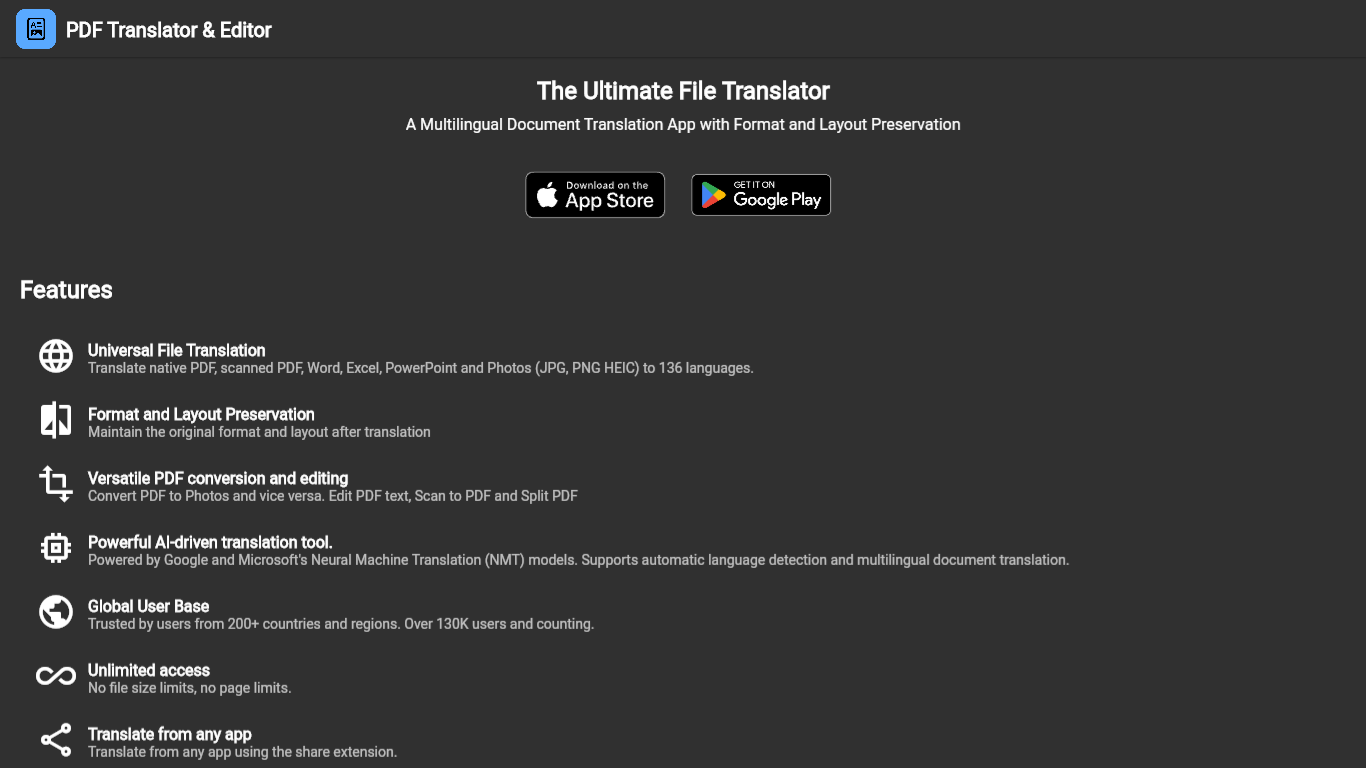
PDF Translator is the ultimate solution for anyone seeking to translate documents efficiently while retaining the original formatting and layout. With the capability to handle over 100 languages, this tool is ideal for businesses, educators, professionals, and individuals who need to overcome language barriers and make their documents accessible to a global audience. The PDF Translator stands out by ensuring that the critical layout and formatting of your original documents are preserved, making the translation process seamless and hassle-free. Whether you are dealing with reports, presentations, manuals, or any other type of PDF document, the PDF Translator delivers high-quality translations with ease.
CloneDub
What is CloneDub?
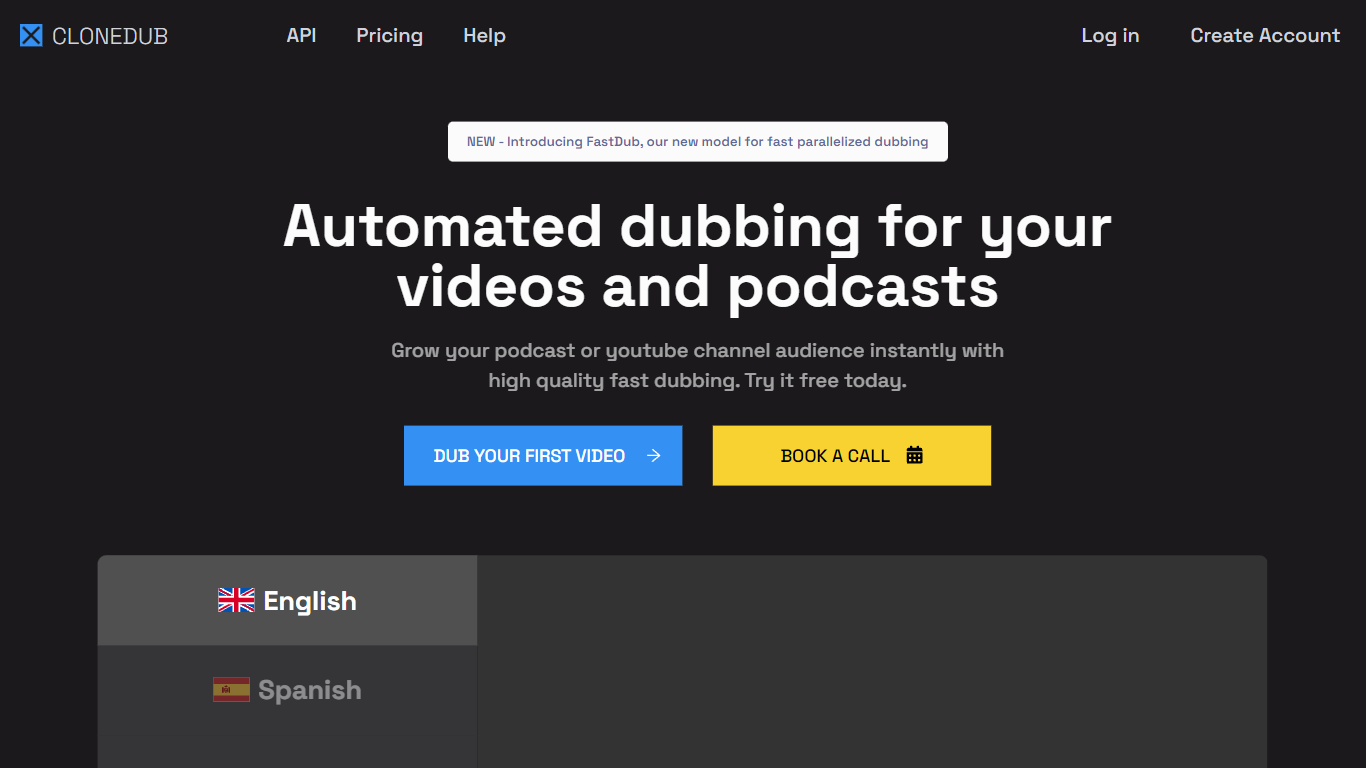
CloneDub is a next-generation AI dubbing platform designed to translate videos and podcasts into various languages using AI voice cloning technology. The platform promises high-quality dubbing delivered both quickly and affordably. One of its standout features is its ability to retain the original music, sounds, and speaker voice while translating videos into more than 20 languages.
CloneDub supports a wide range of audio and video formats, including MP3, OGG, WAV, FLAC, AVI, MP4, and more. They also feature a fast processing queue, batch upload capabilities, and support for numerous languages such as English, Japanese, Chinese, German, Hindi, French, and many others.
For developers and businesses looking to integrate CloneDub's capabilities into their applications, the platform provides a dedicated API.
PDF Translator Upvotes
CloneDub Upvotes
PDF Translator Top Features
Over 100 Languages: Ability to translate documents into a vast range of languages.
Preserve Formatting: Keeps the original document’s formatting and layout intact.
User-Friendly: Designed for ease of use across various user groups.
High-Quality Translation: Provides translations while maintaining the document's quality.
Global Accessibility: Makes documents accessible to a wider global audience.
CloneDub Top Features
AI-Powered Dubbing: Utilizes advanced artificial intelligence to provide high-quality voice cloning, ensuring videos and podcasts are dubbed seamlessly.
Preservation of Original Content: Even as translations occur, the platform maintains the original music, sounds, and speaker's voice, ensuring the authenticity of the content.
Wide Format Support: CloneDub is compatible with a vast array of audio and video formats, including MP3, OGG, WAV, AVI, MP4, and more.
Fast Processing & Batch Uploads: Users benefit from a swift processing queue and the convenience of batch uploads, streamlining the dubbing process.
Extensive Language Support: With support for languages ranging from English and Japanese to Hindi, French, and many others, CloneDub caters to a global audience.
PDF Translator Category
- Translation
CloneDub Category
- Translation
PDF Translator Pricing Type
- Freemium
CloneDub Pricing Type
- Paid