PDFChat vs Converse
Dive into the comparison of PDFChat vs Converse and discover which AI PDF tool stands out. We examine alternatives, upvotes, features, reviews, pricing, and beyond.
When comparing PDFChat and Converse, which one rises above the other?
When we compare PDFChat and Converse, two exceptional pdf tools powered by artificial intelligence, and place them side by side, several key similarities and differences come to light. The users have made their preference clear, Converse leads in upvotes. The number of upvotes for Converse stands at 7, and for PDFChat it's 6.
You don't agree with the result? Cast your vote to help us decide!
PDFChat

What is PDFChat?
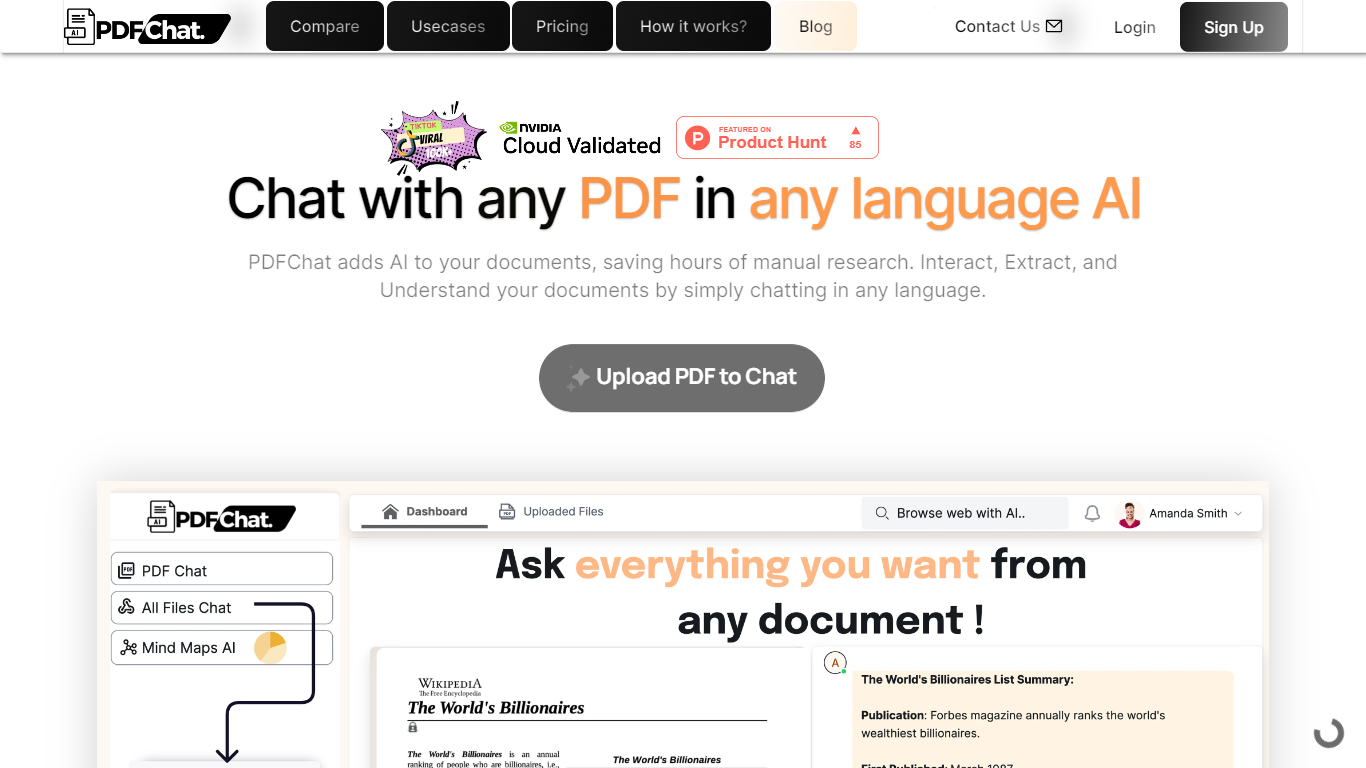
PDFChat revolutionizes the way you interact with documents. This innovative AI technology allows you to communicate with your PDFs, making document interaction effortless and more efficient.
Ideal for students, professionals, and businesses, PDFChat is designed to understand, extract, and analyze content from PDFs in any language.
Simply upload your document and start chatting away—no extensive manual research necessary. With features like voice activation, support for scanned and unstructured PDFs, and the ability to analyze tabular data, PDFChat streamlines productivity by providing quick and accurate answers directly from your documents.
Get started today with a free signup and elevate your document management experience.
Converse
What is Converse?
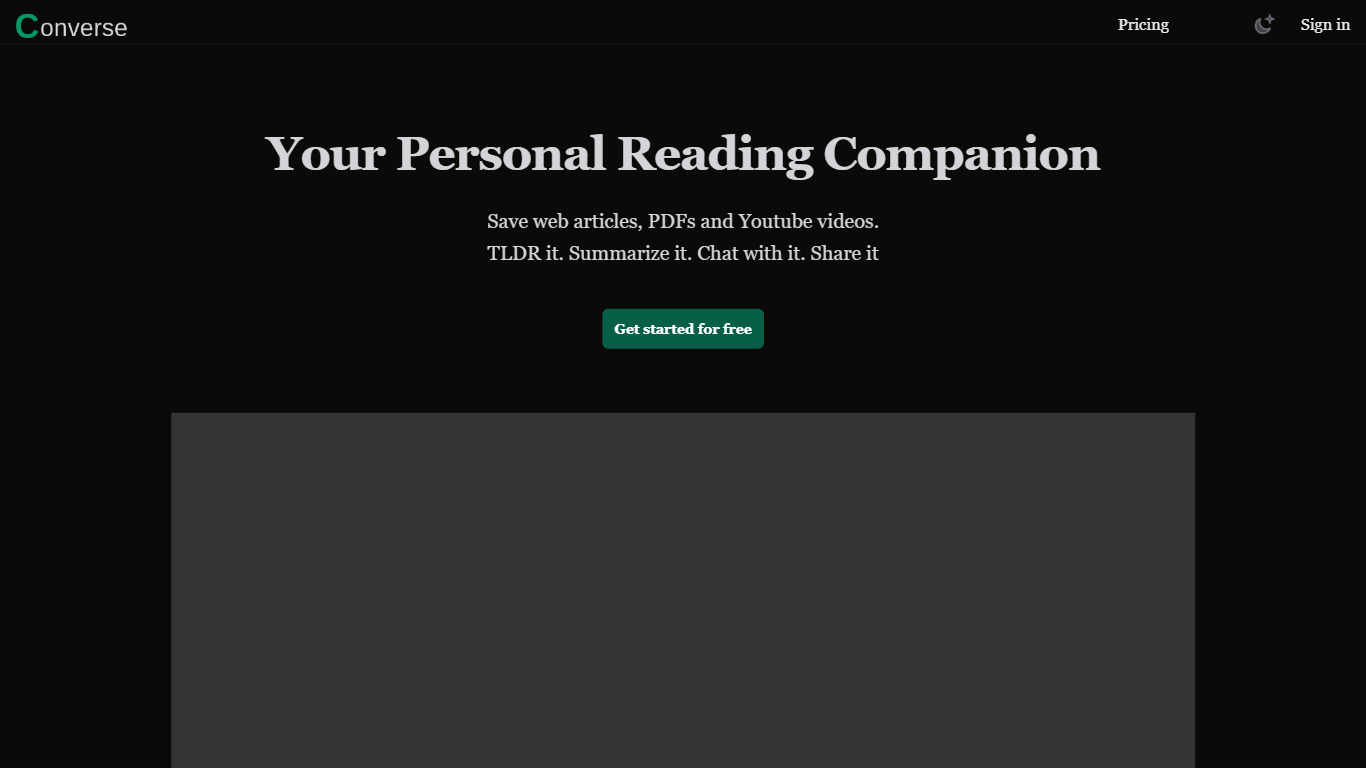
Converse is an innovative web tool designed to enhance your reading journey by providing a wide range of features. With Converse, you can save, summarize, and chat with web articles, PDF documents, and YouTube videos, making it a versatile platform for all your reading and content needs.
One of the key features of Converse is the ability to save articles, PDF documents, and YouTube videos, allowing you to easily access and refer back to them later. This can be especially useful for research purposes or when you want to revisit a specific piece of content.
In addition to saving, Converse also offers a unique summarization feature. With tailored summaries and TLDRs (Too Long; Didn't Read), you can quickly get an overview of the main points and key takeaways from any article or document. This saves you time and allows you to grasp the essence of the content without having to read the entire piece.
Furthermore, Converse provides an intuitive document chat function. This allows you to engage with the content by asking questions, leaving comments, or discussing specific sections with other users. It's a great way to connect with like-minded individuals or collaborate on projects.
Another noteworthy feature of Converse is the social sharing capability. You can easily share articles, summaries, or key takeaways on various social media platforms, expanding your reach and initiating meaningful discussions with your audience.
Overall, Converse is a comprehensive tool that combines the functionalities of saving, summarizing, chatting, and sharing, all designed to enhance your reading journey and make your content consumption more efficient and enjoyable.
PDFChat Upvotes
Converse Upvotes
PDFChat Top Features
AI-Enhanced Chat Interaction: Engage with PDFs through conversation in any language.
Support for Varied Document Types: Works with scanned, unstructured, and complex PDFs.
Rapid Summary Generation: Create quick summaries for lengthy documents.
Voice-Activated Commands: Use voice control to access information from documents.
Multilingual Analysis: Extract and understand document content across multiple languages.
Converse Top Features
No top features listedPDFChat Category
- PDF
Converse Category
- PDF
PDFChat Pricing Type
- Freemium
Converse Pricing Type
- Freemium