PDFChat vs LightPDF
When comparing PDFChat vs LightPDF, which AI PDF tool shines brighter? We look at pricing, alternatives, upvotes, features, reviews, and more.
In a comparison between PDFChat and LightPDF, which one comes out on top?
When we put PDFChat and LightPDF side by side, both being AI-powered pdf tools, The upvote count reveals a draw, with both tools earning the same number of upvotes. You can help us determine the winner by casting your vote and tipping the scales in favor of one of the tools.
Does the result make you go "hmm"? Cast your vote and turn that frown upside down!
PDFChat
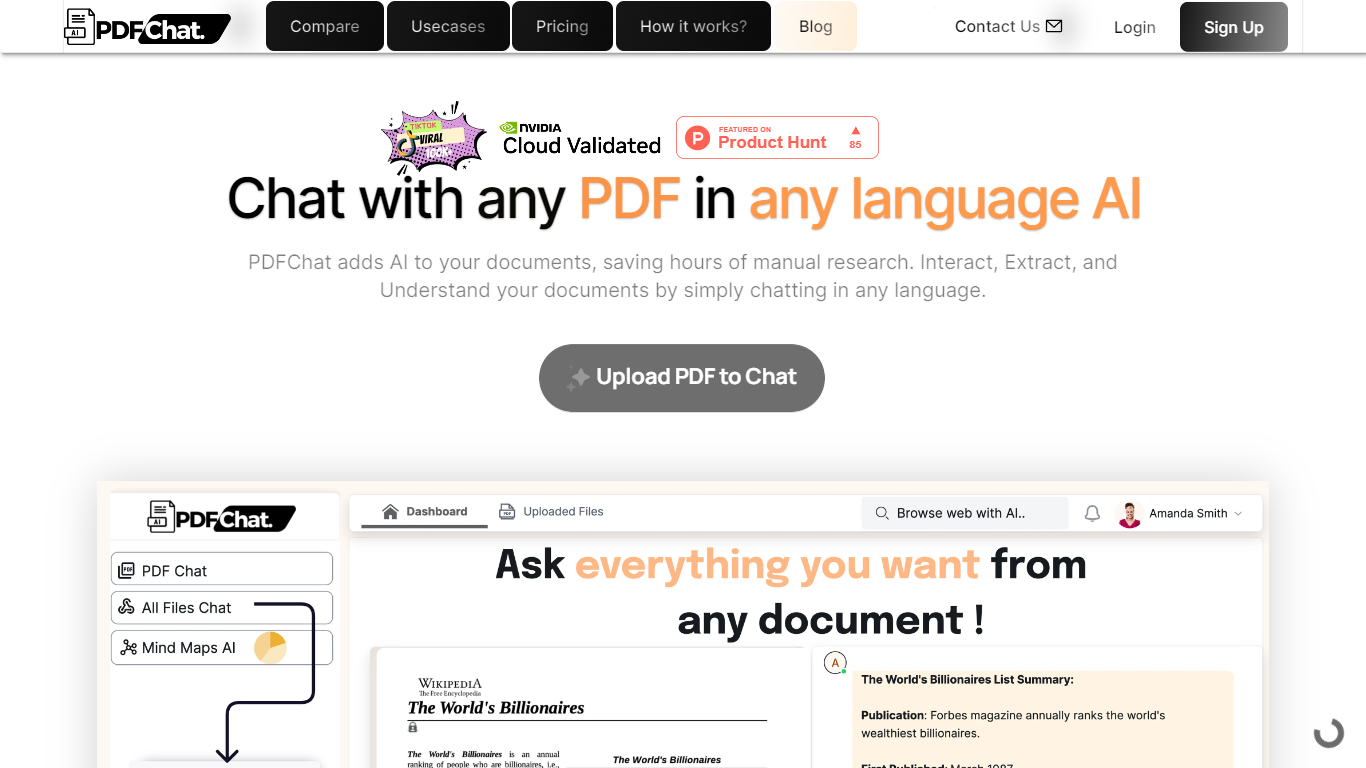

What is PDFChat?
PDFChat revolutionizes the way you interact with documents. This innovative AI technology allows you to communicate with your PDFs, making document interaction effortless and more efficient.
Ideal for students, professionals, and businesses, PDFChat is designed to understand, extract, and analyze content from PDFs in any language.
Simply upload your document and start chatting away—no extensive manual research necessary. With features like voice activation, support for scanned and unstructured PDFs, and the ability to analyze tabular data, PDFChat streamlines productivity by providing quick and accurate answers directly from your documents.
Get started today with a free signup and elevate your document management experience.
LightPDF
What is LightPDF?
Unlock the full potential of your PDF documents with LightPDF, an all-encompassing tool designed to streamline your document management experience. LightPDF caters to an array of conversion needs, including transforming PDFs to and from various formats such as Word, Excel, PPT, TXT, PNG, and JPG. Moreover, a suite of editing tools allows you to watermark, split, merge, rotate, and annotate your PDFs with ease. Efficiency meets innovation as LightPDF also offers features like PDF compression, OCR technology for scanned documents, and AI-driven assistance for document analysis.
With LightPDF, security is paramount. You can protect, unlock, and sign your PDFs, ensuring your documents remain both secure and accessible. Additionally, the platform supports multi-document chats, allowing you to interact with multiple files simultaneously, making it an AI assistant that aids in document analysis and research. The service accommodates files up to 50 pages for free, with the option to upgrade for more extensive needs.
Accessibility is further enhanced with web extensions for browsers and G Suite, integrating seamlessly with your workflow. LightPDF's commitment to accuracy and reliability is evident through its provision of precise answers with cited sources, elevating it as a trusted partner for anyone working with PDFs.
PDFChat Upvotes
LightPDF Upvotes
PDFChat Top Features
AI-Enhanced Chat Interaction: Engage with PDFs through conversation in any language.
Support for Varied Document Types: Works with scanned, unstructured, and complex PDFs.
Rapid Summary Generation: Create quick summaries for lengthy documents.
Voice-Activated Commands: Use voice control to access information from documents.
Multilingual Analysis: Extract and understand document content across multiple languages.
LightPDF Top Features
PDF Conversion: Effortlessly convert PDFs to and from Word PPT Excel and image formats.
Document Editing: Access tools to split merge rotate and watermark your PDFs.
Security Features: Protect unlock and digitally sign your PDFs with robust security options.
AI-Powered Chat: Chat with documents leveraging OCR and AI for document analysis and research.
Easy Integration: Browser and G Suite add-ons for improved accessibility and productivity.
PDFChat Category
- PDF
LightPDF Category
- PDF
PDFChat Pricing Type
- Freemium
LightPDF Pricing Type
- Freemium